- Integrations
- Read AI
Create issues directly from meetings with Read AI
Overview
Users can take discussions from meetings and quickly turn them into Linear issues. This shortcuts the effort for PMs, and engineering leads to keep teams on track and insure work that’s discussed live is always reflected in Linear.
How it works
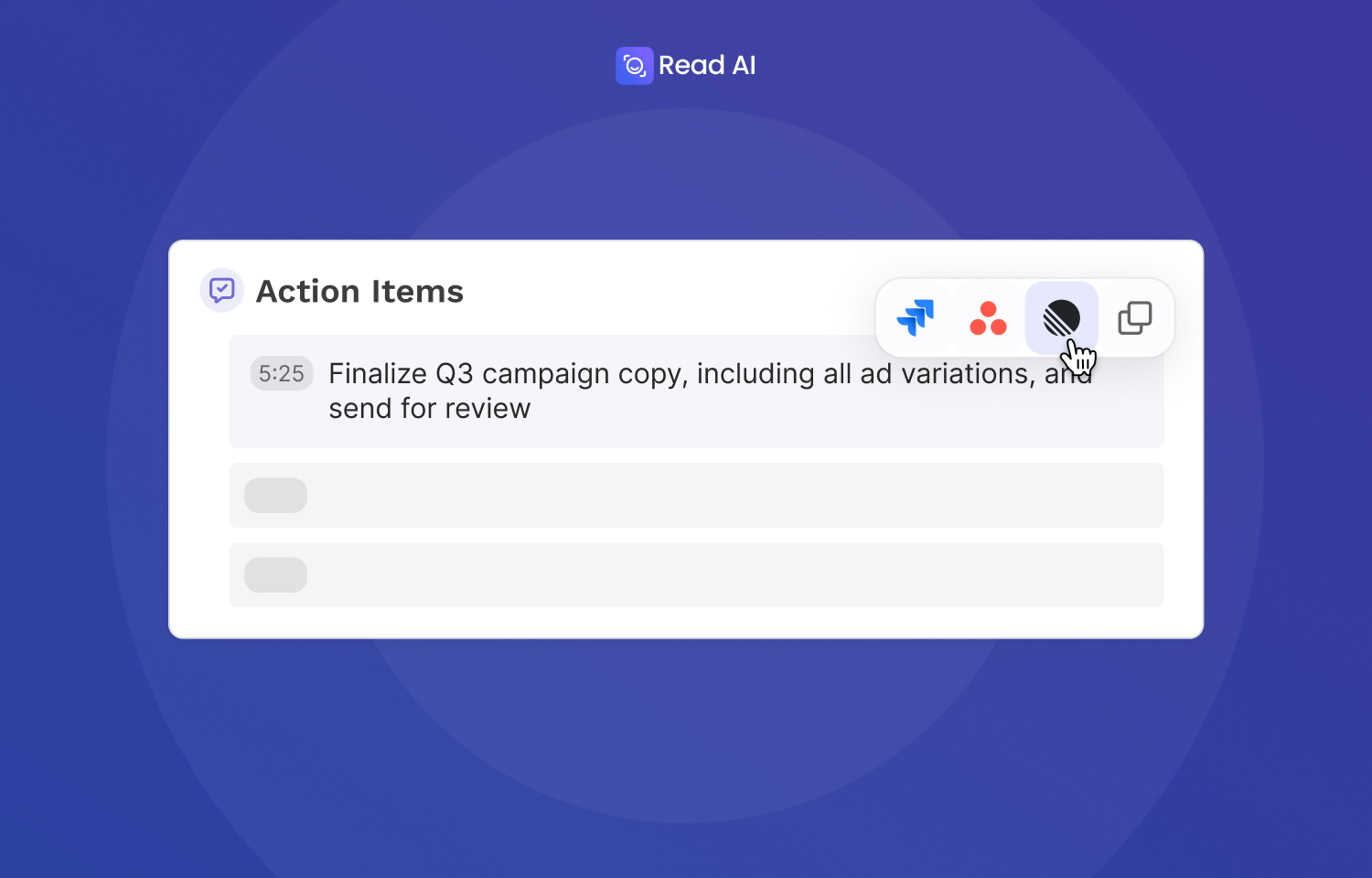
Read AI automatically joins your meetings to record, transcribe, and generate detailed meeting reports that include AI-detected action items. After any meeting, you can open your Read AI meeting report and review the action items that were identified from your conversation. From there, you can selectively push individual action items directly to Linear as issues, giving you full control over what gets tracked and when.
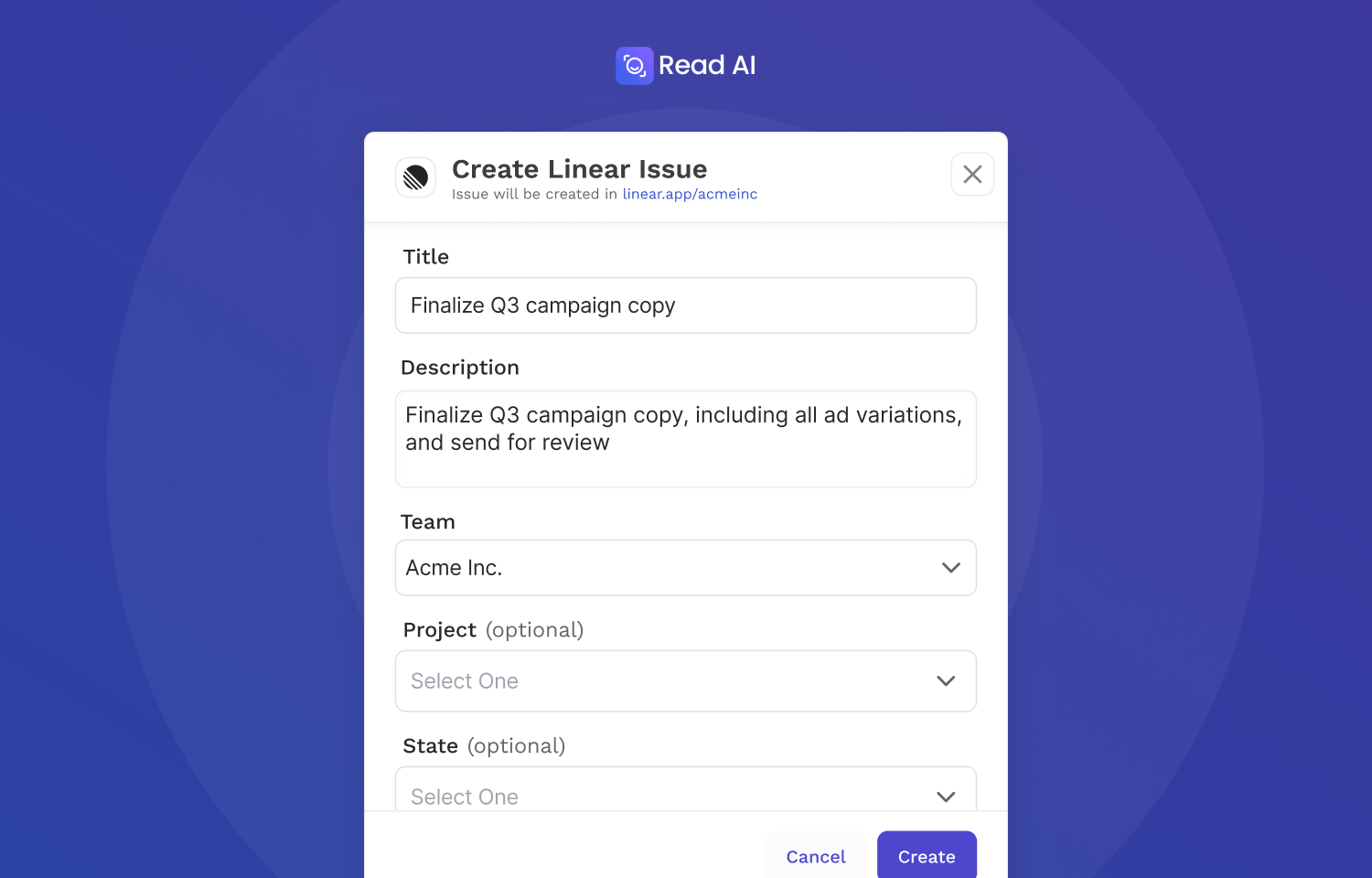
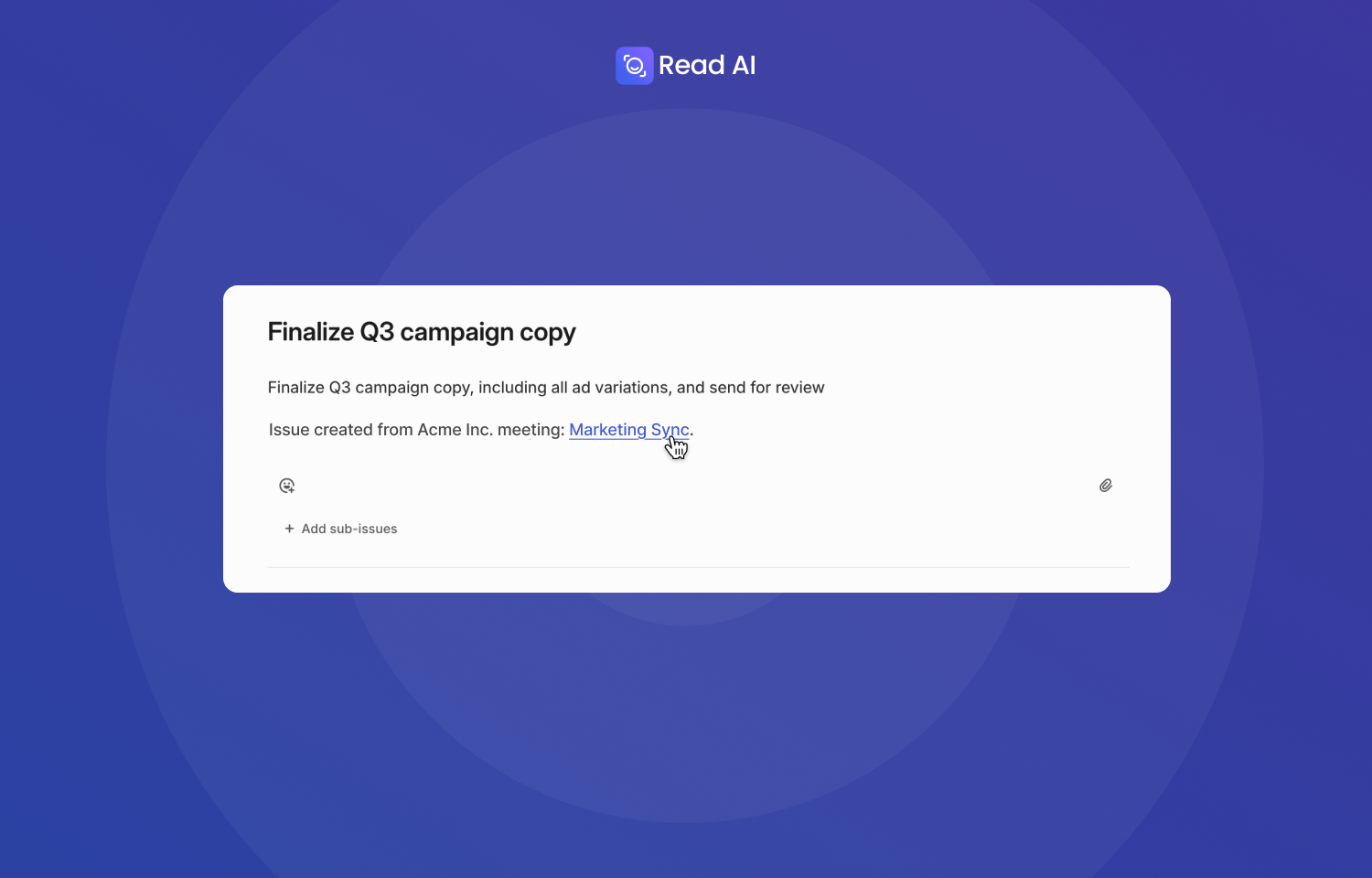
When you click to create a Linear issue from an action item, a dialog allows you to review and edit the issue details before submission, including the title, description, team, project, and status. Once created, the Linear issue includes a link back to the original Read AI meeting report, so your teammates can jump straight to the source for full context on what was discussed. This ensures that tasks arrive in Linear with all the background needed to take action without follow-up questions.
Configure
To use this integration, connect your Linear account from Read AI’s Integrations page. Read AI can connect to one Linear account at a time, so make sure you’re logged into the correct account before authorizing. This feature is available on Read AI’s Pro, Enterprise, and Enterprise+ plans, and requires permission to create issues in Linear.
Detailed steps are in the documentation.