- Integrations
- Oz by Warp
Delegate to agents with Oz, an orchestration platform by Warp
Overview
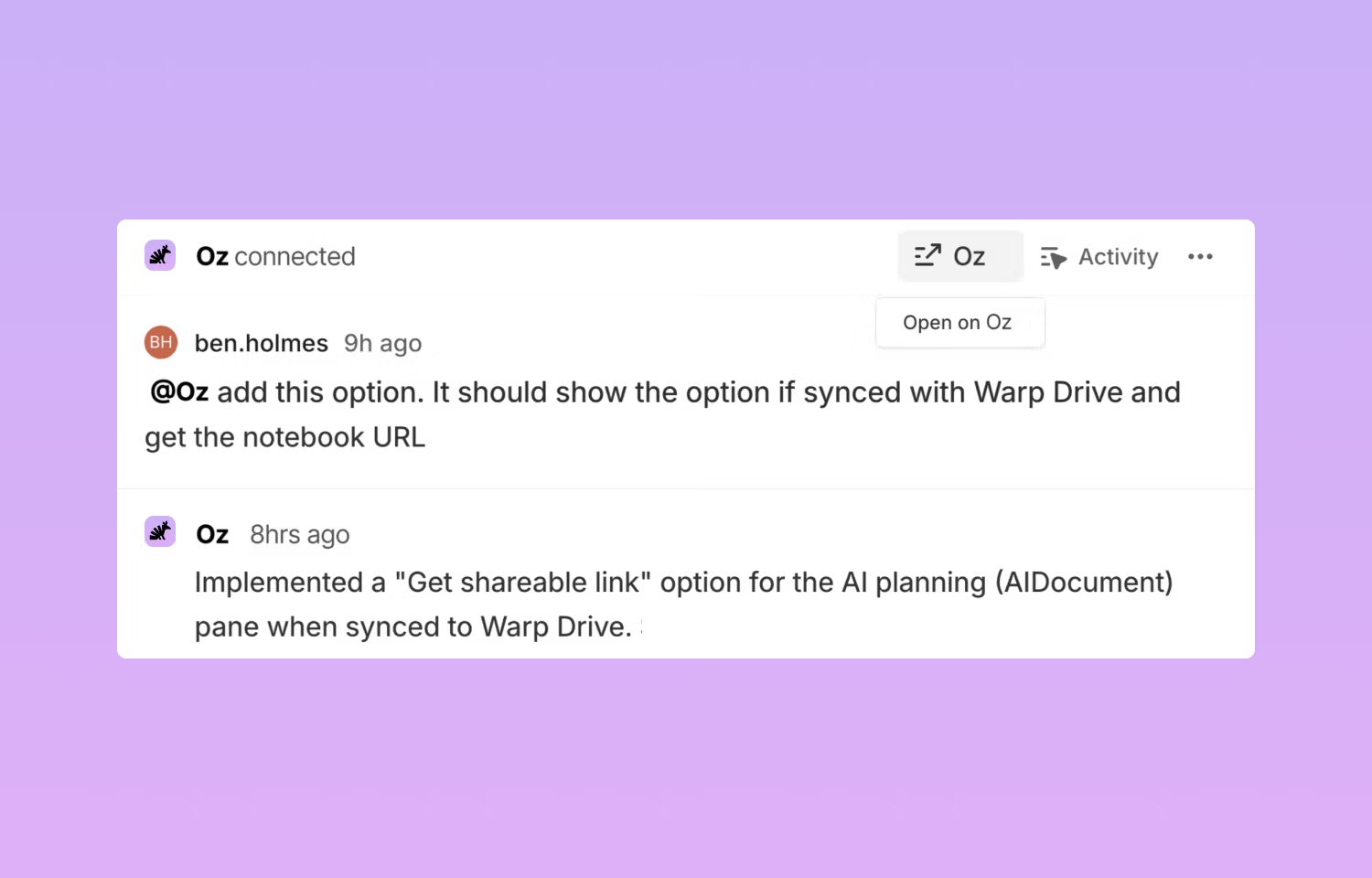
Oz is an orchestration platform for cloud agents. Start Oz agents directly from Linear. Oz will start doing research, building a task list, and sharing updates in Linear. Oz agents emit Session Sharing links which you can use to join remote sessions with one click. View all running Oz sessions at oz.warp.dev or natively in Warp terminal.
How it works
Assign Oz an issue or tag Oz in a comment to start an agent. The agent will clone your git repo and begin working in the cloud— with full context on your codebase and the Linear issue.
Oz will keep you updated in Linear as it works. It’ll update its task list, and even share a link for you to join its remote agent session. When the agent is done, it will generate a PR in your name or share a summary of its research.
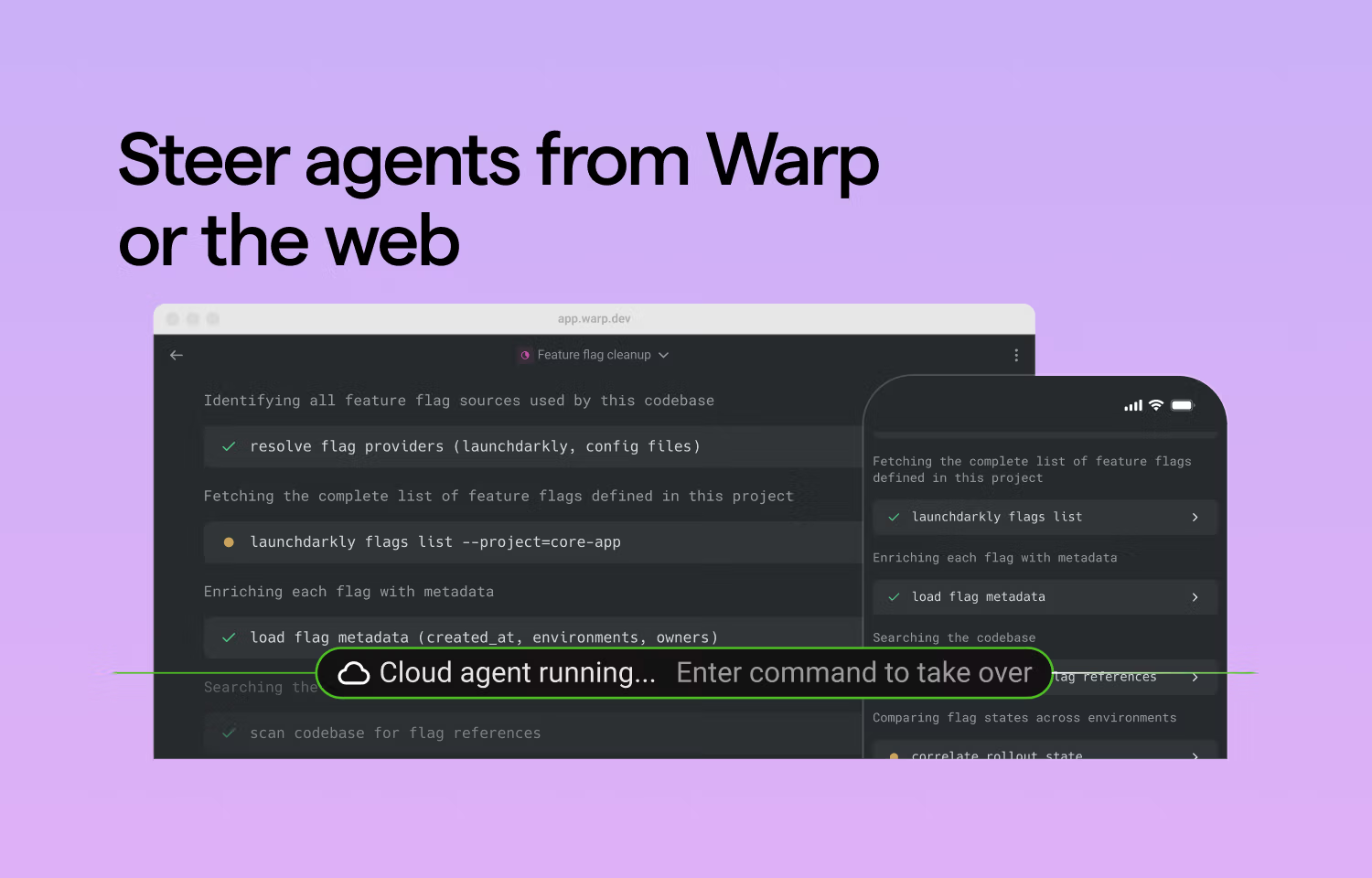
You can also click the “open in Warp” button to join remote agent sessions to more closely monitor tasks or provide steers. Agent session sharing links can be opened in Warp or on the web.
Configure
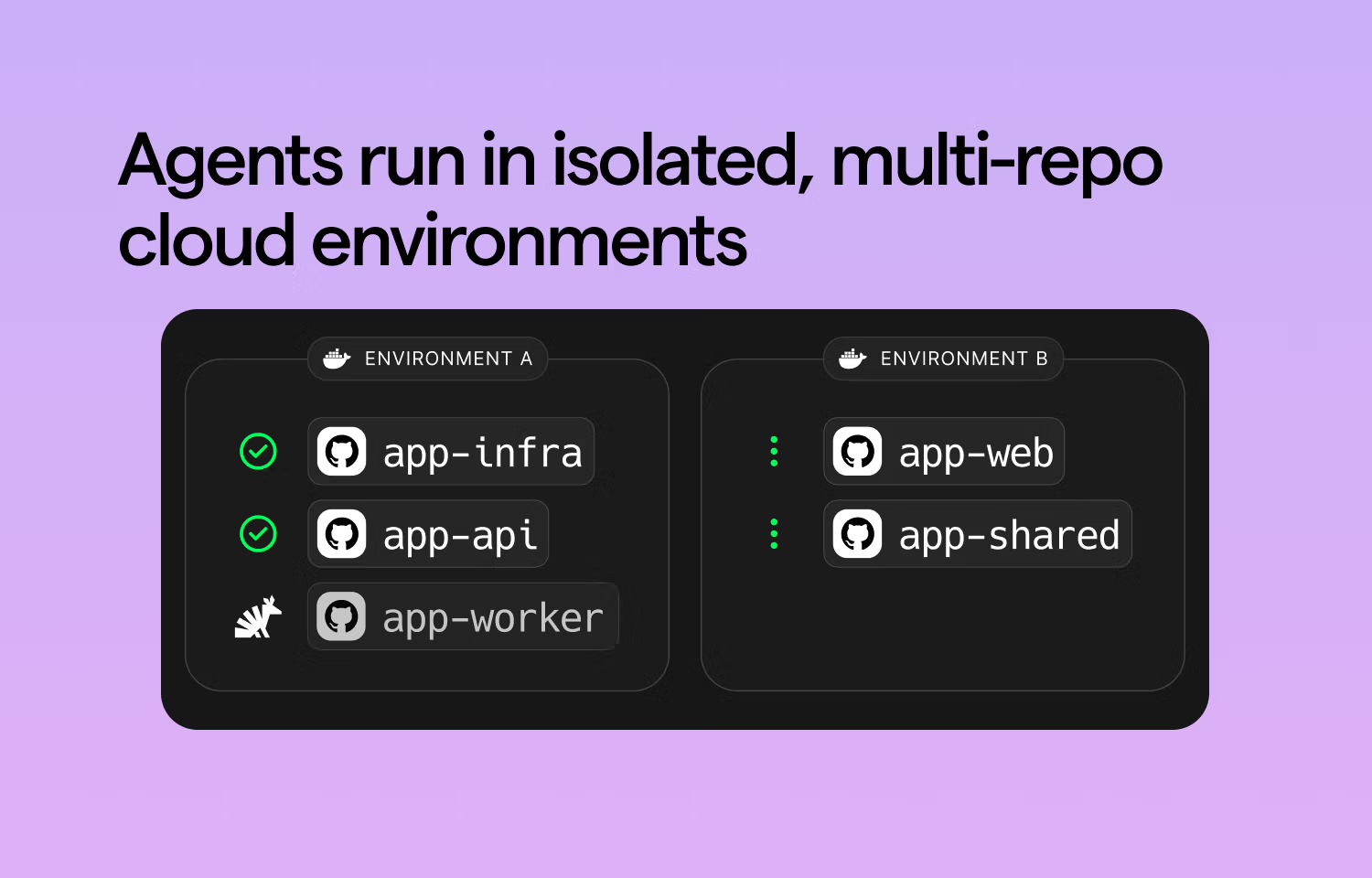
Users will have to authenticate with GitHub. Setting up an agent has two key steps. First, configure a development environment. Second, authenticate Linear. Specific instructions can be found in Warp's docs.