- Integrations
- Jellyfish DevEx
Collect and summarize DevEx feedback in context
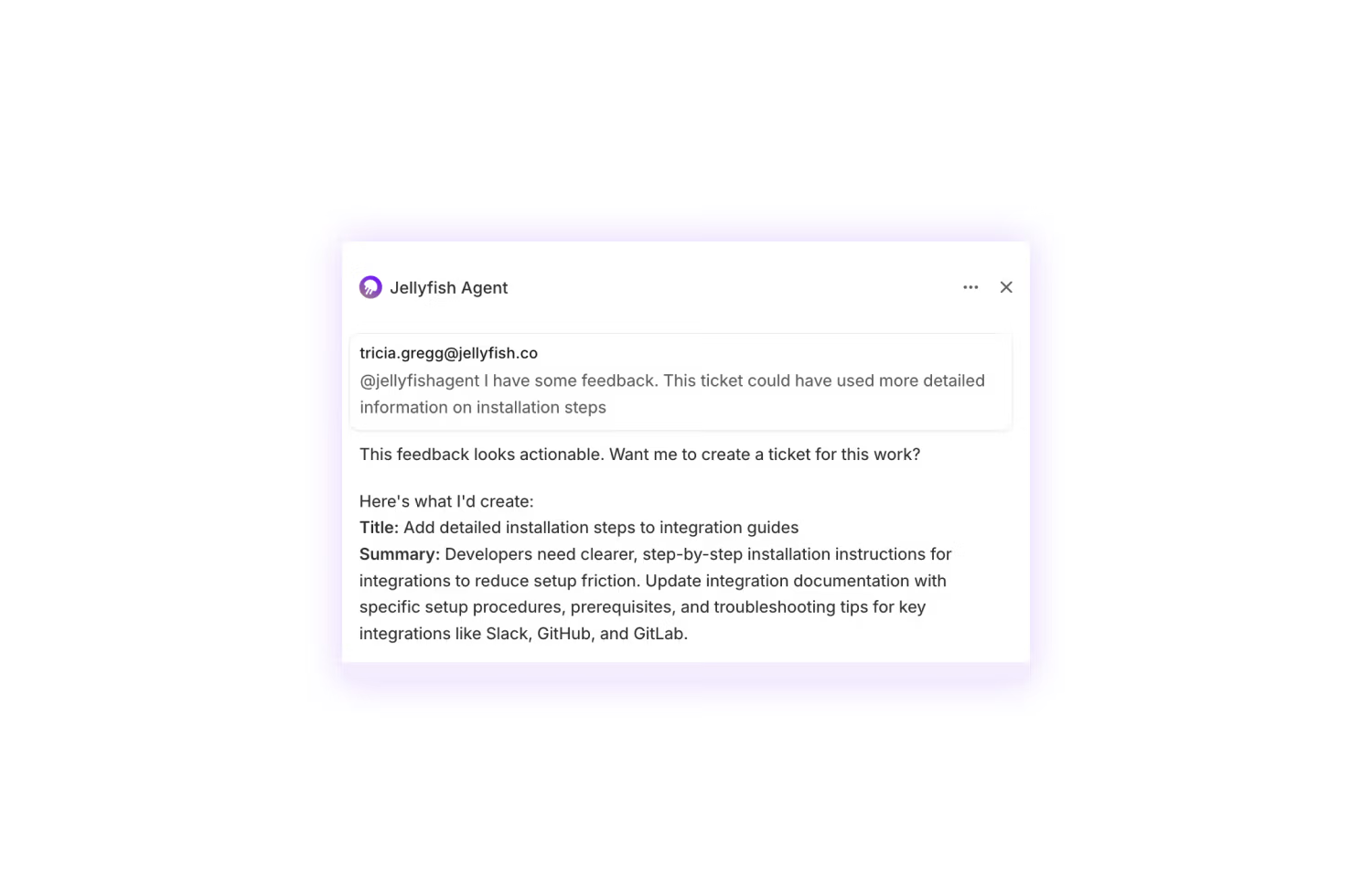
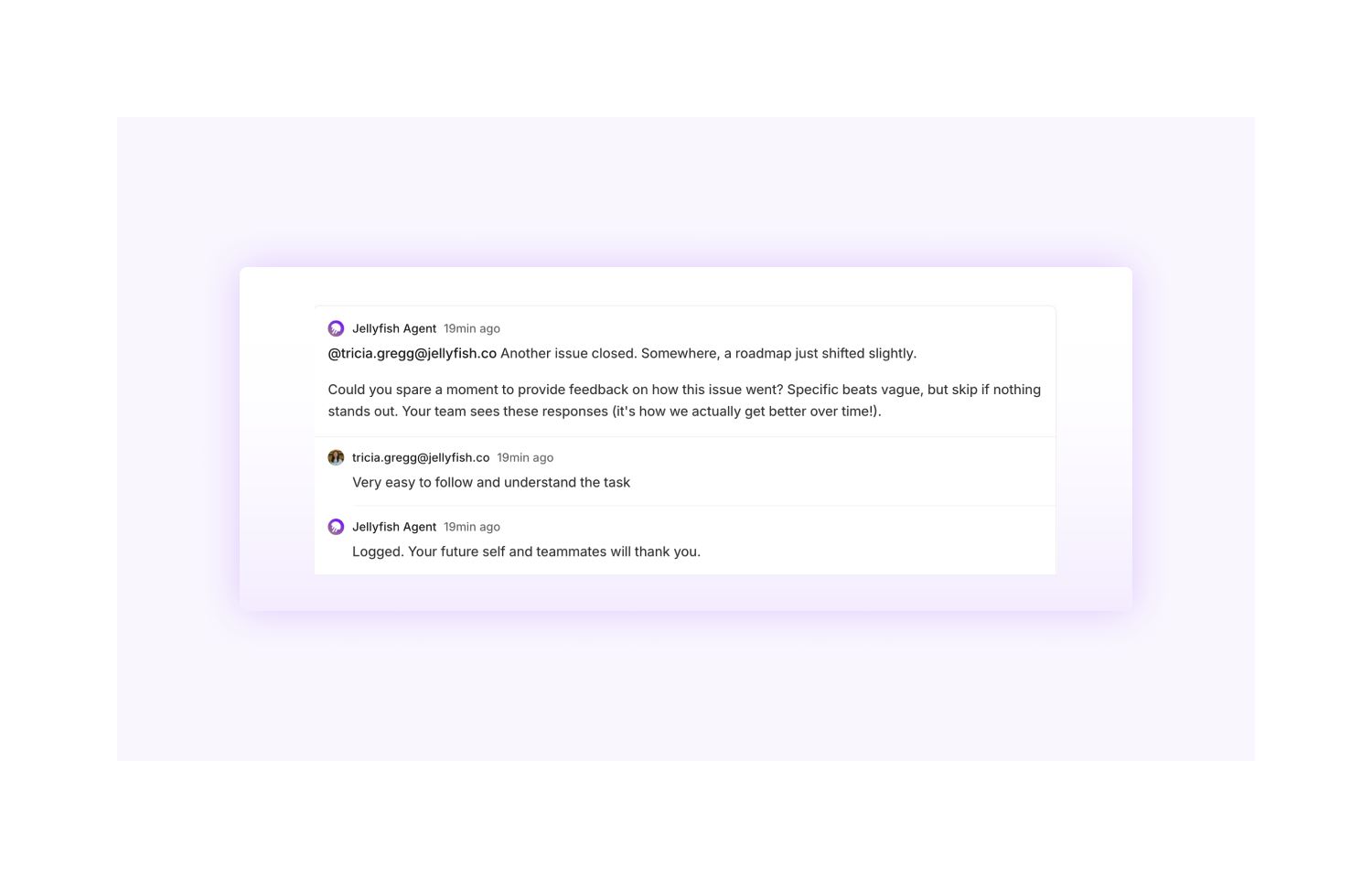
Overview
The Jellyfish DevEx agent collects and summarizes feedback from developers in context with the project they are working on to provide more detailed insight on what’s causing friction and blocking progress. EMs, platform engineers, DevEx teams, and agile coaches can use these insights to effectively prioritize process and tooling improvements or drive retro conversations.
How it works
The Jellyfish DevEx Agent:
1. Detects completed issues - When an issue transitions to a “Done” state, the agent is automatically triggered.
2. Posts a feedback prompt - The agent comments on the issue asking the developer assigned to the issue about their experience.
3. Collects responses - When developers reply with feedback, the agent classifies the feedback into actionable themes. If the feedback is directly actionable by the developer, like improving documentation, the Jellyfish agent can follow-up to create a new issue addressing the feedback and auto-assign it to a coding agent to complete.
4. Generates weekly digests - Feedback is aggregated into AI-powered summaries highlighting patterns and trends on a weekly basis and is stored as a project doc in Linear.
NOTE: You do not need an active Jellyfish account in order to install and use the DevEx agent.
Configure
Prerequisites: Linear workspace admin permissions are required.
1. Navigate to the Installation Page: https://linear-devex-agent.jellyfish.co/devex
2. Click the Install in Linear button to initiative the OAuth authorization flow.
3. You will be promptedto authorize the Jellyfish DevEx Agent with the following permissions:
Read - Access to read issues, comments, and workspace data
Write - Ability to post comments on issues
App assignable/mentionable - Allows the agent to be mentioned and assigned
4. Review the permissions and click Authorize.
5. Once installation is complete, you’ll be redirected to a success page confirming the agent is installed for your workspace.