- Integrations
- cto.new
AI Powered CTO for Linear
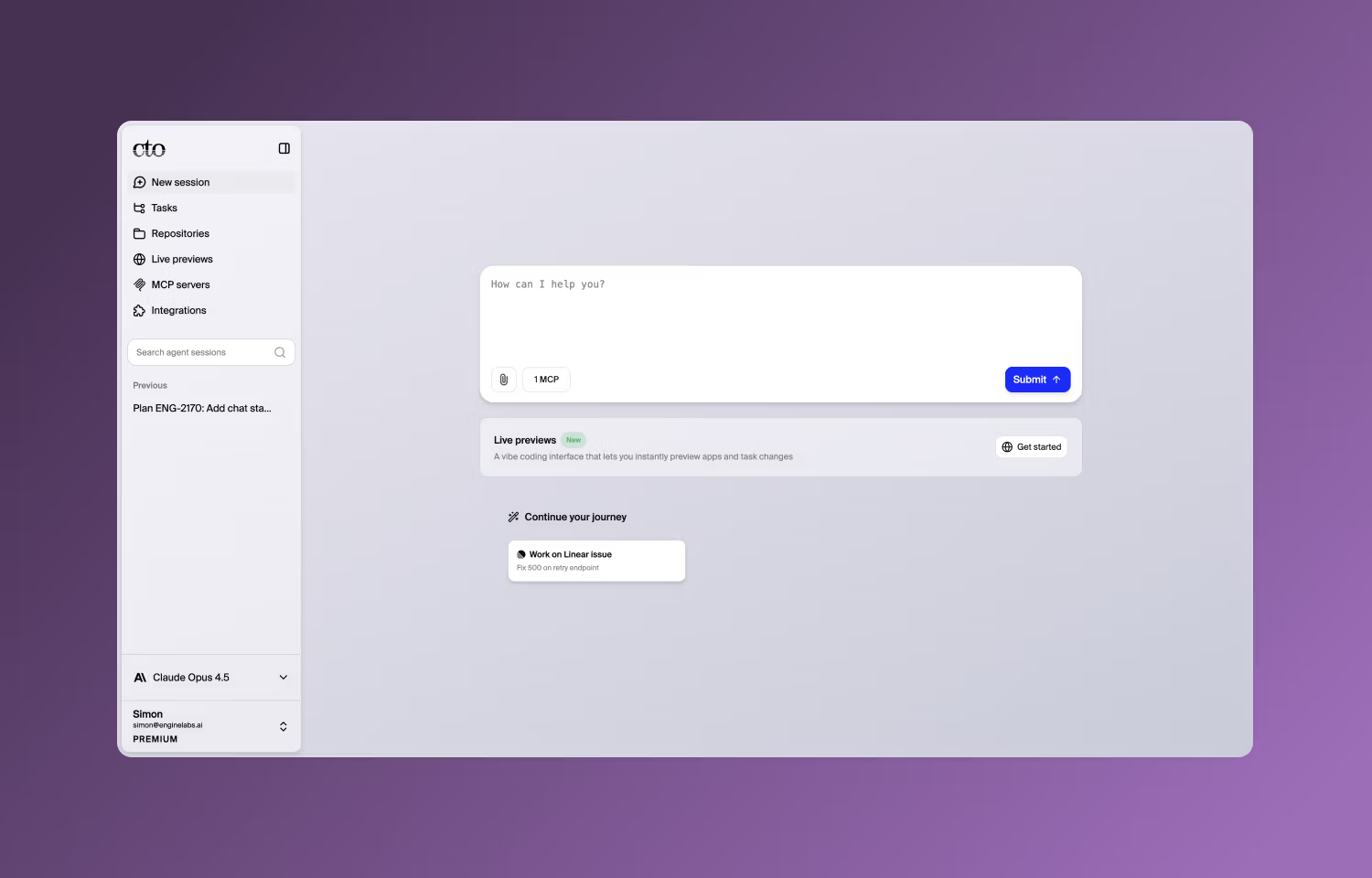
Overview
cto.new is your AI-powered CTO.
Assign issues to cto.new directly from Linear or let your AI CTO handle it by asking about your Linear boards in a chat.
How it works
You can assign issues to cto.new from Linear by tagging @cto in a comment, assigning an issue to cto.new, or adding a repo-specific label. You can also start a chat with your AI CTO and ask it about your Linear boards using the API or MCP integration.
Once you decide to start coding, cto.new works asynchronously in its own remote development environment and will return a pull request when it’s done. Need changes? cto.new will respond to comments and code reviews and update the pull request. It’s easy to set up.
Just connect it to your Linear account and your git provider and it will configure its development environment and optimise itself for your codebase. cto.new can handle any VM configuration so you know it will pass your CI/CD checks before it makes a pull request.
Configure
From your cto.new account select ‘Integrations’ and choose Linear. Follow the authorisation flow to complete the connection.