- Integrations
- CleanSlate
Search, create, update, and discuss Linear issues with CleanSlate agents

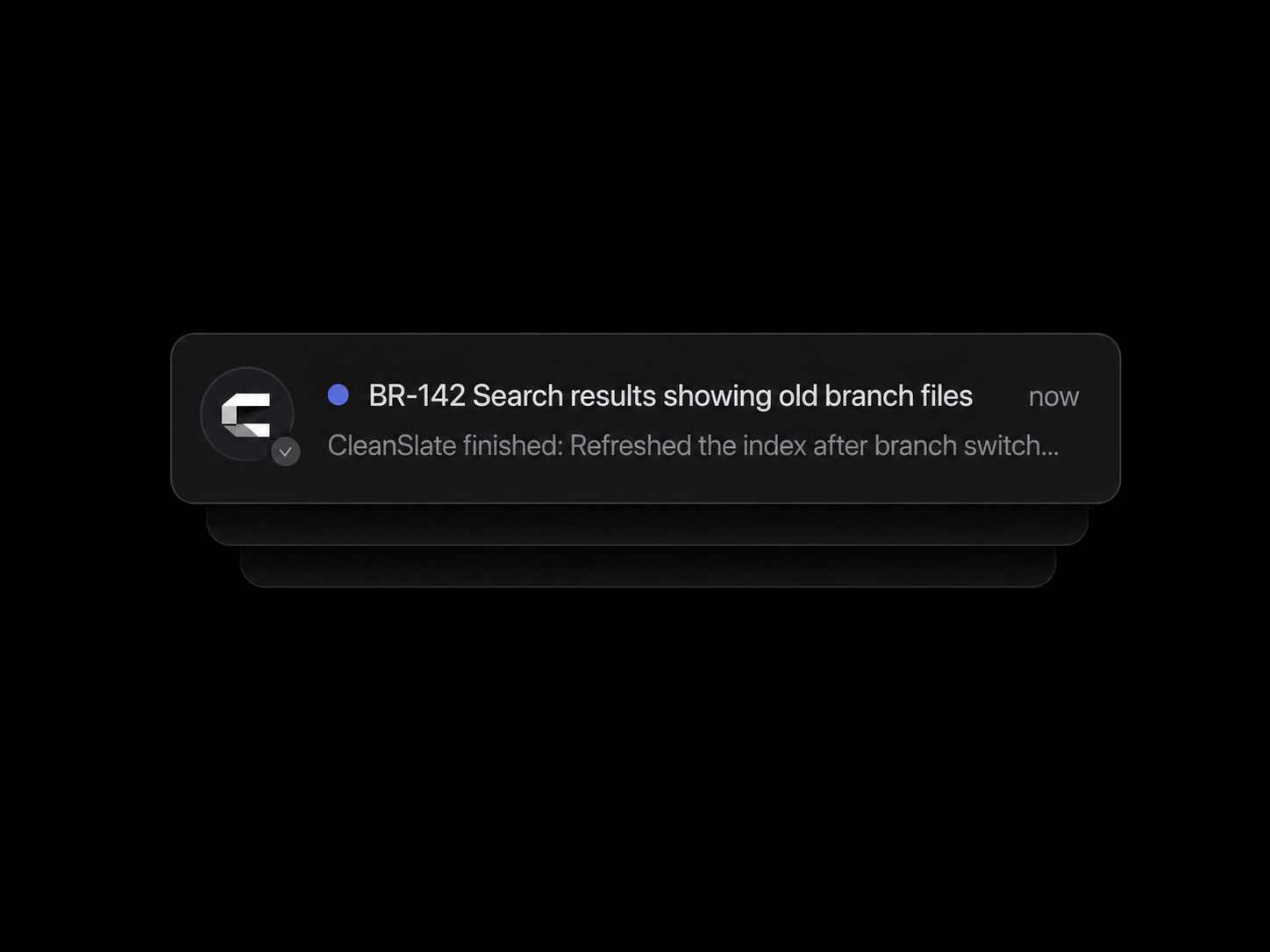
Overview
Connect Linear to CleanSlate so agents can work with product and engineering issues directly while completing tasks. Agents can find issues, coordinate updates, create and update work, and leave progress comments for the team.
How it works
Once a Linear workspace is connected, CleanSlate agents can use Linear as part of their workflow. Agents can list teams and search issues by title, identifier, or context to understand existing product and engineering work.
Agents can create new issues and update existing issues, including their status, priority, and owner. They can also add comments to share progress, decisions, and other relevant updates directly on an issue.
This allows CleanSlate agents to use Linear for workflows such as issue search, team triage, issue updates, and project coordination while working on broader tasks.
Configure
Open Plugins in CleanSlate and select Linear.
Click Connect Linear and you will be redirected to Linear to authorize access to your workspace. Review the requested permissions and approve the connection.
After authorization, return to CleanSlate. The Linear plugin will show as connected and the agent can begin using the available Linear actions.