- Integrations
- Boxes.dev
Assign issues to Claude Code and Codex on cloud devboxes in Boxes.dev
Overview
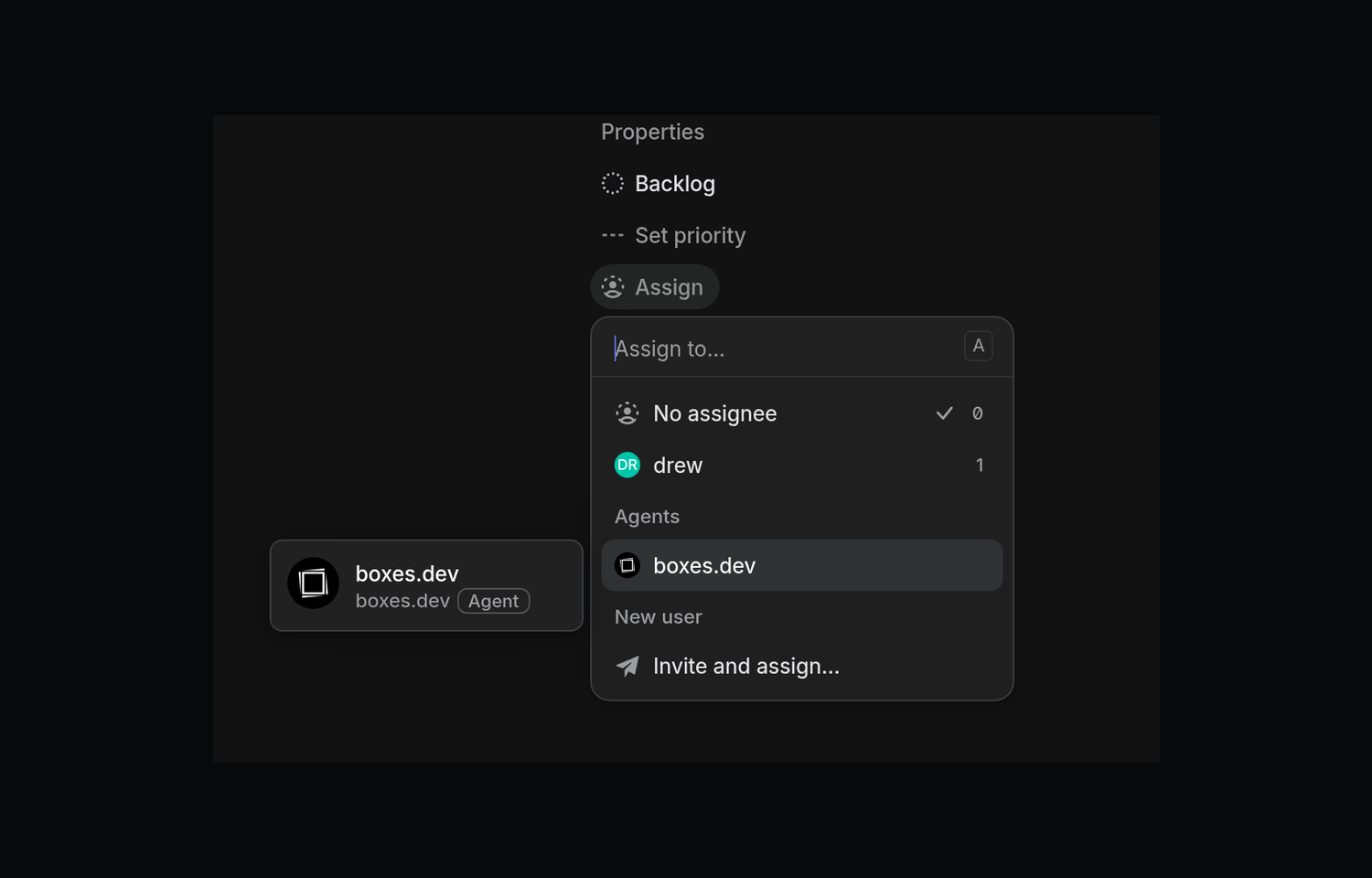
When you assign an issue to boxes.dev, it’s handed off to Claude Code or Codex on a new cloud computer. The computer is preloaded with your full dev environment, so the agent can test its work end-to-end by actually running your app - just like an engineer would on their laptop.
Some setup is required: porting your local dev environment to Boxes.dev is easy and takes a few minutes; after that you can assign issues in Linear and have your agents work on them.
How it works
Assign or delegate a Linear issue to boxes.dev, or mention it in a comment, and boxes.dev will start your chosen agent, Claude Code or Codex, on a fresh devbox. A devbox is a cloud computer with a full copy of your team’s development environment, so the agent can run your app and its services and test its changes the way an engineer would. The agent receives the issue’s title, description, and comments, along with the instructions you saved for Linear tasks.
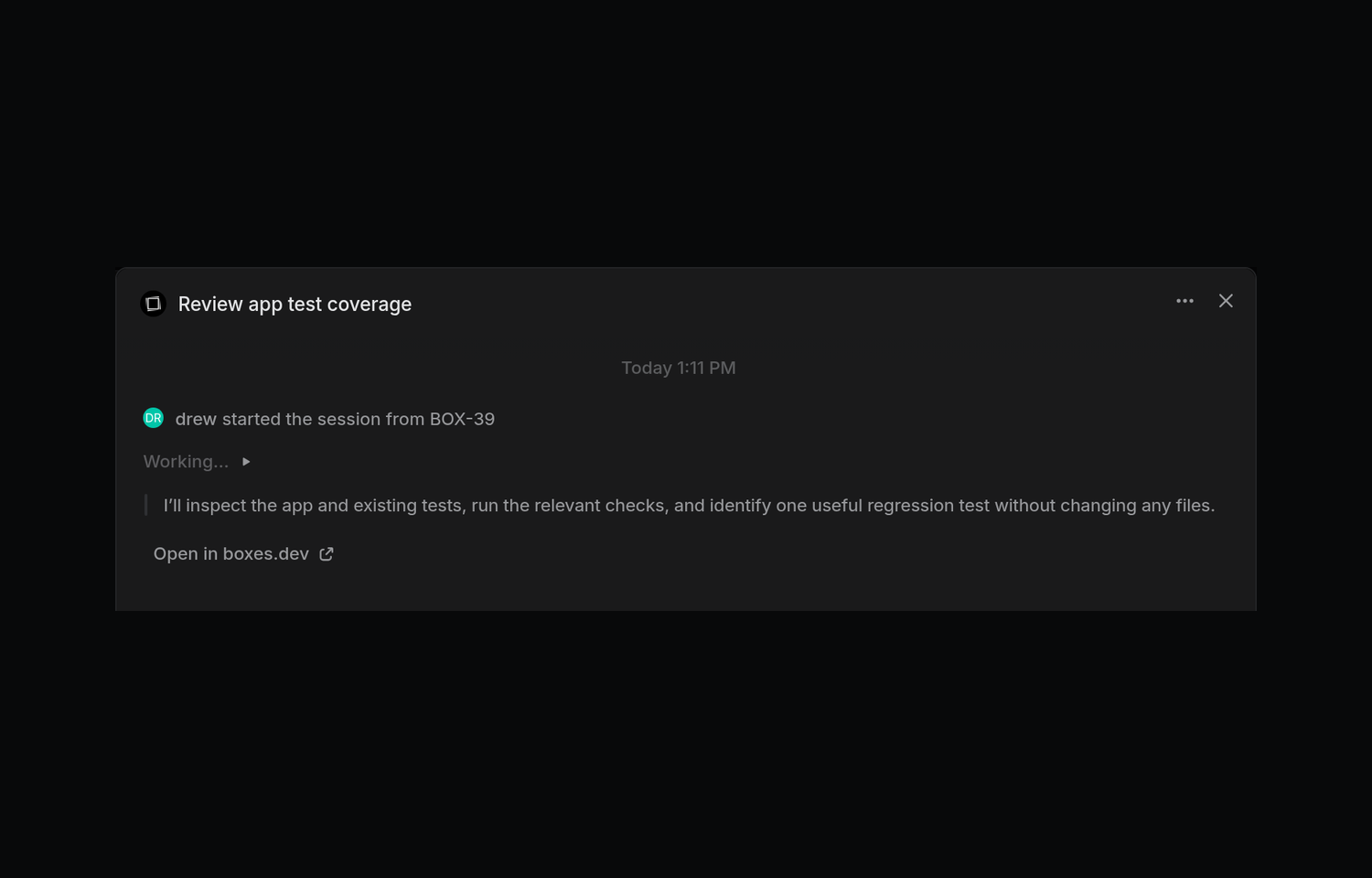
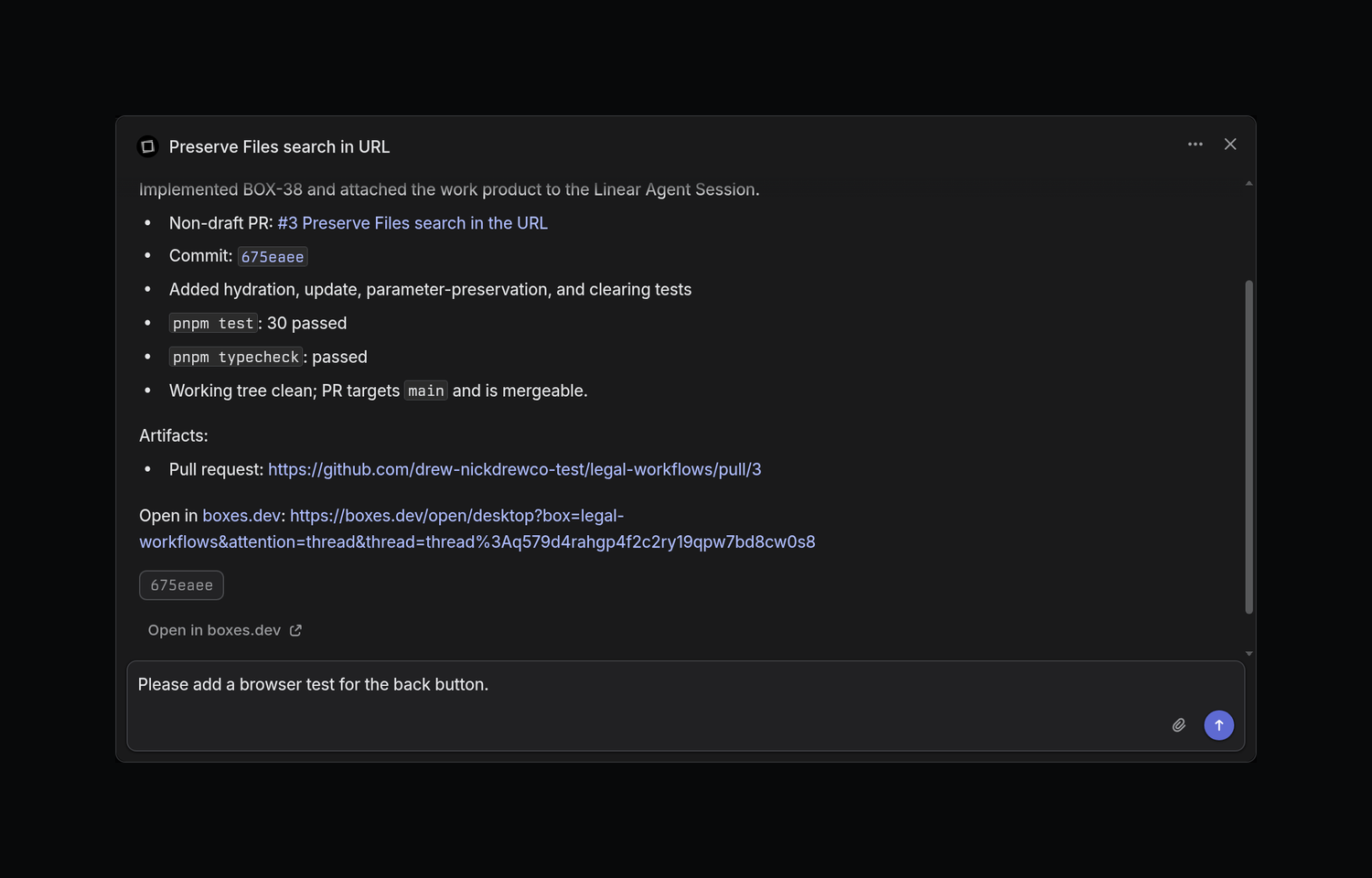
The agent reports progress and its final answer in the issue’s agent session, which links to the full conversation in boxes.dev. Reply in the session to send a follow-up, and the agent will continue in the same conversation, or use Linear’s stop control to end the work. The agent can also attach its pull request, preview, or report to the session so you can open it from the issue.
Each task runs on its own devbox, so you can send several issues at once without agents sharing ports, databases, or a working tree. You can also follow and steer each agent from Linear, the boxes.dev desktop app, the iOS and Android apps, or the dvb CLI.
Configure
In the boxes.dev desktop app, open Integrations → Linear. If you’re a boxes.dev team admin, choose “Connect and approve the app for your Linear workspace”; otherwise, ask a team admin to connect. A Linear admin may also need to approve the installation. Then link your Linear account, choose Create automation, pick Codex or Claude Code, write the instructions the agent should follow for each issue, and choose Activate.