Coordinating work
Use projects, initiatives, and documents to plan work, keep people aligned, and track progress.
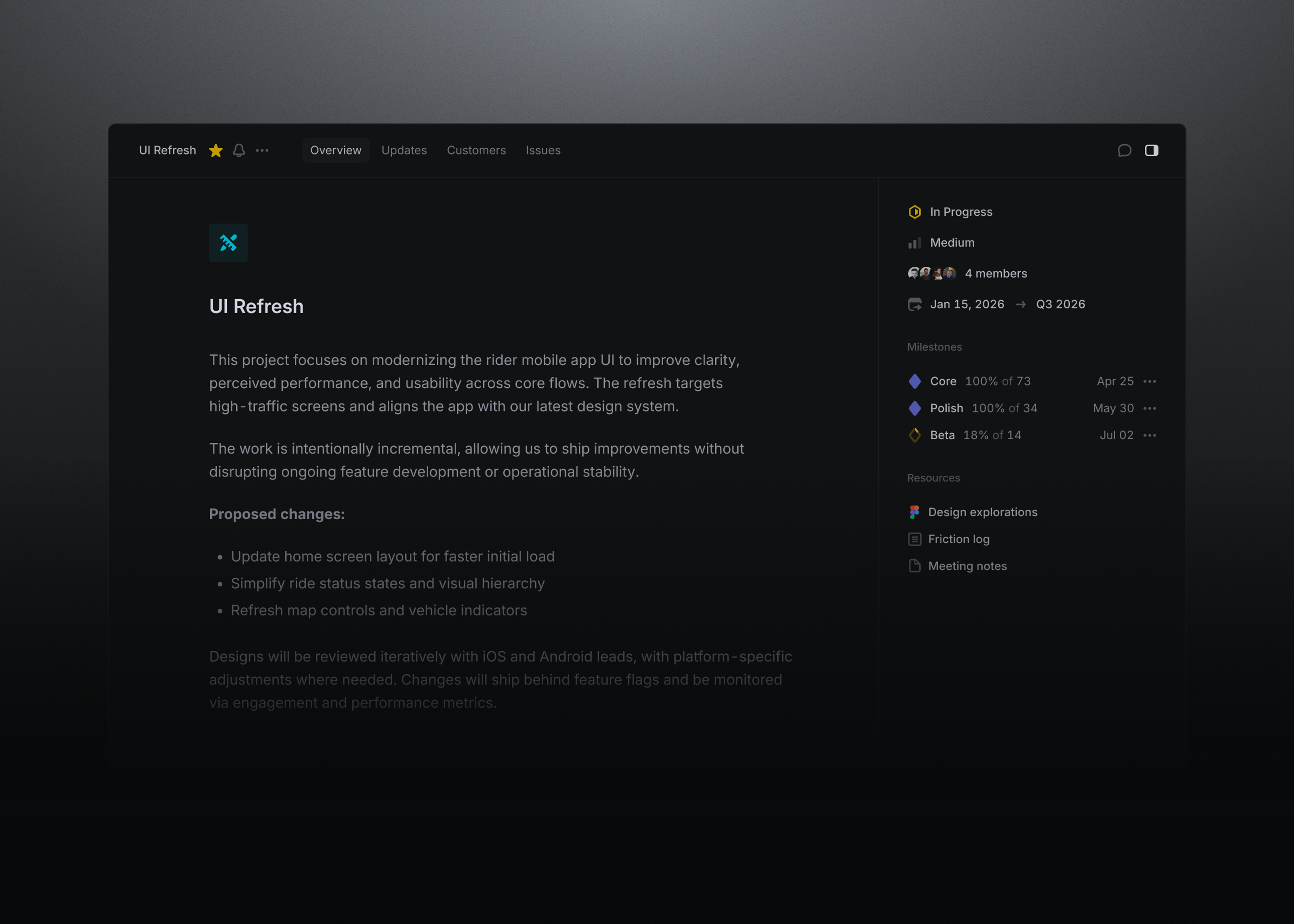
A project brings related issues together around a clear outcome, such as a feature launch or product improvement.
Projects can include a lead, members, a target date, milestones, and supporting documents. They can also span multiple teams when the work requires it.
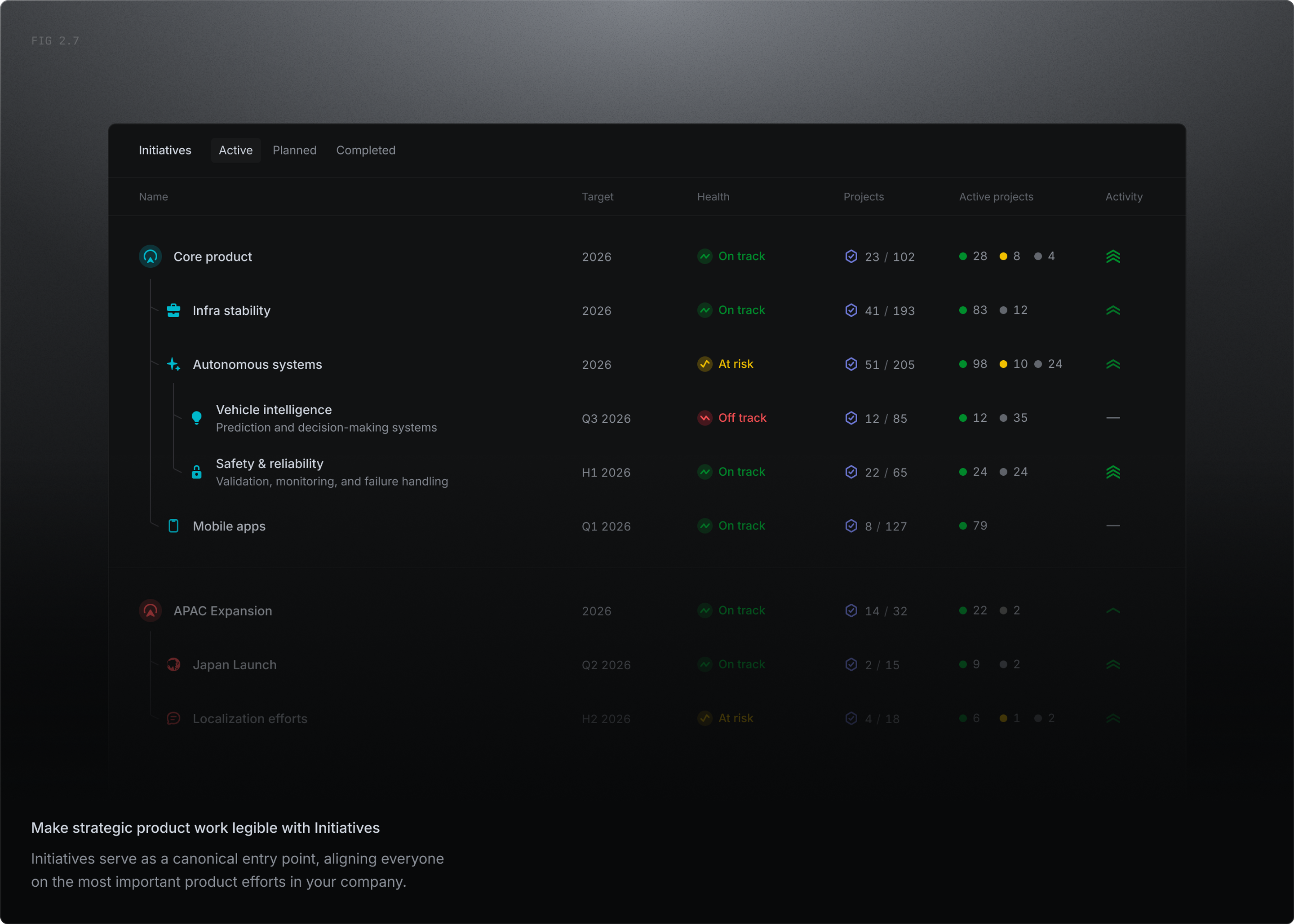
An initiative groups projects around a broader company goal.
Use initiatives to see how several projects contribute to the same objective and to review progress across a larger area of work.
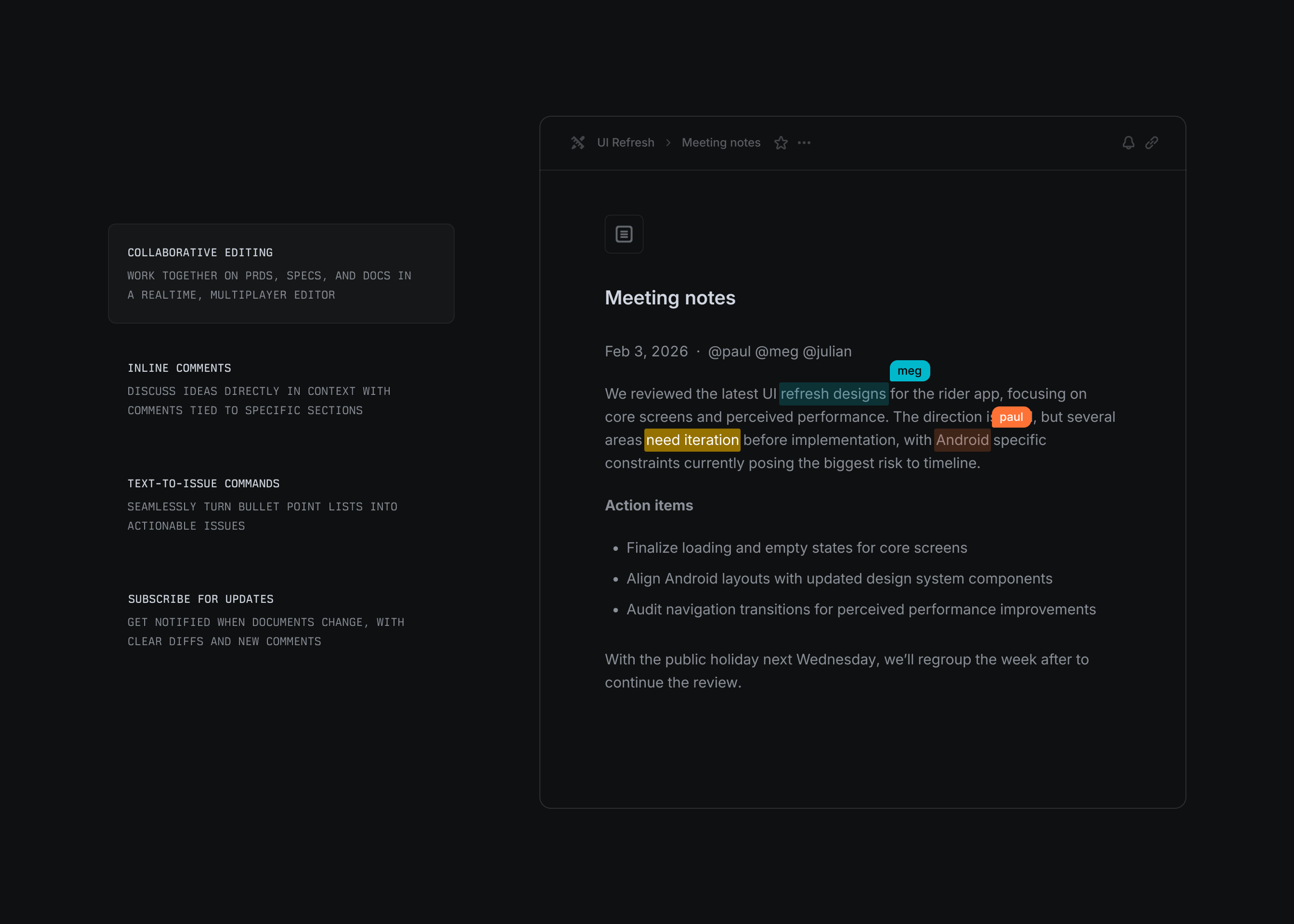
Documents keep plans, decisions, meeting notes, and other context connected to the work. They’re stored on projects or on a team’s home.
Plan visually
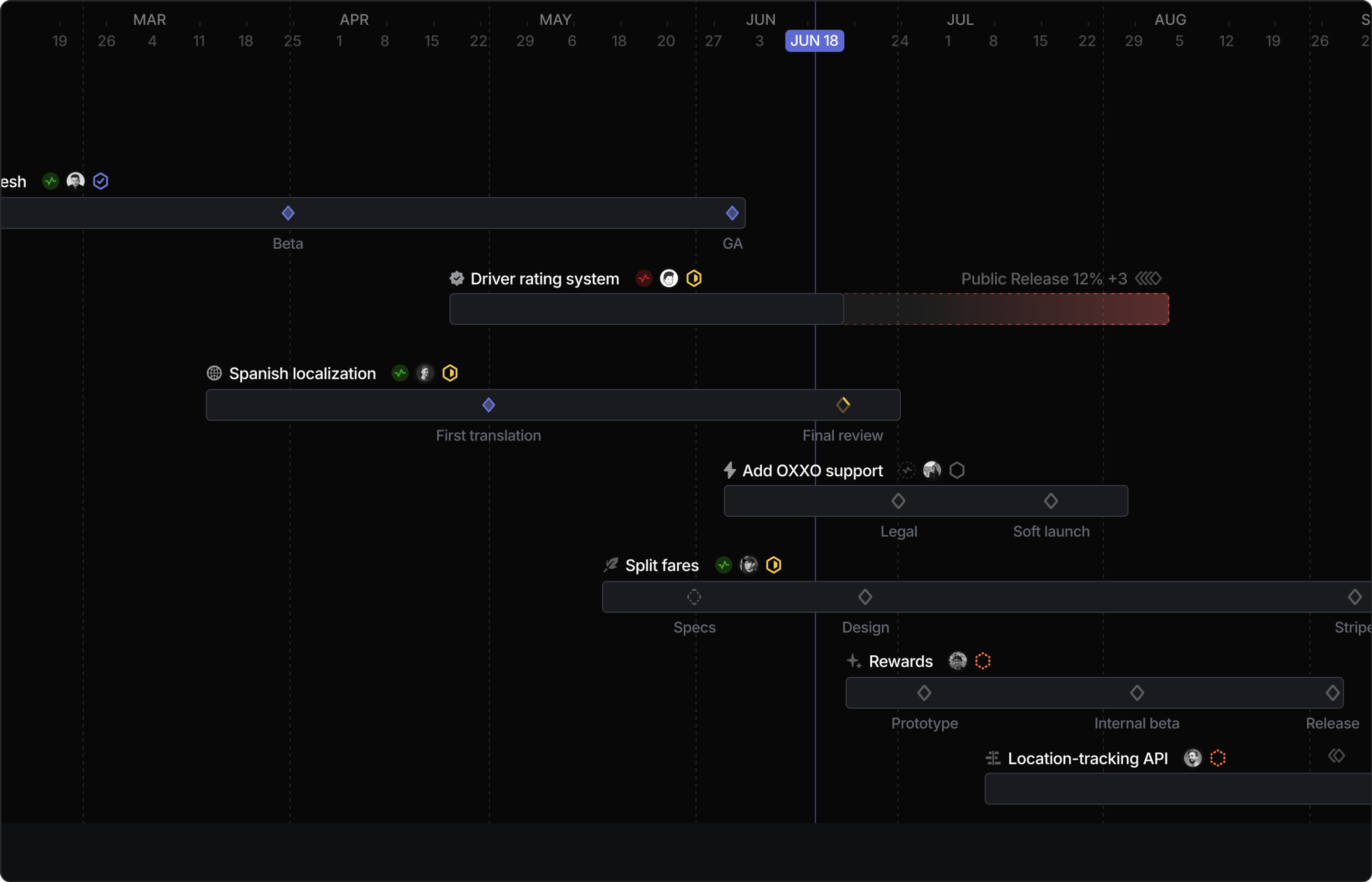
Timeline views lay your projects and initiatives out over time, so you can plan across quarters, see what’s in progress at a glance, and catch the dependencies that might affect how everything should be sequenced.
Read the docs
- Projects. Creating projects, milestones, and tracking progress
- Initiatives. Grouping projects around broader goals
- Timeline views. Planning and reviewing projects over time
- Documents. Keeping plans and decisions connected to work