Sources
Where work comes from, and how it all lands in one place.
How work arrives
Linear connects to the tools your team already relies on, turning conversations, requests, and feedback into issues that land in your team’s triage queue, ready for you to prioritize, plan, or close.

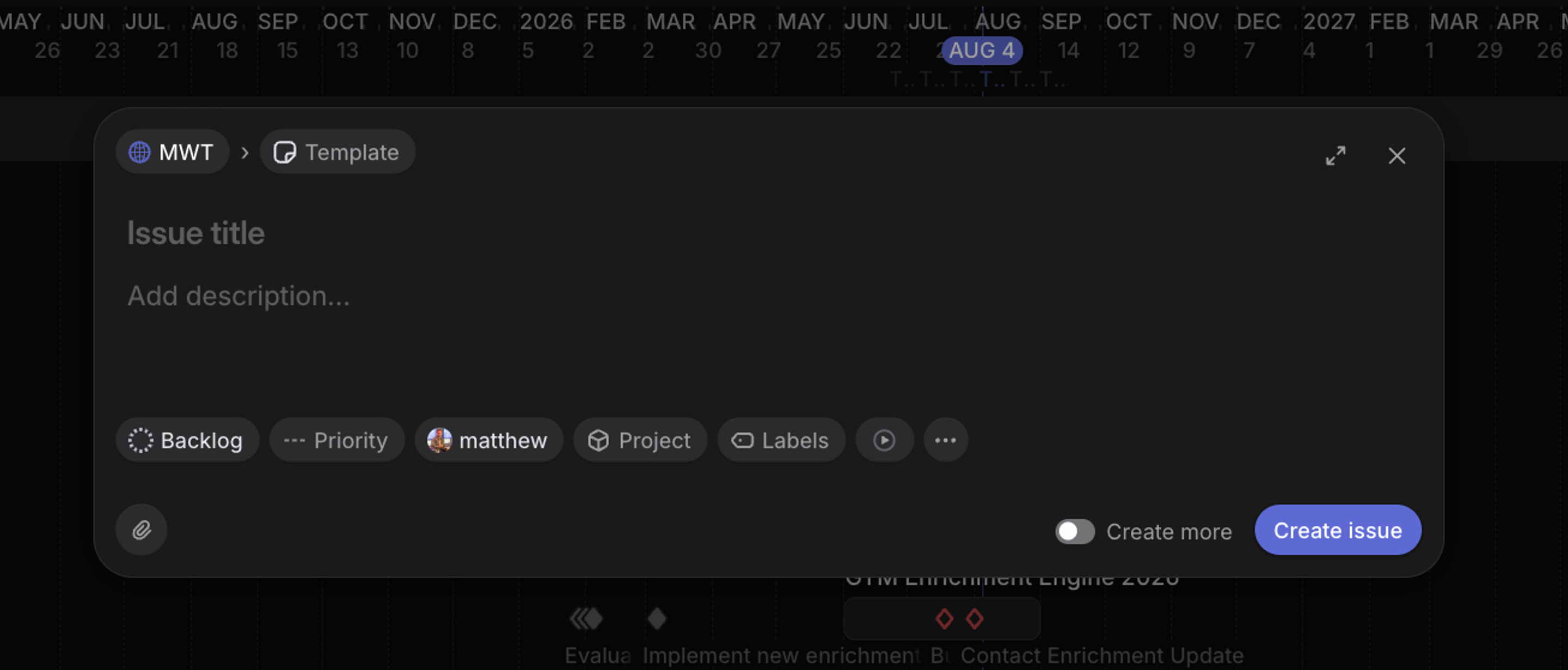
Anyone in the workspace can create an issue with C. Issues filed into your team by people outside it land in triage rather than going straight to your backlog, and another team can send work over by moving an issue to your team.
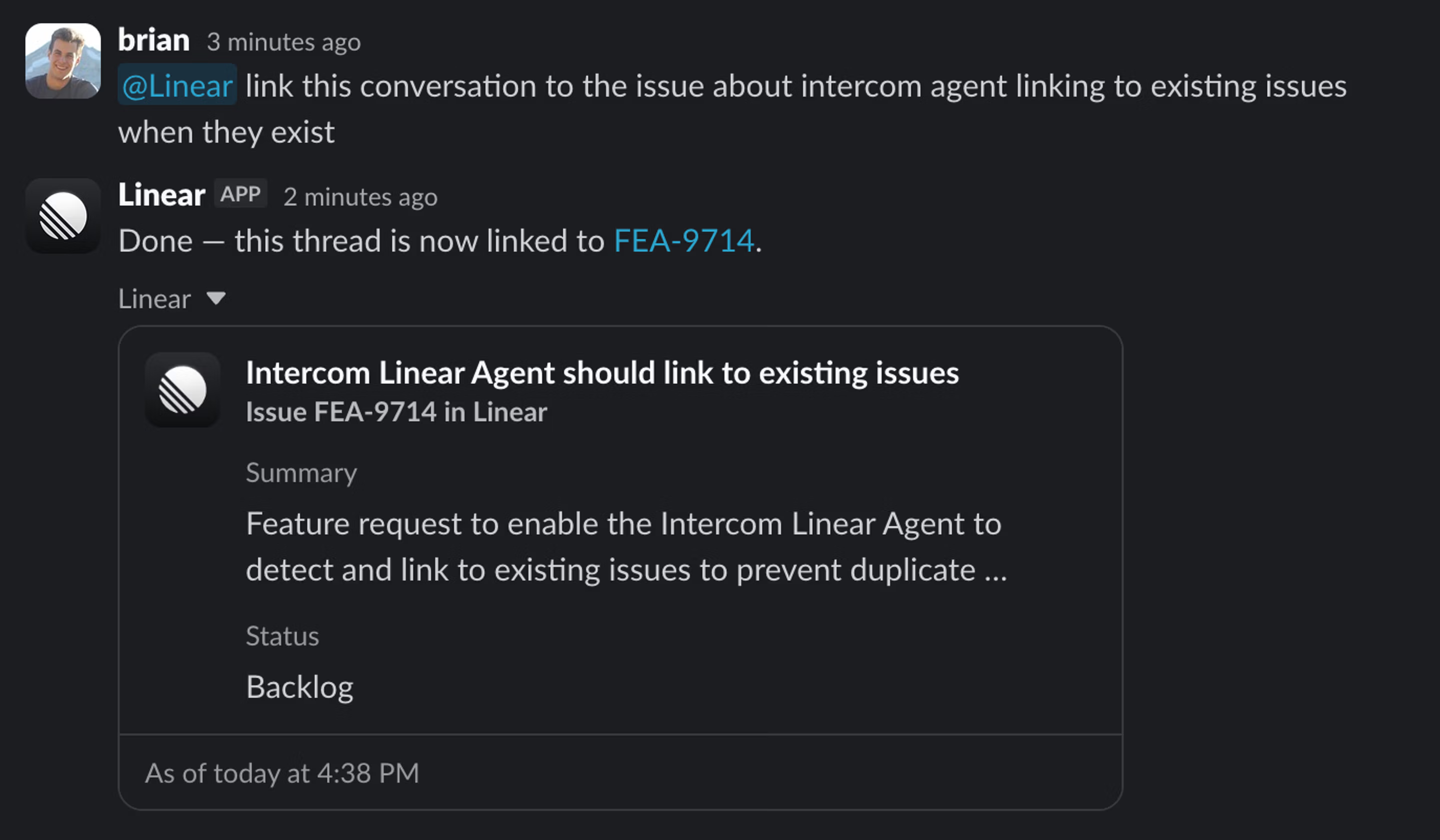
Add Linear Agent to a Slack channel with /invite @Linear. Once there, you can @Linear in a channel and the agent reads the thread and files an issue based on the conversation.
If you need more structure, use Linear Asks. Asks are forms embedded in Slack channels, web, or connected through integrations that capture the exact details you need from submitters.
Customer Requests capture feedback from sources including Intercom, Zendesk, Front, Slack, and Asks, then link it to the issues and projects that address it.
Your team can view each customer’s requests alongside context such as revenue, tier, and company size.
Connect Gong to have Linear Agent review customer call transcripts and turn relevant feedback into issues for your product team to triage and decide what to do next.
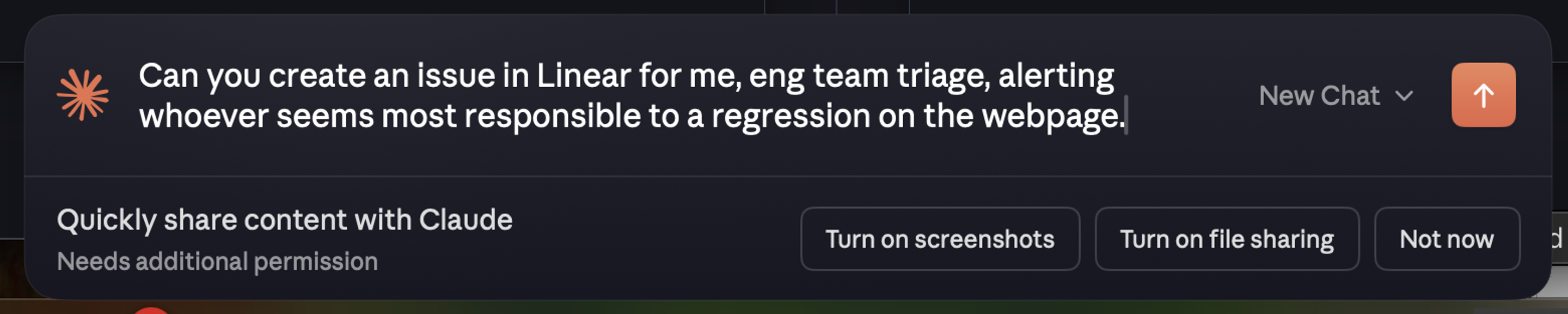
Through Linear’s MCP server, assistants like Claude and Cursor can file and update issues directly from your editor, meeting notes, or chat.
Jira sync continuously imports newly created issues from configured Jira projects and maps their Jira status to the corresponding Linear status.