Working in cycles
A repeating window of work that gives the team its rhythm.
What Cycles are
Cycles are fixed periods, from one to eight weeks long, where a team plans and tracks a set of issues. They are similar to Sprints but are not tied to releases.
Each team can choose its cycle length, start day, and an optional cooldown period for bugs, cleanup, or planning work.
Planning a cycle
- Add issues to the current cycle or any of the next 15 cycles
- Before a cycle starts, use the capacity dial to judge whether its scope is achievable
- Capacity is based on the team’s recent completed cycles; new teams use team size as an initial estimate
While a cycle runs
- Open issues generally roll over into the next cycle automatically when a cycle ends
- Issues moved to Backlog, Triage, Canceled, or Completed do not roll over
- You can automatically add started or completed issues to the current cycle when they do not already belong to one
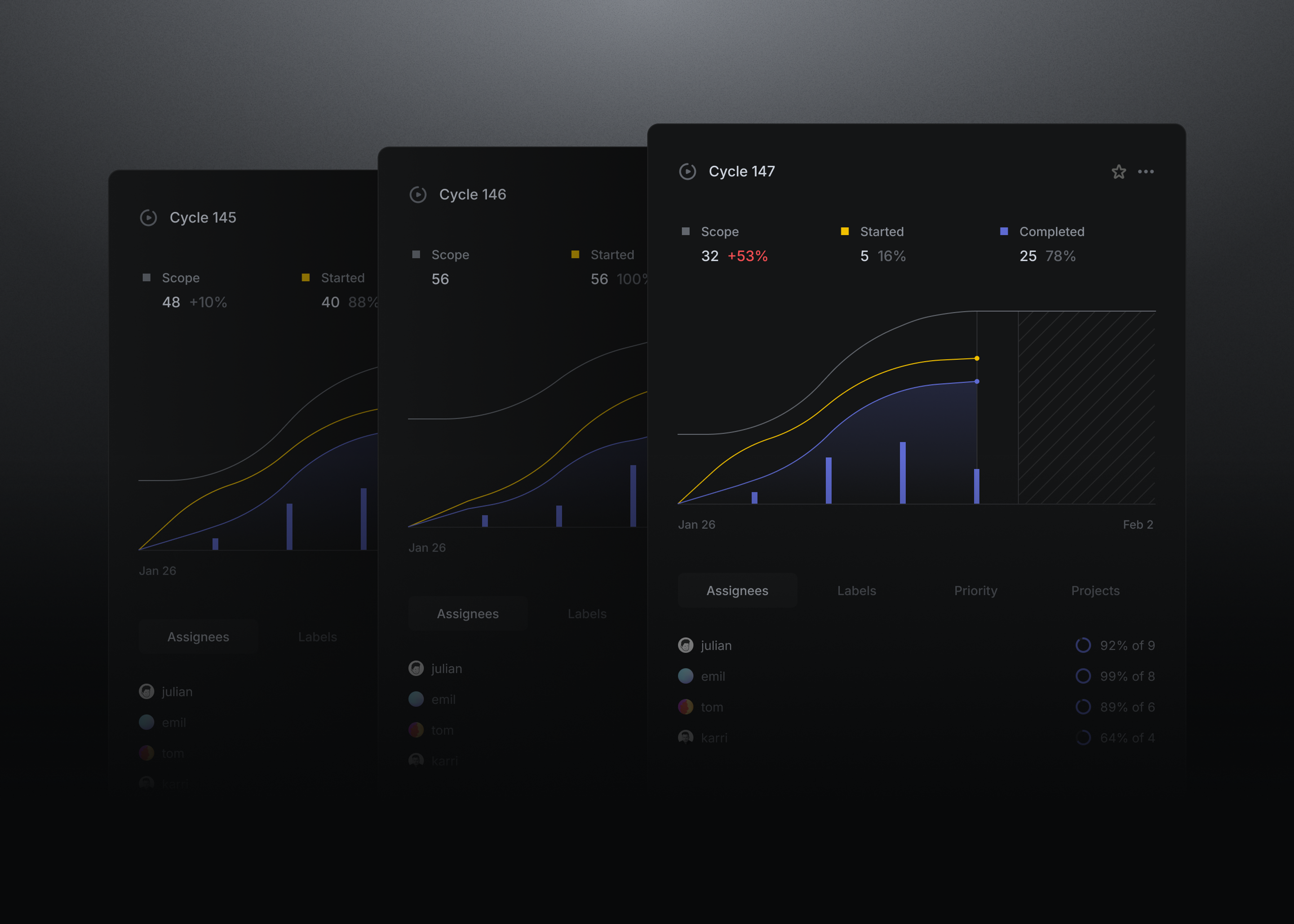
- The Cycles dashboard tracks scope, progress, and completion. Its historical graphs remain available even when issues change later
Read the docs
- Cycles. Configuring Cycles, planning work, rollover, and the Cycles dashboard