How we use Linear Agent at Linear


Before we launched Linear agent, our teams were already using it across Slack, Linear, and our codebase. It’s become a core part of how we build. Here are three workflows that have proven most effective:
- A customer email turns into a shipped feature
- A Slack thread becomes a pull request
- A PM files an issue, and ships the fix
As you’d expect, some of what we use internally has not been released yet, and we’ve called that out where relevant.
From customer email to shipped feature
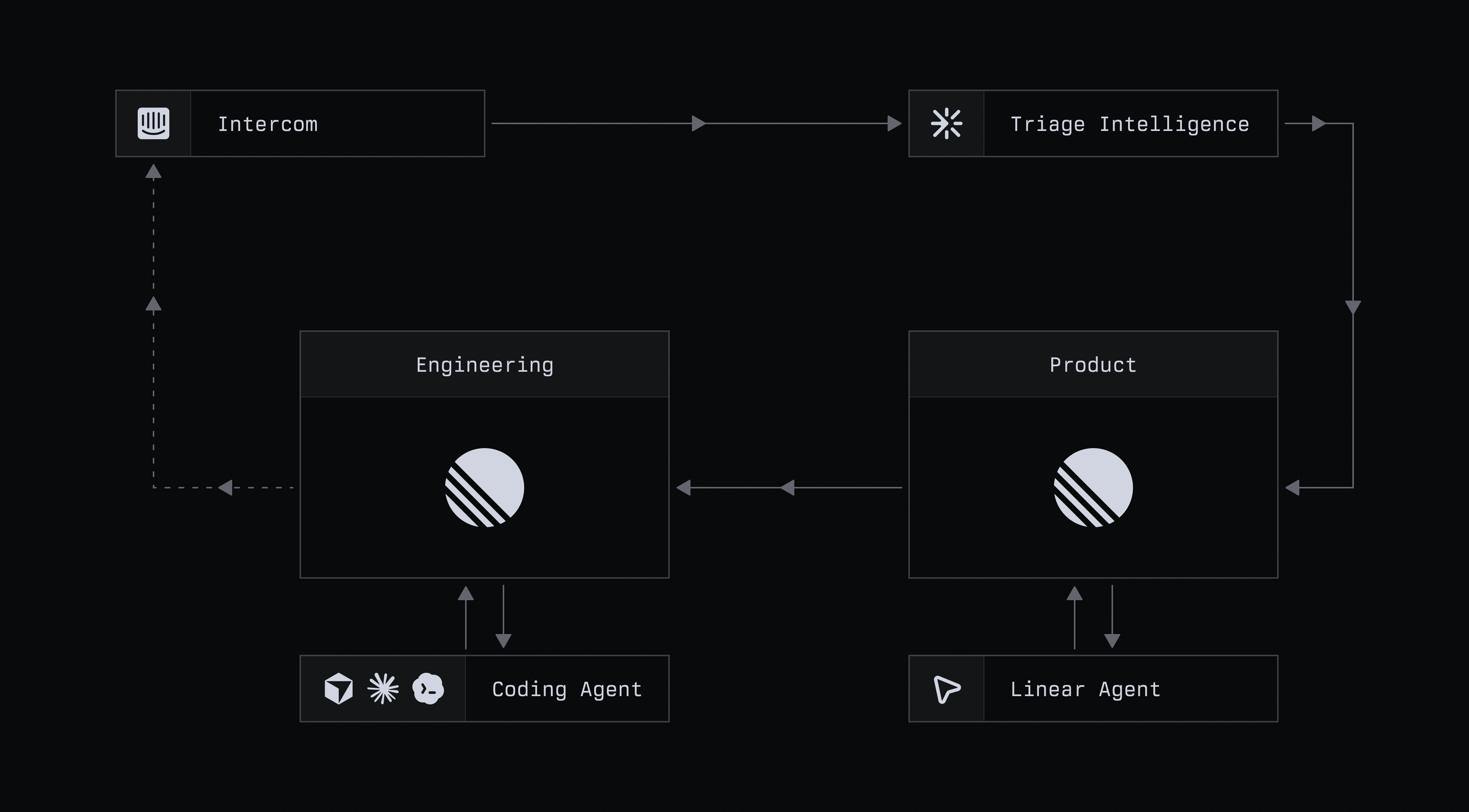
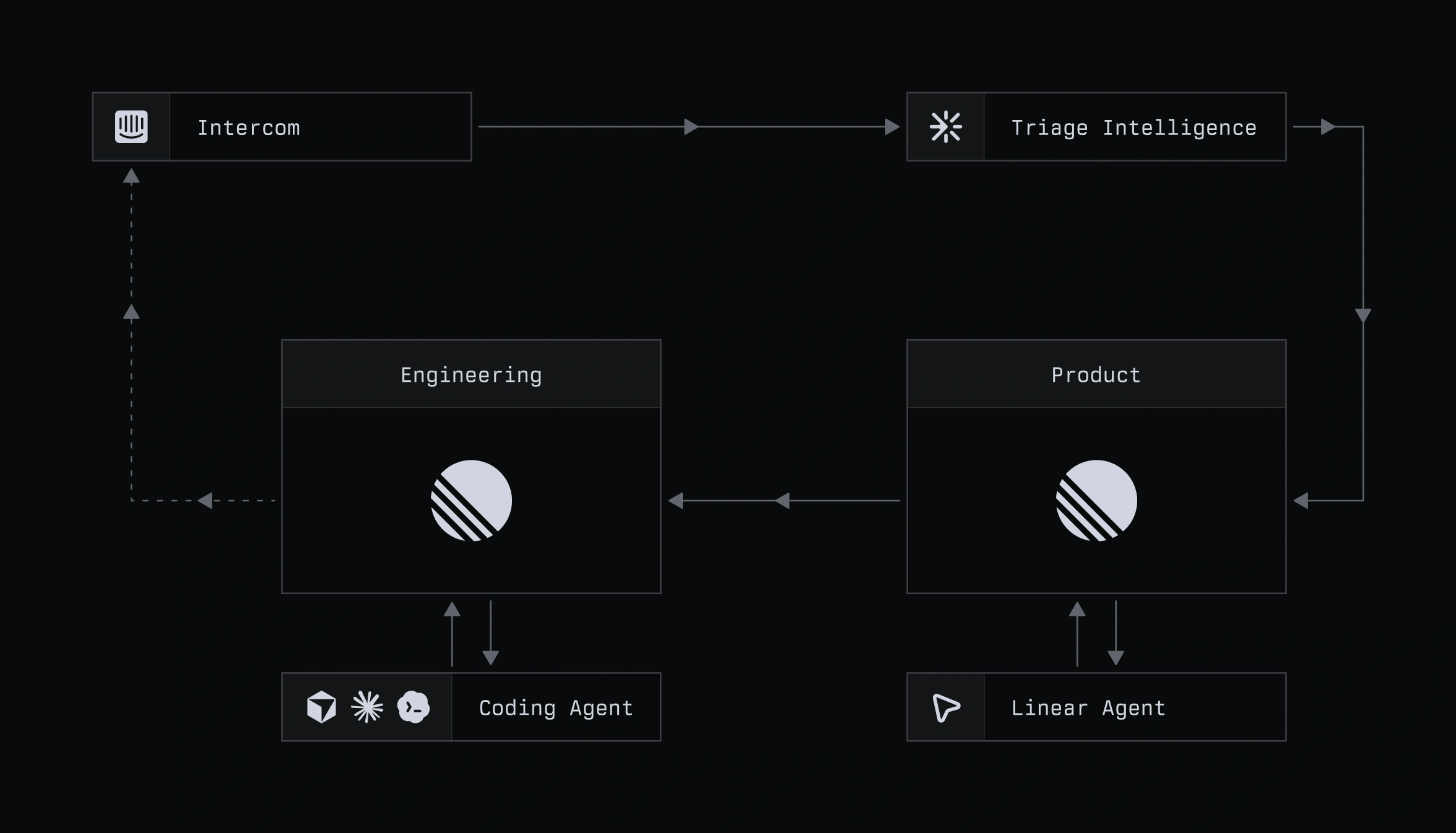
Stage 1: Pull the context into Linear
Customer feedback submitted by email, or in-app within Linear, accrues to an Intercom inbox managed by Customer Experience. That creates a large volume of high-signal feedback which needs to find its way through the org to the right team. Through Linear agent, CX turns emails into scoped issues directly from Intercom, without ever needing to leave the inbox.
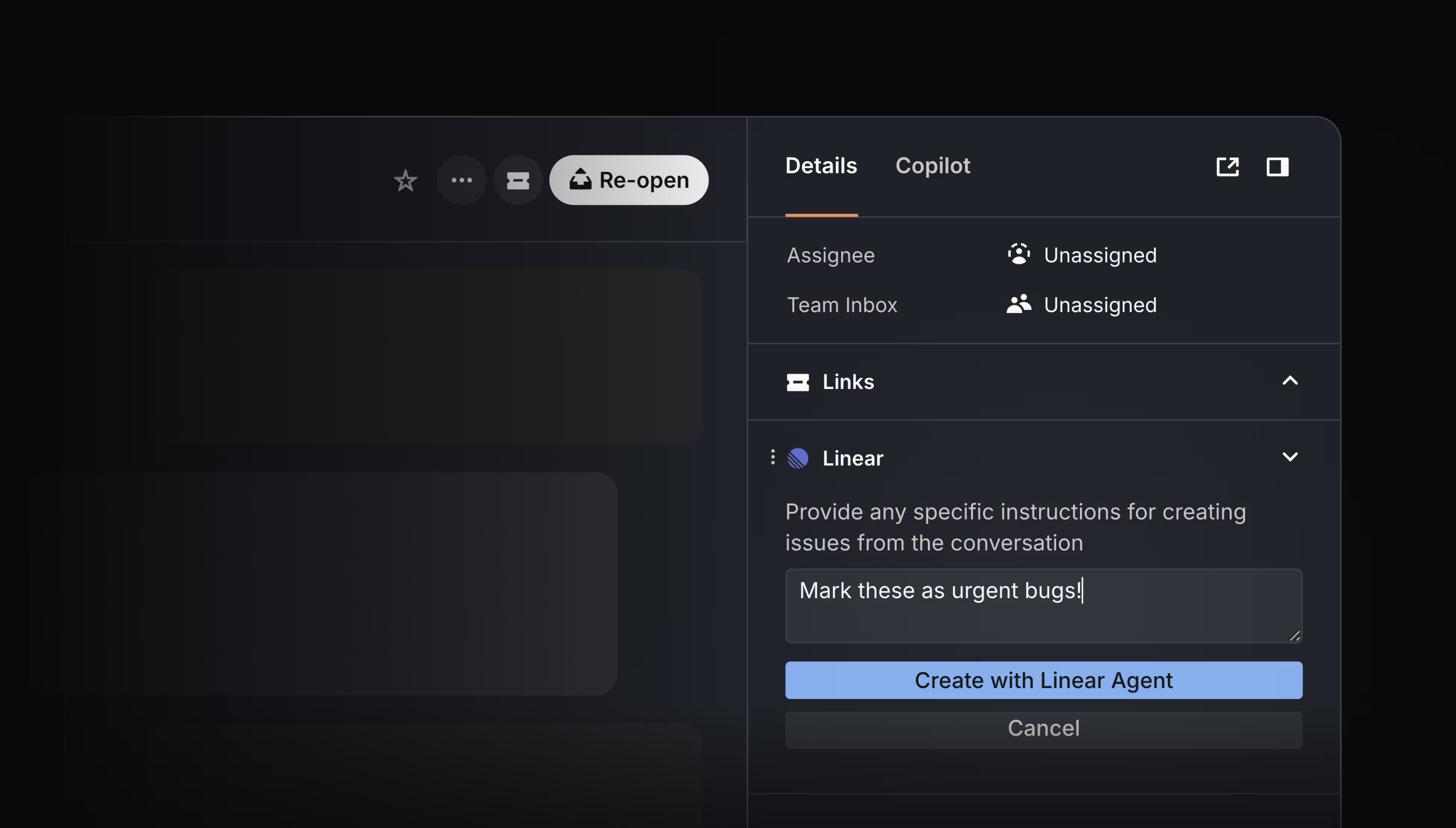
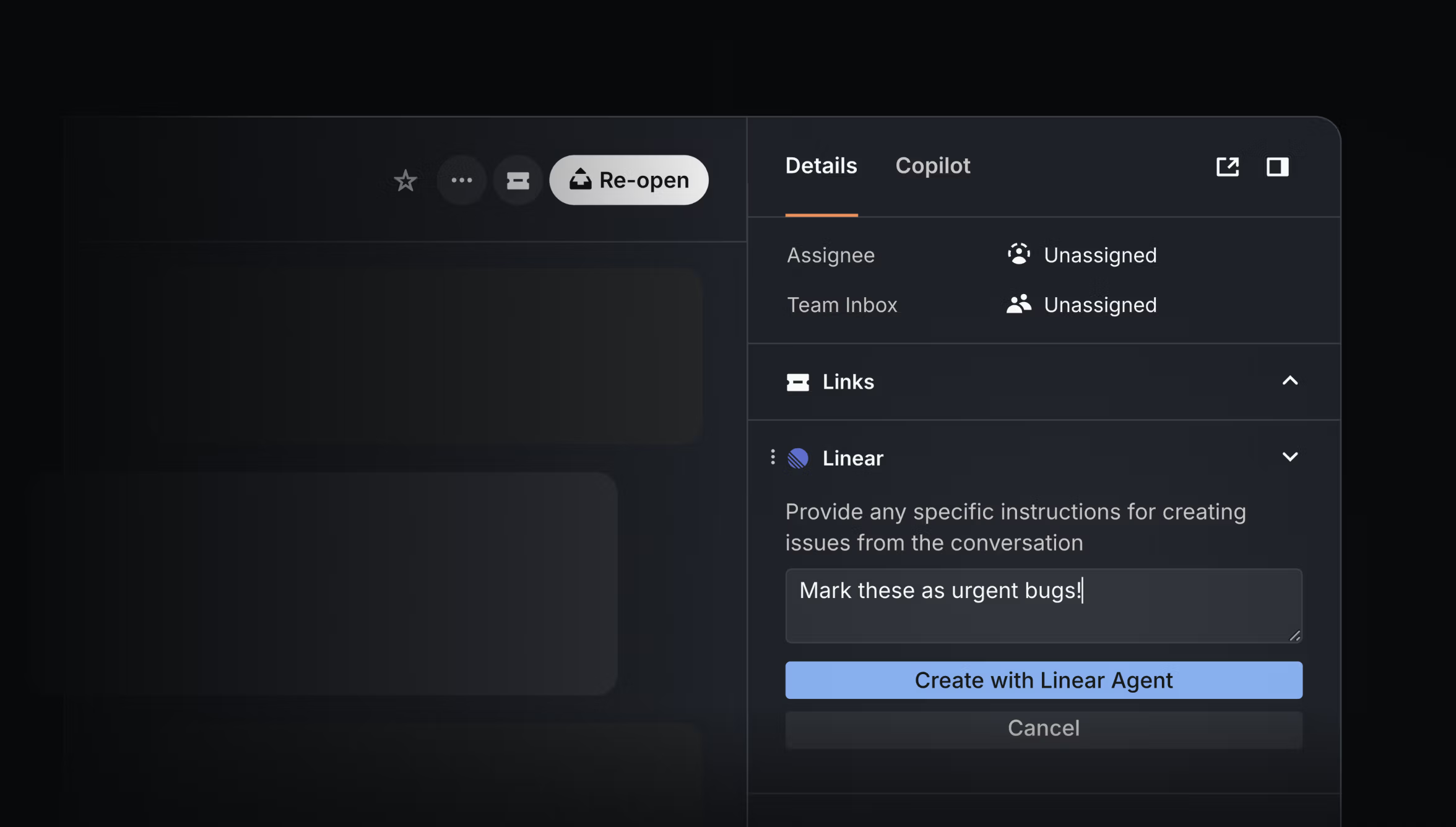
The agent picks up the full context, including any back-and-forth with the customer, metadata, and attachments. While you can add extra details in Intercom to help define the issue, Alexandra Lapinsky Wilson, who leads Product Operations and CX, says she rarely finds it necessary. The agent typically gets it right.
Stage 2: Route it to the right team automatically
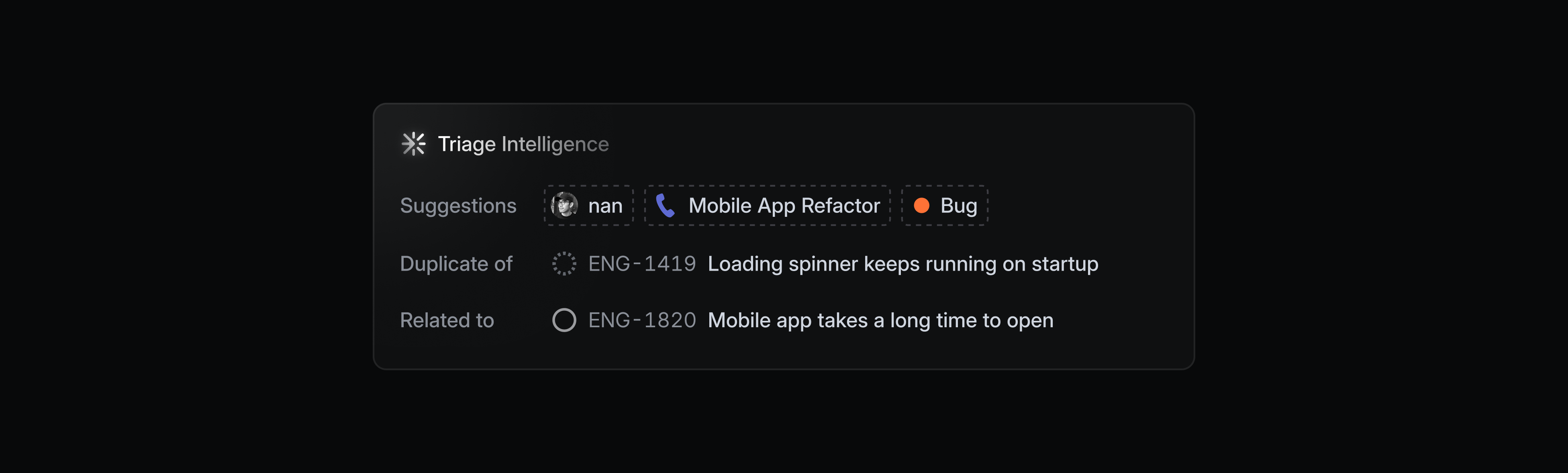
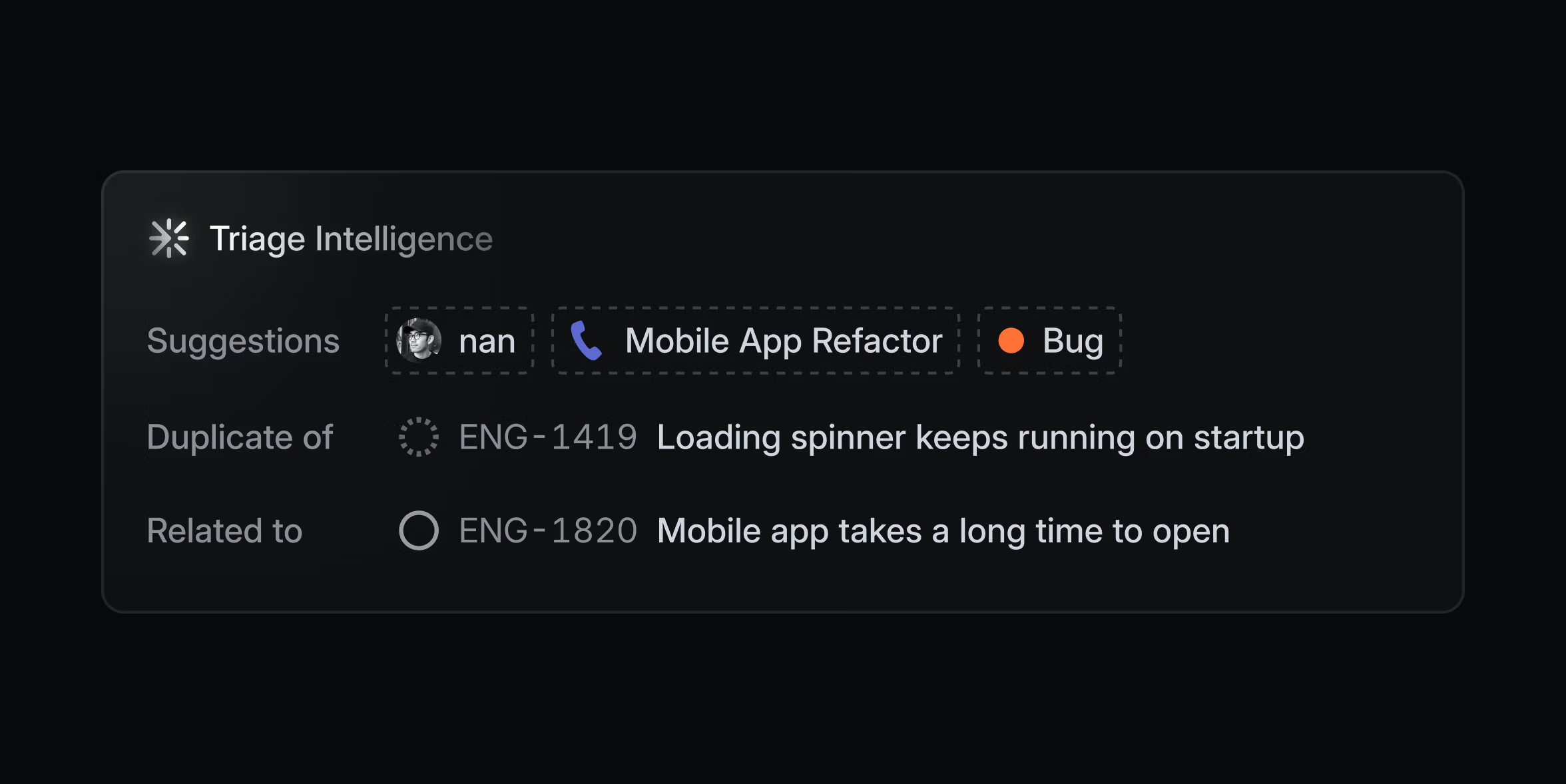
Once the agent has scoped the context into an actionable issue in Linear, the CX team doesn’t have to hesitate over who to assign it to because Triage Intelligence handles that step. It sends feature requests to the product management team’s triage queue, and in doing so, flags duplicates, suggests the right labels, and links relevant customer context, including their Datadog and Sentry.
Stage 3: Make sense of overlapping feature requests
Often projects can fill up with feature requests related to the same part of the product without quite asking for the same thing. Untangling this is time consuming and easy to put off, which can turn it into a bottleneck.
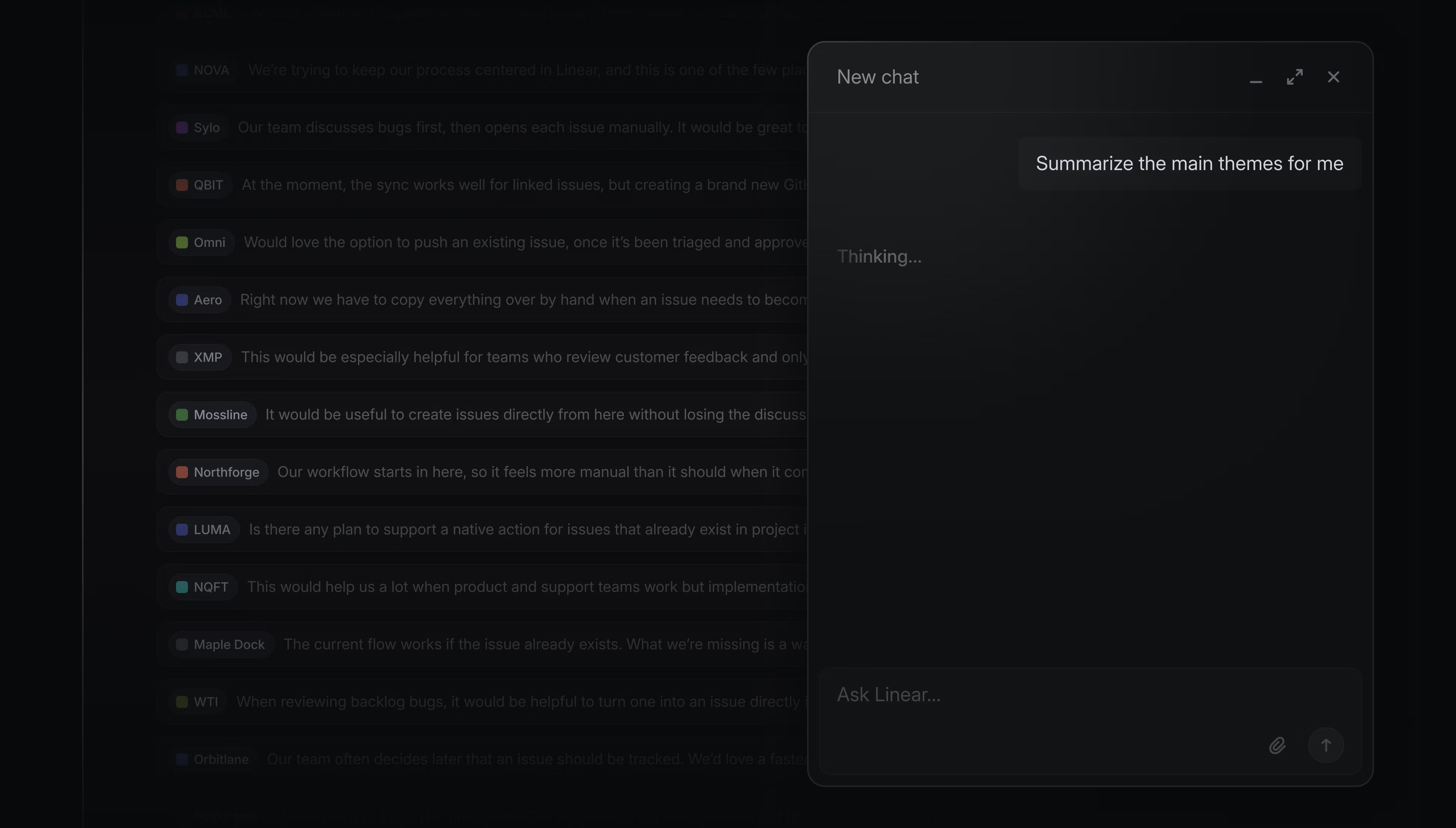
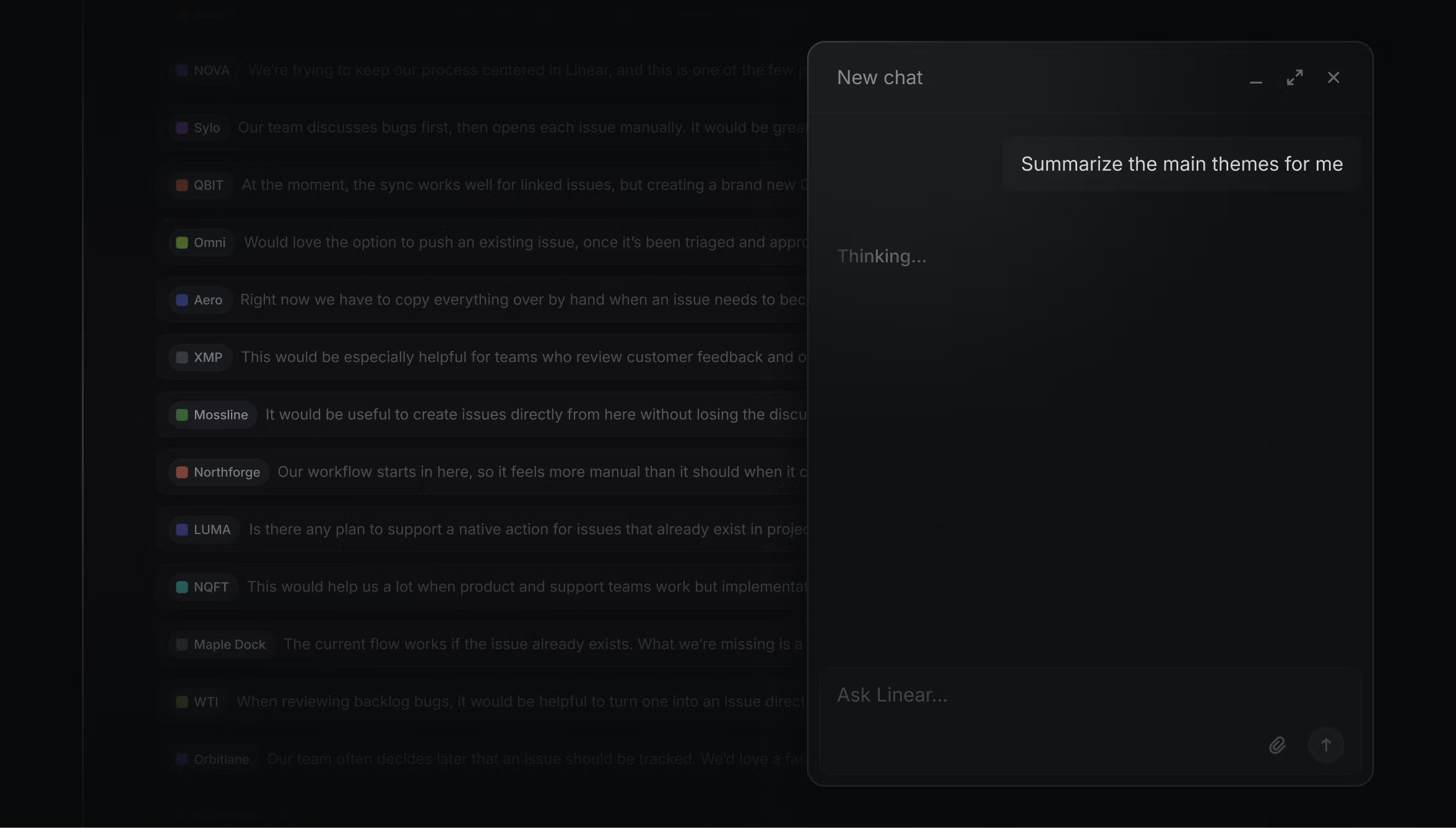
When Sid Bhargava, a PM, runs into a catch-all project like this, he opens a chat with Linear agent and asks it to identify the main themes across the requests; an example of a repeatable workflow that Sid could save as a Skill.
After reviewing the output, he instructs the agent to reorganize the issues around the themes, shaping the work into a clearer starting point for Engineering. Sid also might use the agent to add usage scenario context to an existing PRD, draft implementation issues based on a spec, or write a PRD from scratch for a new project.
Stage 4: Code alongside the agents
Once an engineer picks up the issue, how they work with the agent depends on the nature of the task at hand. For more complex requests, Mingjie Jiang, one of our product engineers, starts by chatting with Linear agent about the history of decisions around that part of the product: Why did we build the feature this way? When was it most recently touched? Which engineers should I talk to if I have further questions? The agent uses Code Intelligence to provide answers grounded in its knowledge of our codebase. (We’re currently testing Code Intelligence and custom MCP servers internally, with plans to launch soon.)
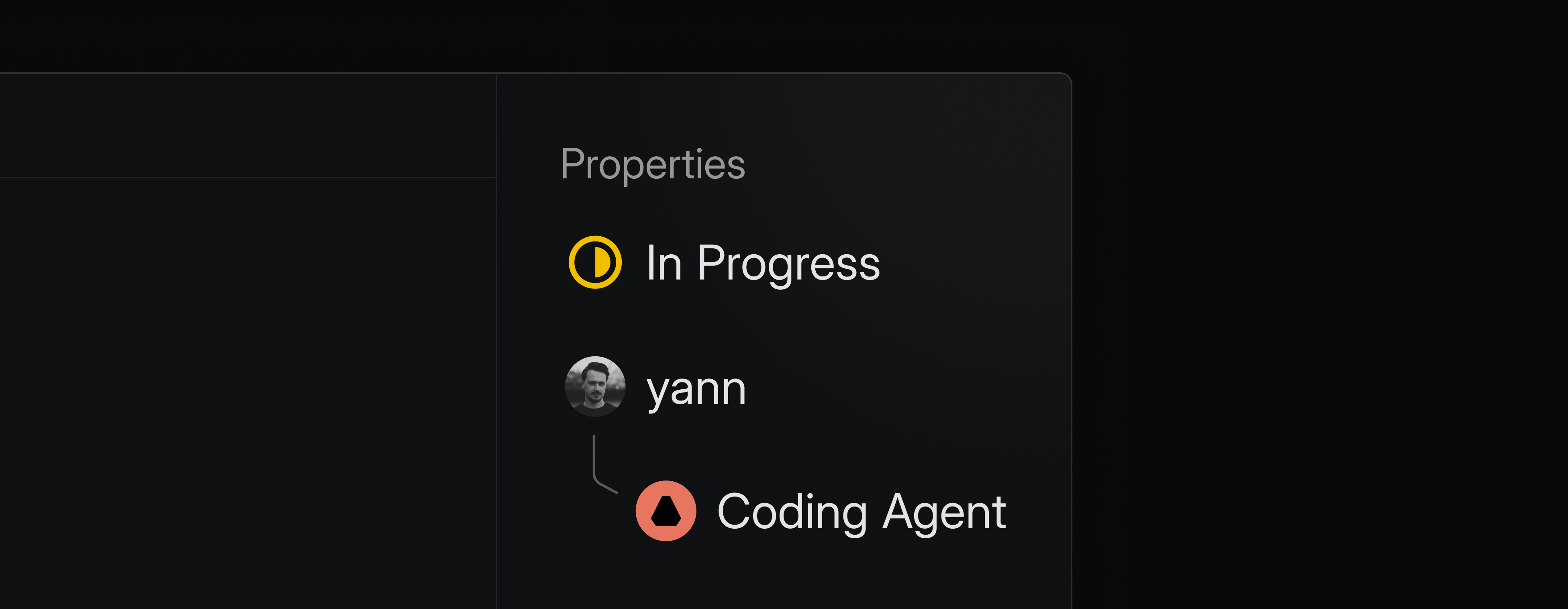
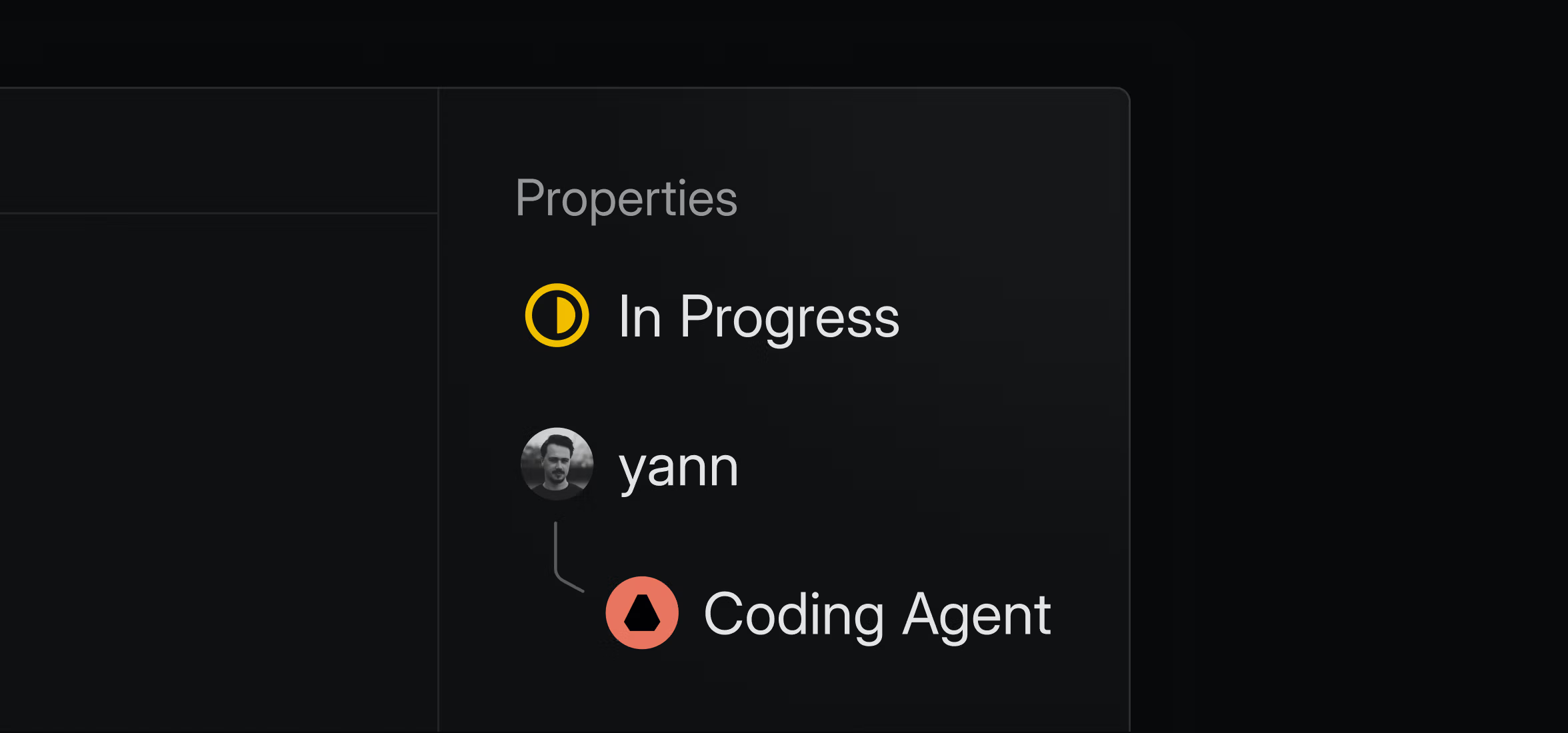
Mingjie then usually delegates the issue to a coding agent directly within Linear. While the issue reflects the delegation, it remains assigned to him. The agent takes a first pass to save Mingjie the friction of starting from scratch, then, if necessary, he continues the work locally. He sees even AI’s mistakes as useful because it shows him potential failure modes as he works through the problem.
At Linear, a coding agent takes a crack at reviewing every PR (for the past couple of months, we’ve been leaning on Codex for this), and then a human engineer makes the final approval. When the pull request is merged, our Github integration marks the related issue in Linear as ‘Done’.
Stage 5: Close the loop with a happy customer
When an issue is marked ‘Done,’ every related feature request reopens in Intercom with a note for the CX team to know that the customer’s request is fulfilled. The team then follows up with each one, which Alexandra calls a joy because customers are delighted that their request made it into the product and that Linear took the time to tell them about it.
How a complaint in Slack ends up as a pull request
Stage 1: Turn a Slack thread into a scoped issue
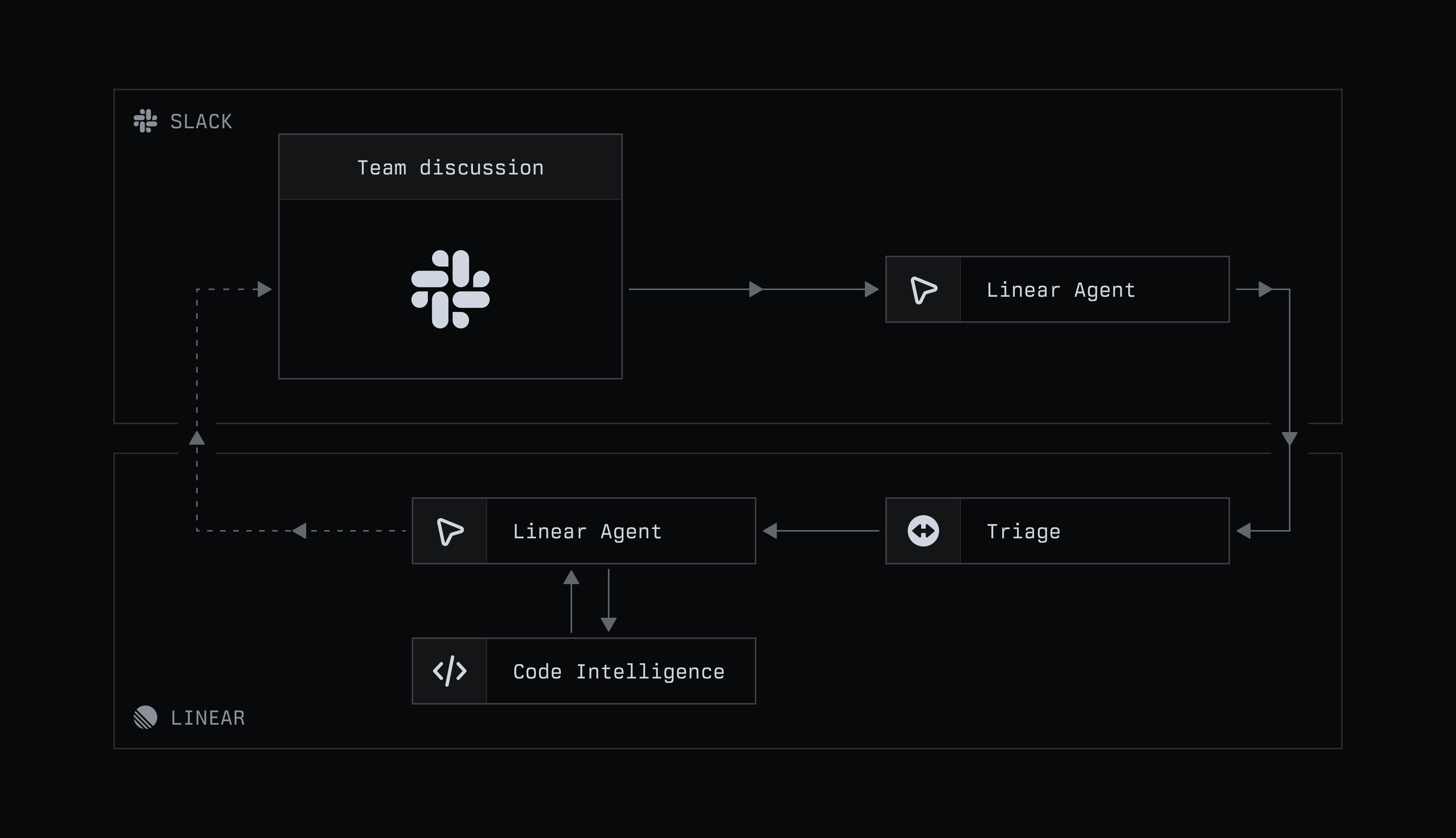
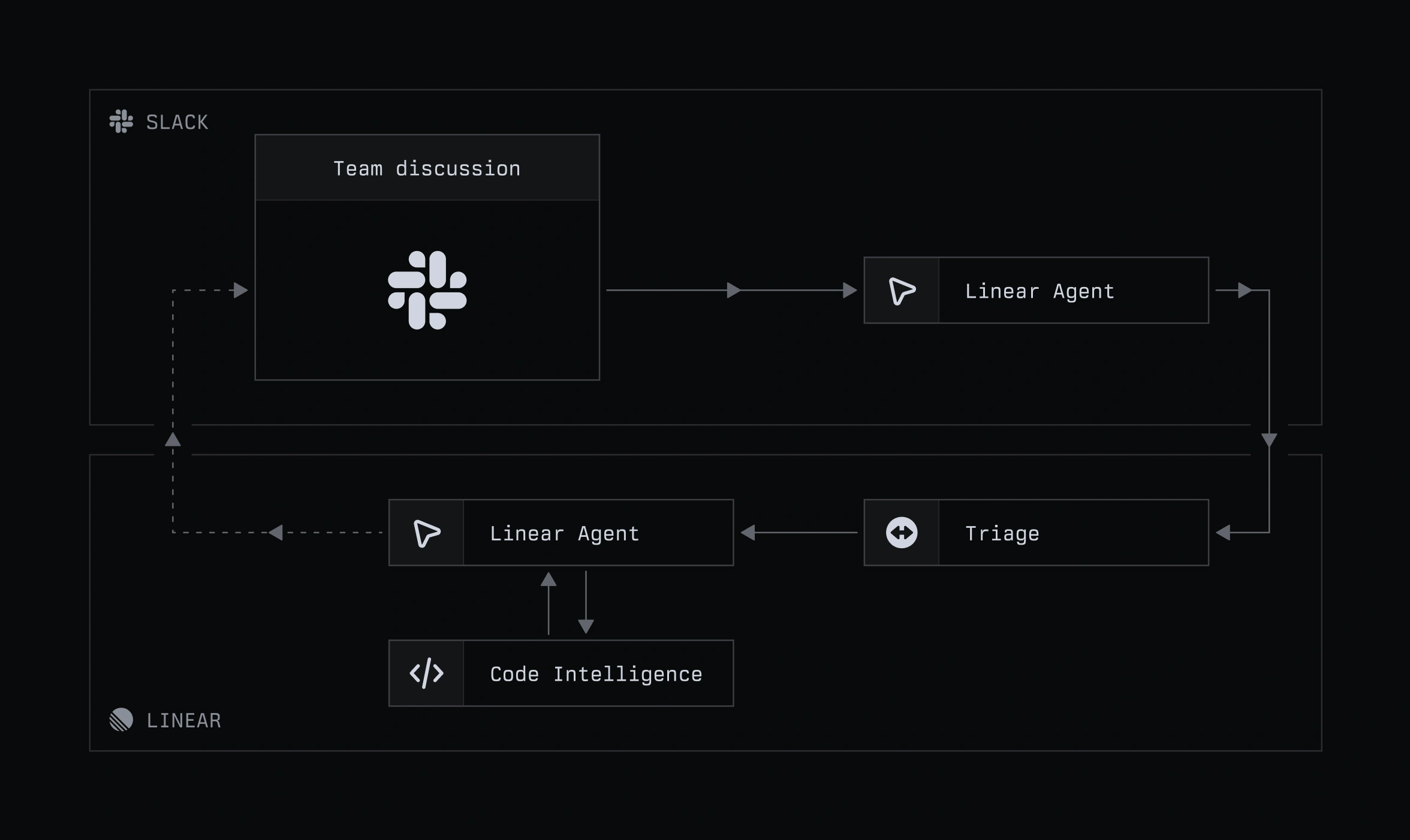
In shared Slack channels with our high-priority customers, ambiguous user feedback used to mean a scramble for context. Now, Simone Jacobs, who works in Customer Support, starts with Linear’s Slack agent.
Simone questions the agent in an internal product channel, with the intention of drawing Engineering and Product into a discussion about its response. She sees the agent’s role as providing context about the current state of the product, allowing the team to focus on the roadmap ahead.
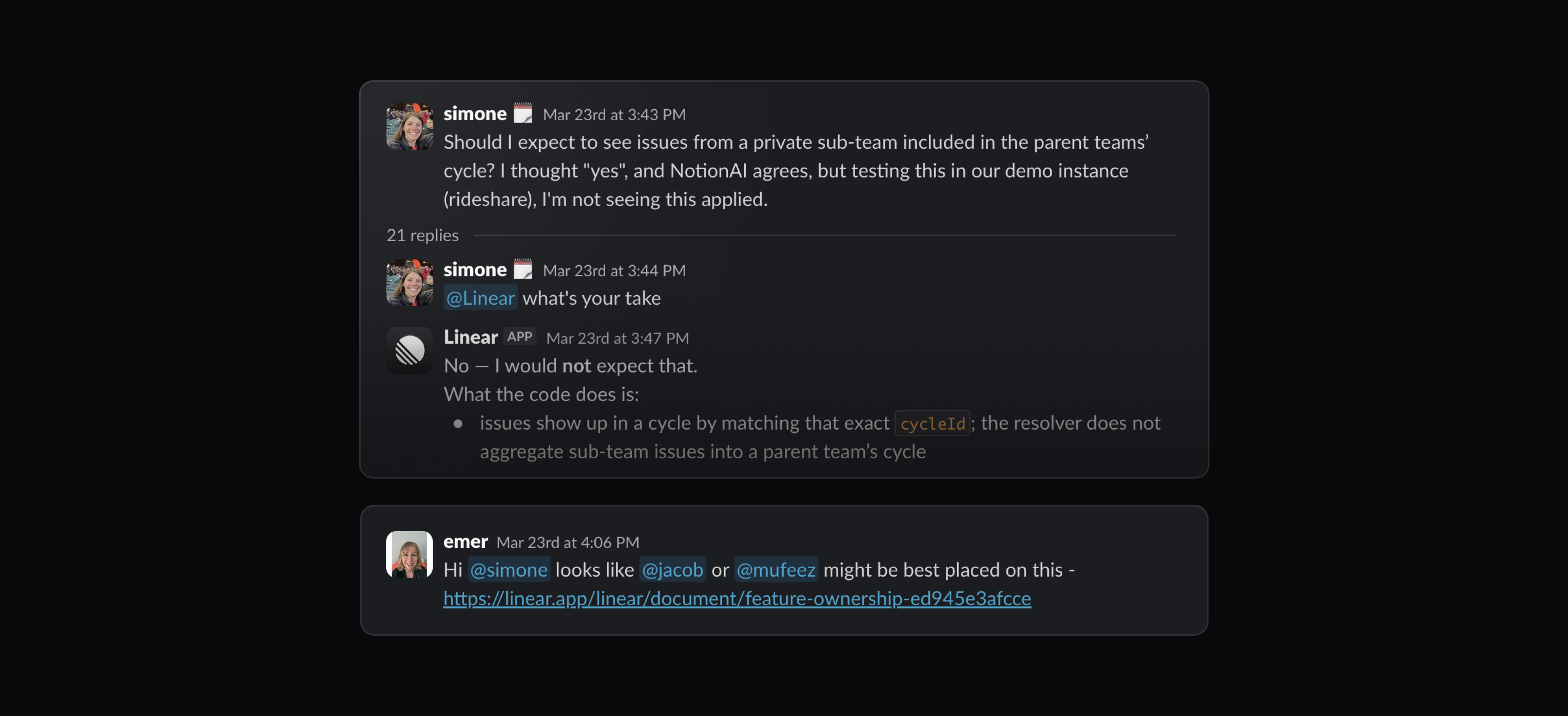
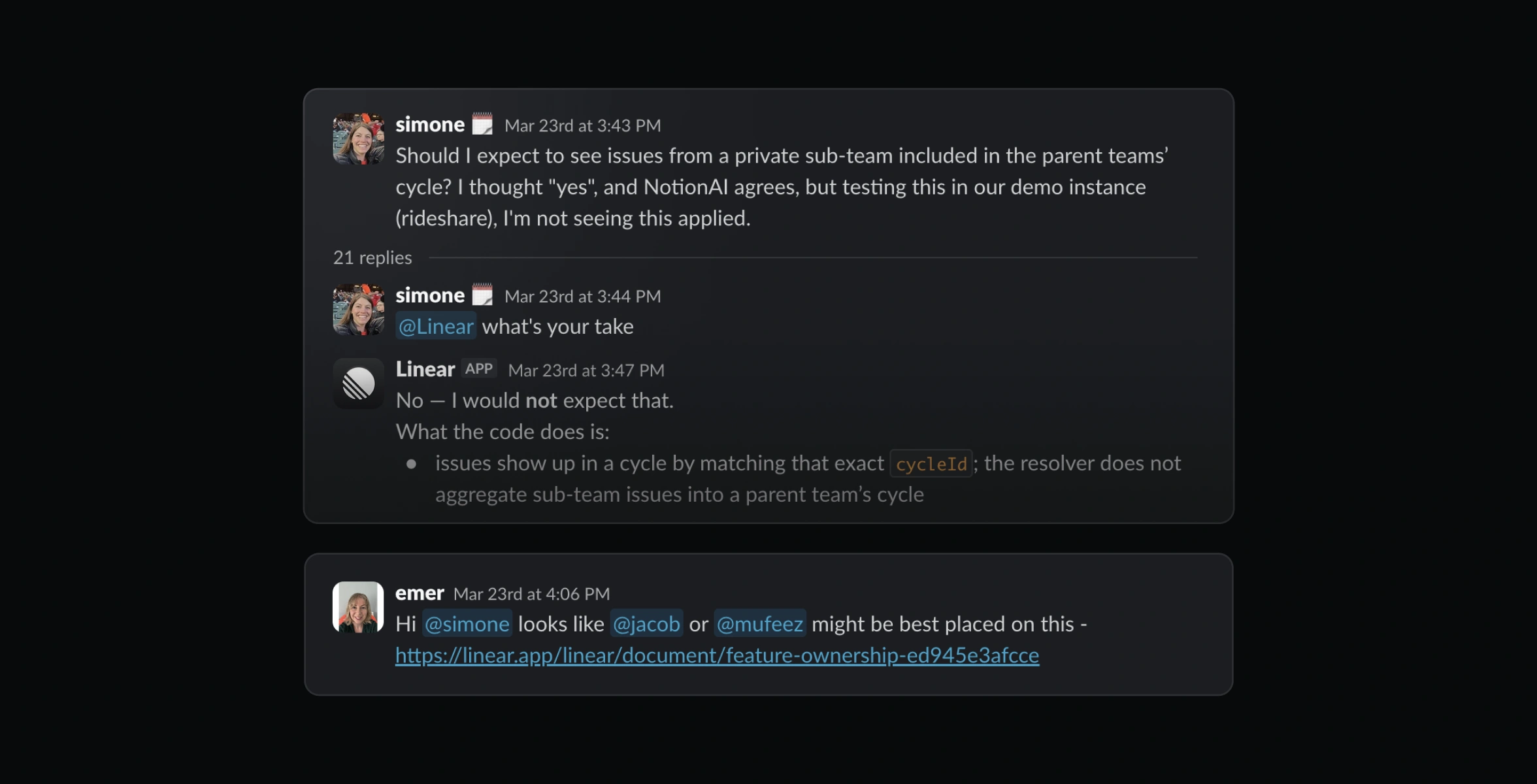
Product engineers like Mingjie keep an eye on these discussions, often using the agent to create an issue routed to the engineering triage queue directly from Slack. And if the discussion continues, he tags Linear again to update the issue instead of reading through dozens of new messages.
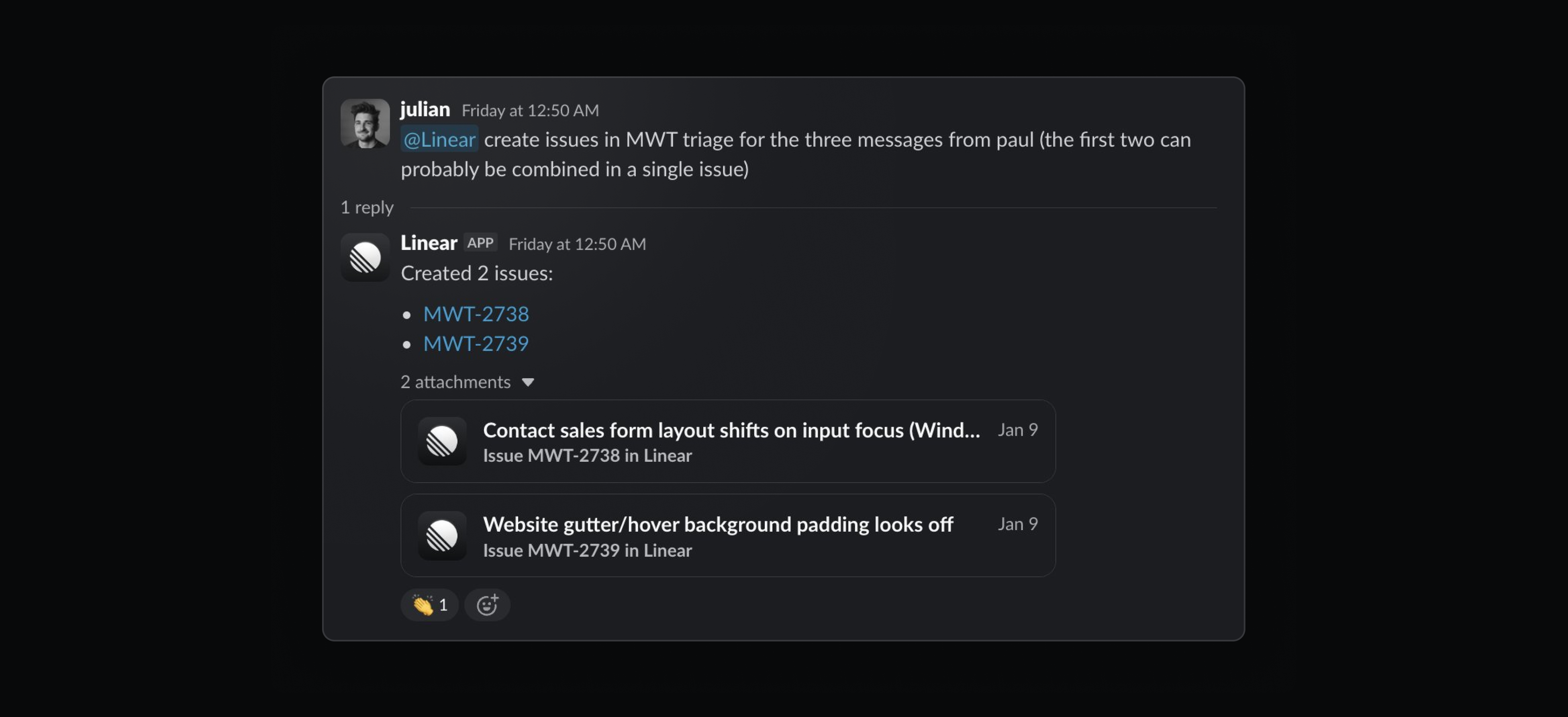
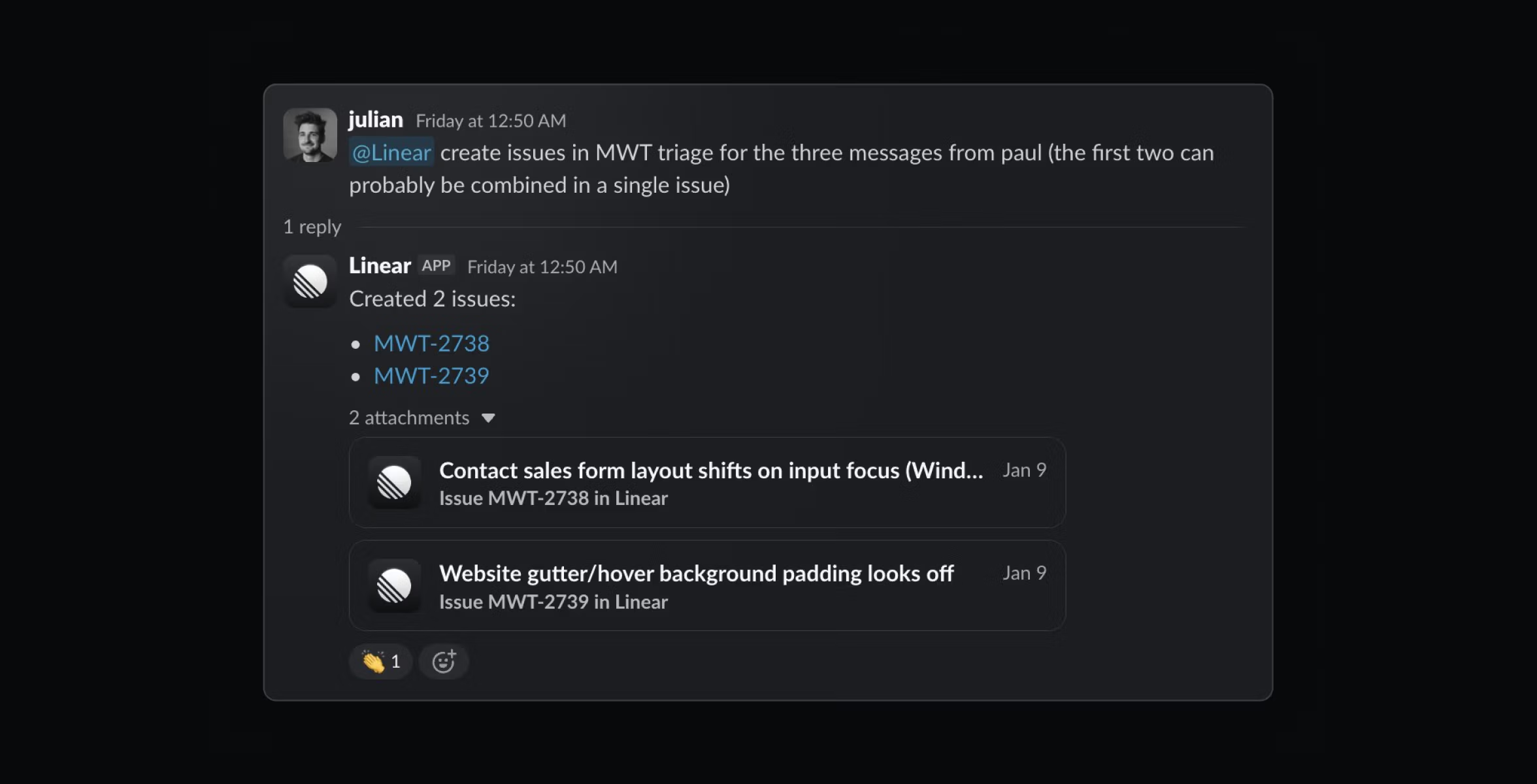
Stage 2: Code alongside the agents
When engineer Matthijs Wolting is assigned a customer-specific issue like this, he uses Linear agent, along with Code Intelligence and custom MCP servers, to investigate. This saves him from the tedium of looking up the right customer ID, logs, and metadata, and correlating information fragmented across various tools.
Matthijs gets the best results from coding agents by breaking the work into small, targeted steps, which keeps the agent on track and creates a much narrower path to success.
Stage 3: Close the loop with a happy customer
Once Matthijs has resolved the bug, he marks the issue as ‘Done’ in Linear. This automatically sends a notification to the Slack thread where the issue originated, which is Simone’s signal to follow up with the customer.
When the person who noticed it can also ship it
Stage 1: Find a problem (and fix it)
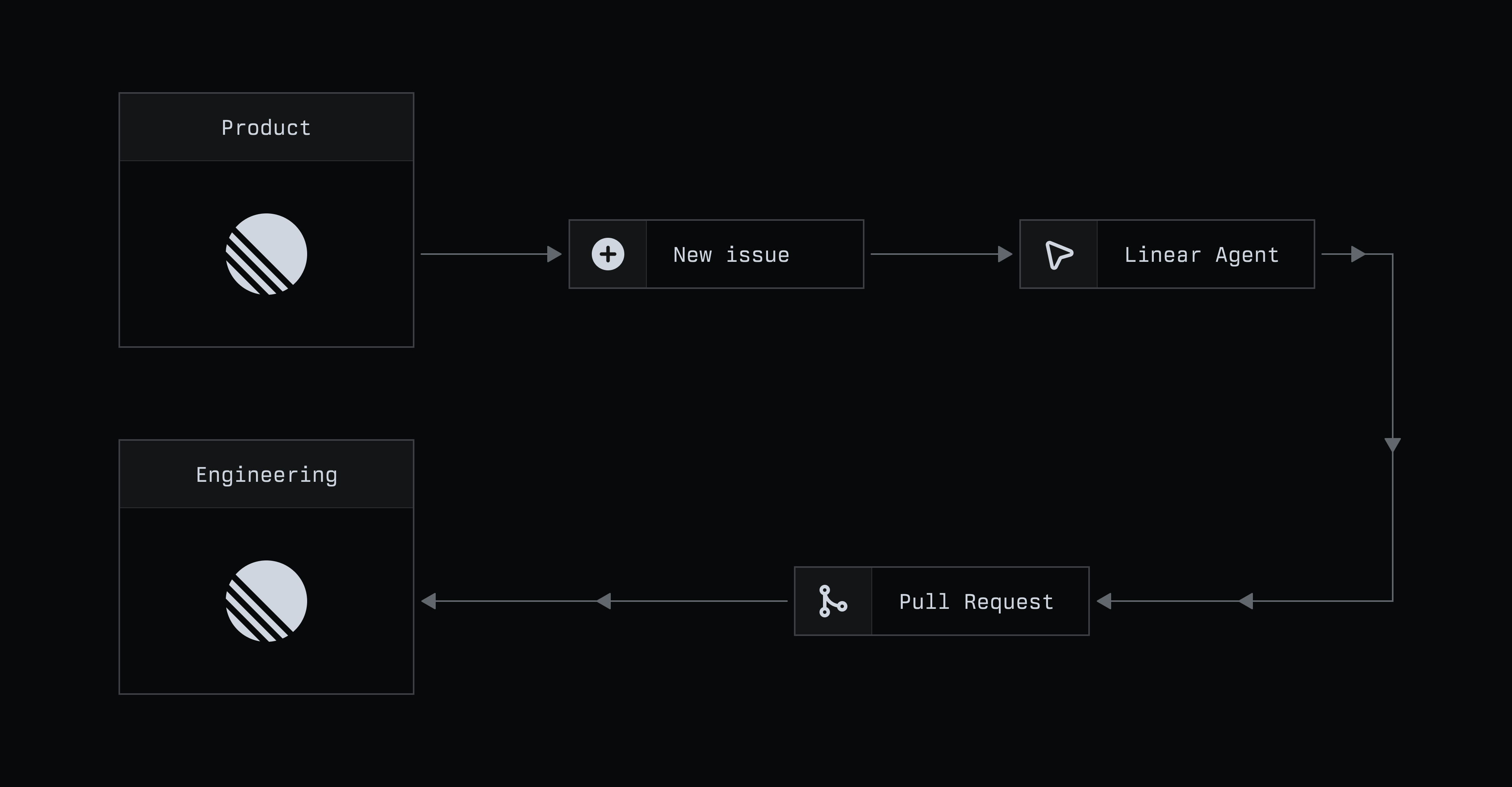
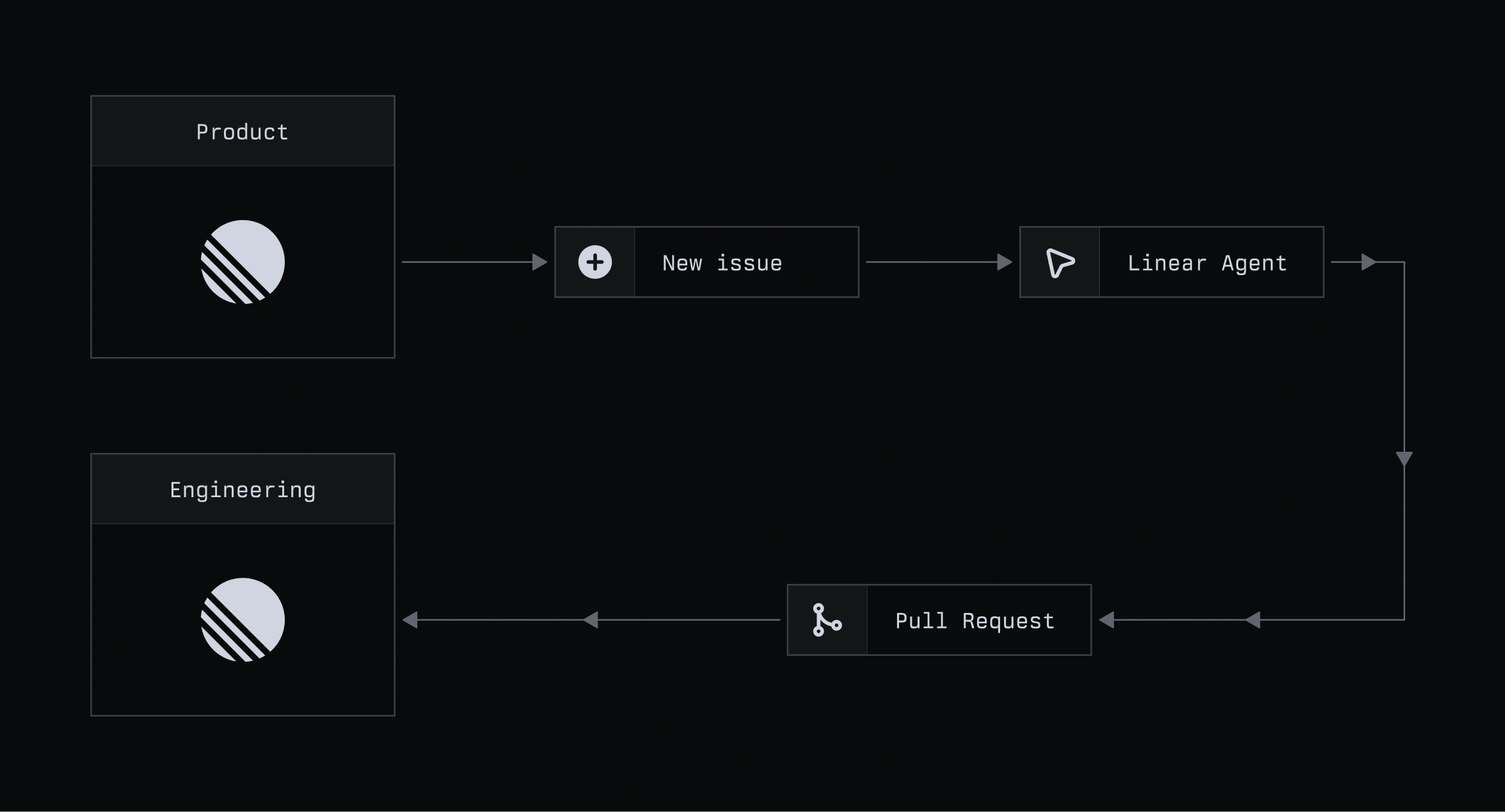
Product managers like Sid are restless beings. He sometimes fiddles with features in Linear without a precise objective, just to re-experience them the way a new user would. Recently, he noticed there was no way to filter for issues that had been created from a specific external source, a gap that made it harder to track and triage that work
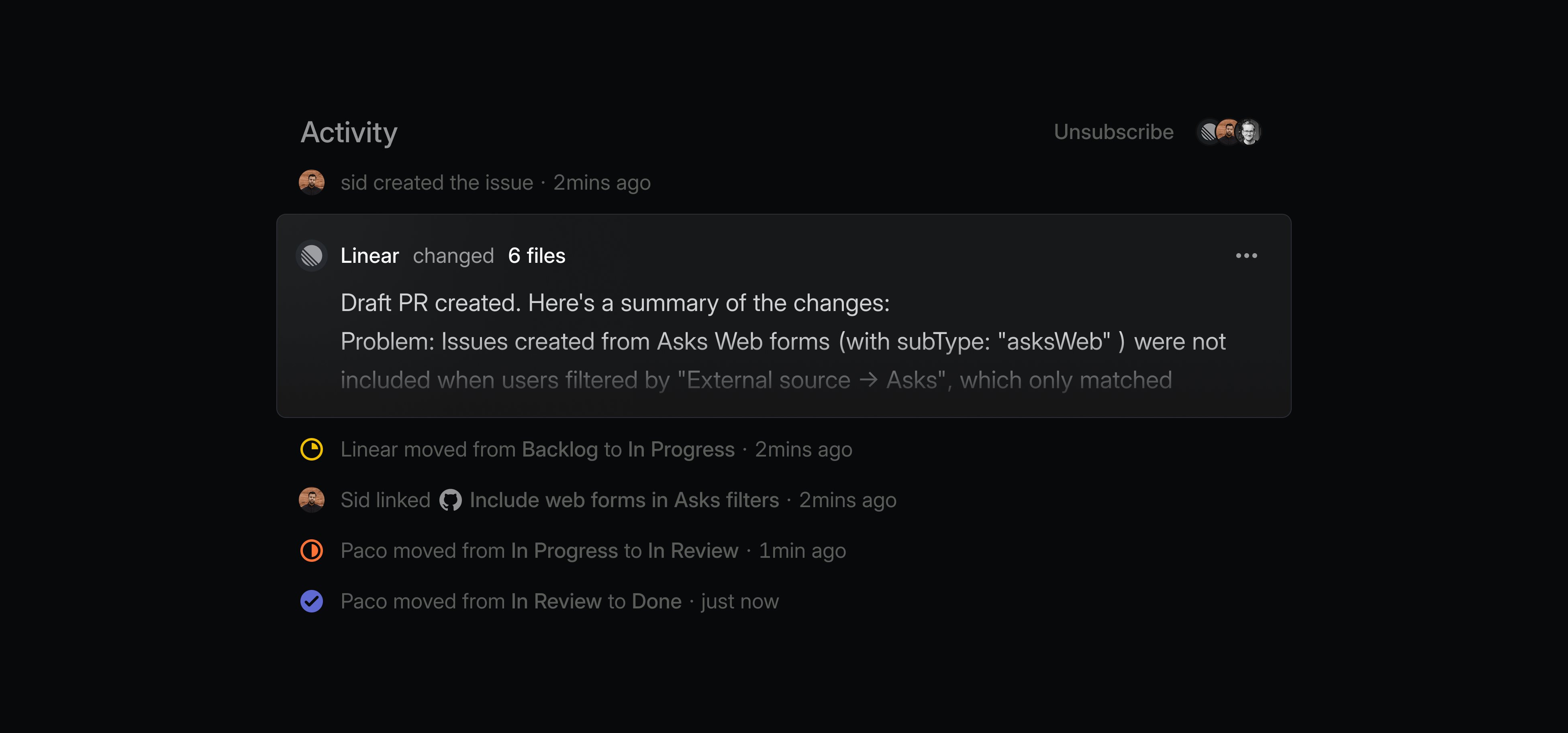
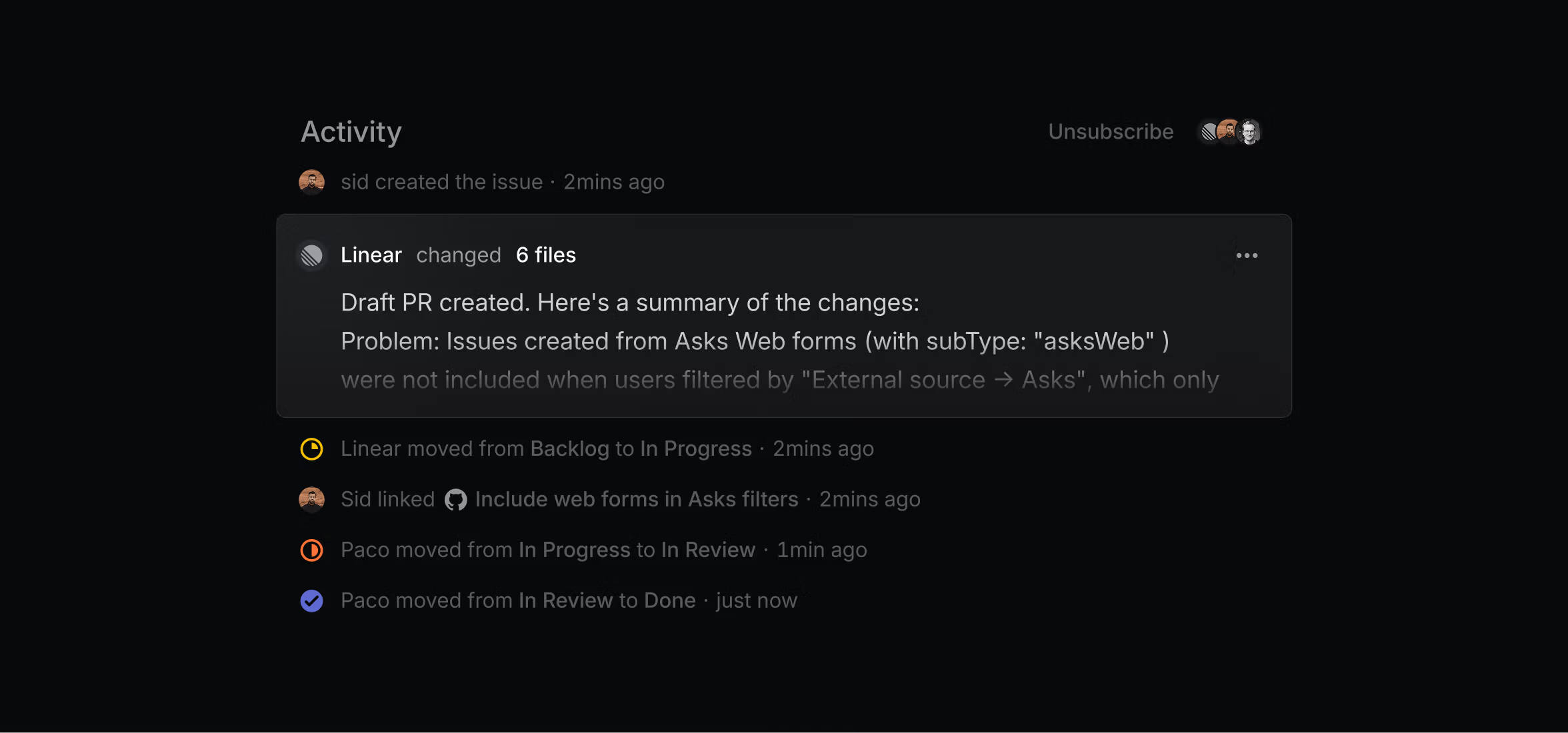
He used Linear agent to create an issue to add that filter and take a first pass at actually adding it. The agent opened a pull request, which was reviewed by a human engineer within the hour (thanks, Paco Coursey), and the change was live.
…and there’s no Stage 2
The same prompt that Sid would’ve once used to report an issue can now be used to solve it. Deciding when to work this way, he says, is still a judgment call. UI polish like copy edits is an obvious candidate, but what made this especially interesting was that it was a functional, albeit small, change in the product.
How you can get the most out of Linear
We’ve noticed a few recurring patterns in the way teams at Linear use the agent. The most effective workflows seem to share the same principles, and we’re keeping a running list of them, with an eye to consolidate in the near future.
The best workflows keep the agent close to the source
Teams get the most value when they use it inside the systems where work is already happening, like Intercom, Slack, and Linear.
Autonomy works best when it is introduced gradually
Teams start by asking the agent for suggestions, observe its performance, and add guidance, only putting it on autopilot once it’s proven reliable. Engineers too, get better results by breaking work into small, focused steps instead of delegating a broad task.
The agent is most useful at points of friction
People use it where work would otherwise stall, whether that means making sense of overlapping requests, debugging a gnarly customer-specific issue, or clarifying ambiguous feedback.