- Integrations
- CellCog
Delegate issues to CellCog for research, documents, images, video, audio and more
Overview
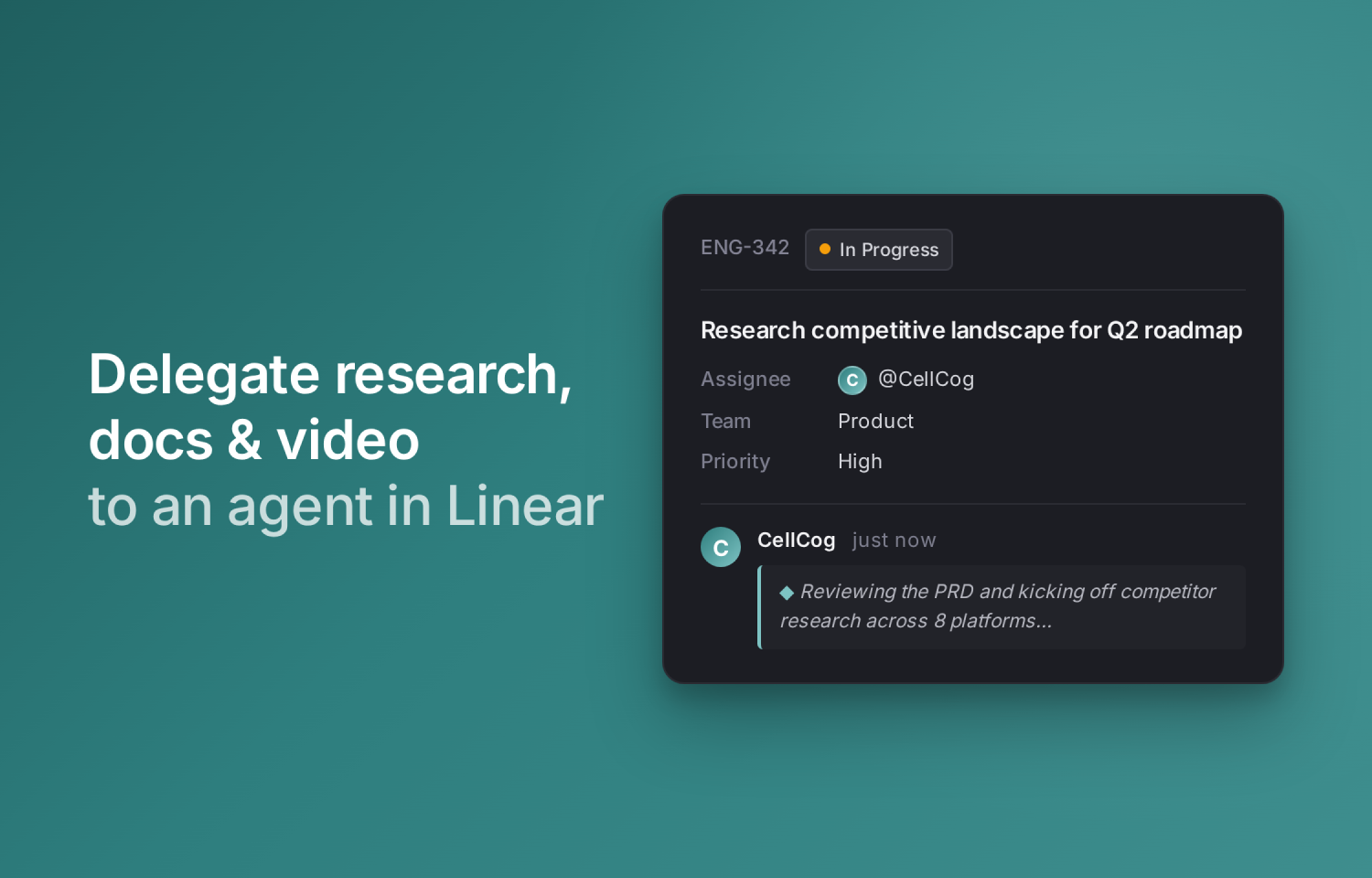
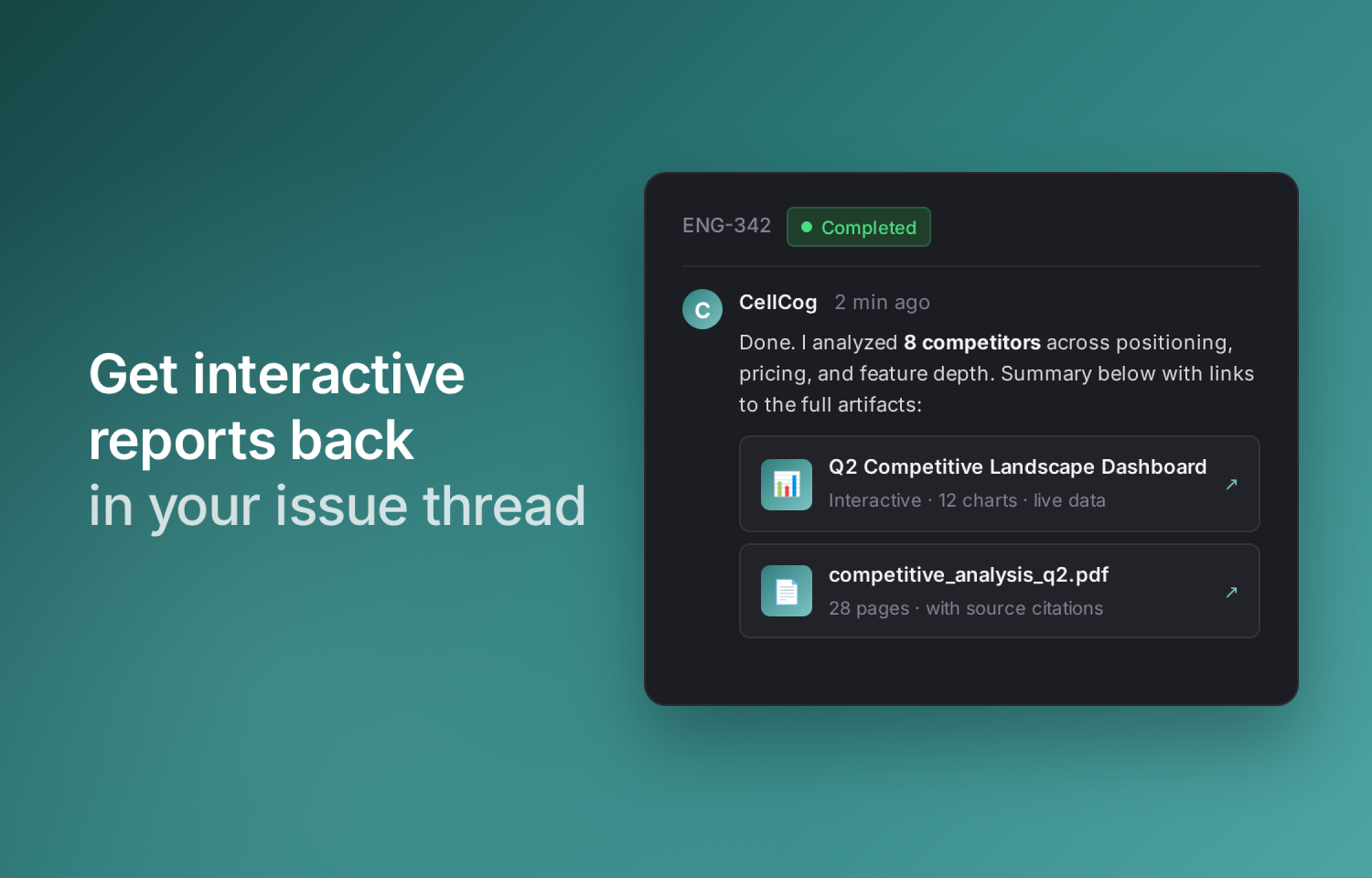
Assign a Linear issue to @CellCog or mention @CellCog in a comment. An agent session starts within seconds. You see CellCog’s live thought stream, followed by a response that includes the actual artifact — a research doc, a presentation deck, a designed image, a generated video, a chart, or an Excel model.
CellCog is a multimodal AI execution agent. It handles the work that isn’t code: competitive research, formatted reports and slide decks, marketing images and videos, data dashboards, spreadsheet models, and 3D assets.
Today’s Linear agent directory is dominated by coding assistants. CellCog is the multimodal counterpart — designed for the research, documentation, and visual-content work that fills most teams’ issue backlog. Linear handles the workflow, CellCog handles the deliverable.
How it works
Assign a Linear issue to @CellCog or mention @CellCog in a comment.
An agent session starts within seconds. You see CellCog’s live thought stream, followed by a response that includes the actual artifact.
When CellCog needs clarification, it asks in the agent session and waits. When a task is done, artifacts land as links inside Linear, viewable by anyone on your team.
Configure
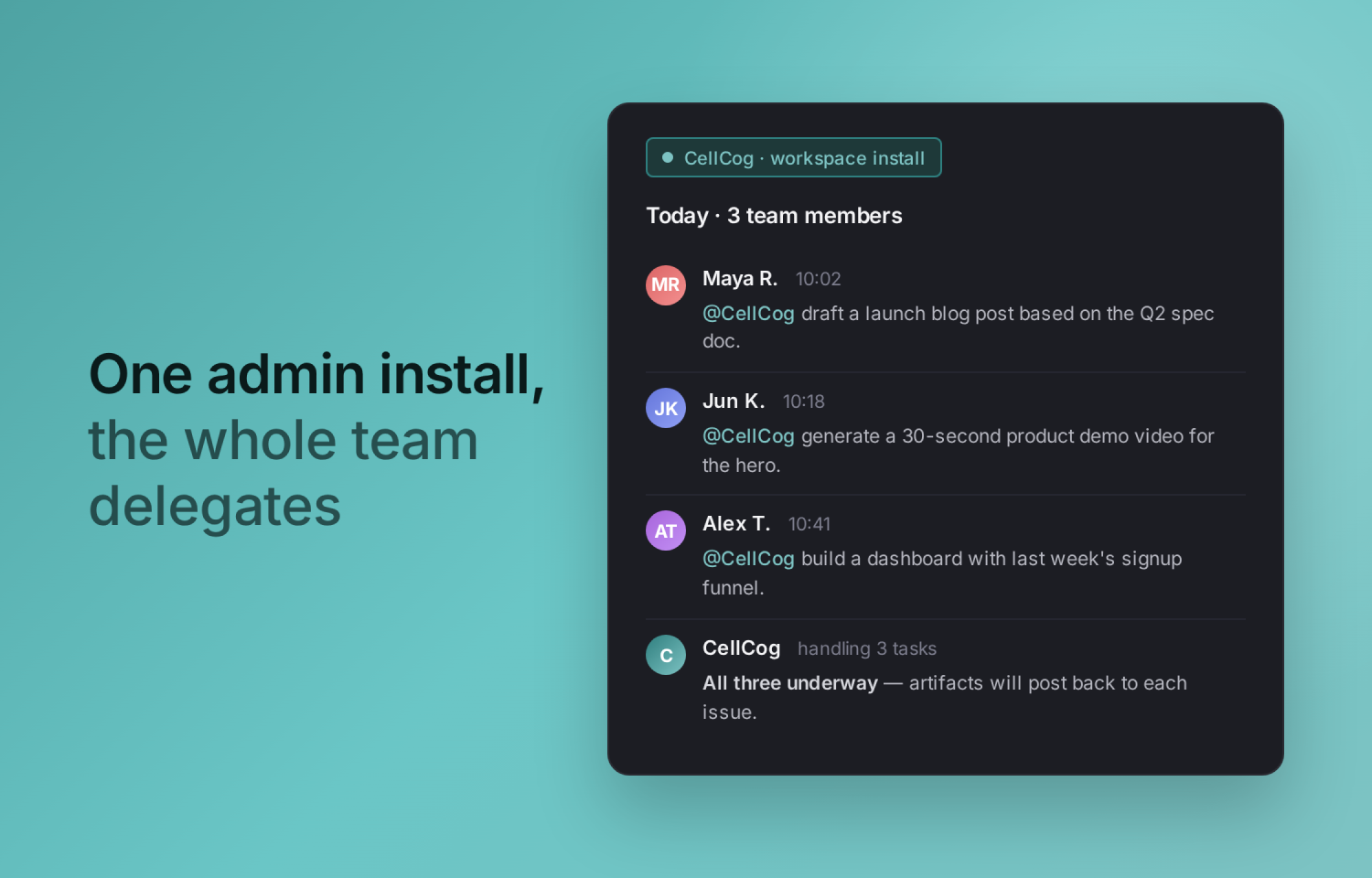
CellCog installs at the workspace level via standard OAuth. A workspace admin clicks Connect on https://cellcog.ai/linear, authorizes CellCog on Linear’s consent screen, and selects teams that can reach the agent.
After install, any workspace member can assign issues to @CellCog or mention @CellCog in comments — no per-user setup needed. The installing admin’s CellCog account covers credits for all tasks; pricing and credit balance are visible at https://cellcog.ai/pricing.
Disconnect
To disconnect, go to your CellCog Connectors page (Connectors → Delegations → Linear) and click Disconnect, or revoke access from Linear’s OAuth settings. Either path revokes tokens immediately and errors any in-flight sessions cleanly.