- Integrations
- Blocks
The Agentic Software Factory for Linear
Overview
Blocks brings agents you trust into your Linear workflow, including Claude Code, Codex, Kimi Code and Opencode.
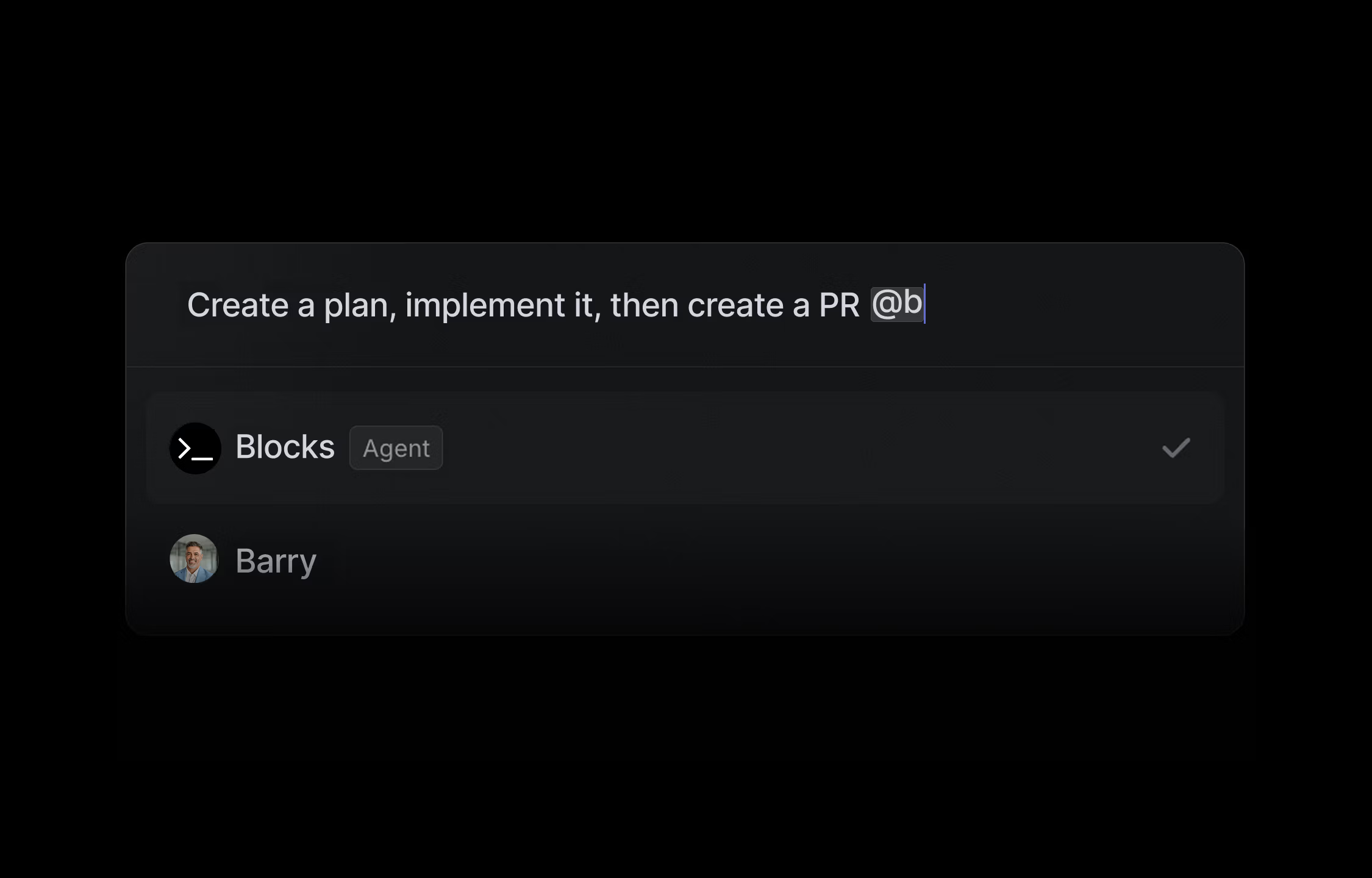
By mentioning @blocks anywhere there’s a textbox, you can delegate tasks to agents with unified context across Linear, Slack, GitHub, Notion and others.
Example Use Cases
- Planning technical work using context from all your codebases and tickets
- Get questions answered about code or tickets
- Assigning Linear issues to Blocks to generate code or PRs
- Enriching issues with technical details
- Breakdown large tasks and auto implement or plan them in parallel
You can continue to chat with the agent directly on Linear by responding to a thread. In the background we create full cloud based environments for the agent to look at multiple codebases, search issues and knowledge bases.
How it works
Start an agent session by assigning Blocks or mentioning @blocks in an Issue comment. The agent posts progress in a Linear thread, and you can reply with @blocks for follow-up messages.
Some examples:
- Assign Blocks directly in an issue to have it generate code or plans
- @blocks Update the issue with more technical details from the related codebases
- @blocks /opencode How does this affect the existing payment workflows
- @blocks Break down this project into sub-issues and assign yourself to each
Configure
Login to Blocks and during the onboarding connect Linear, Github and Slack (recommended)
You can connect Linear at any time by going to Settings > Linear