Building blocks
Projects, initiatives, and documents, and how they fit together.
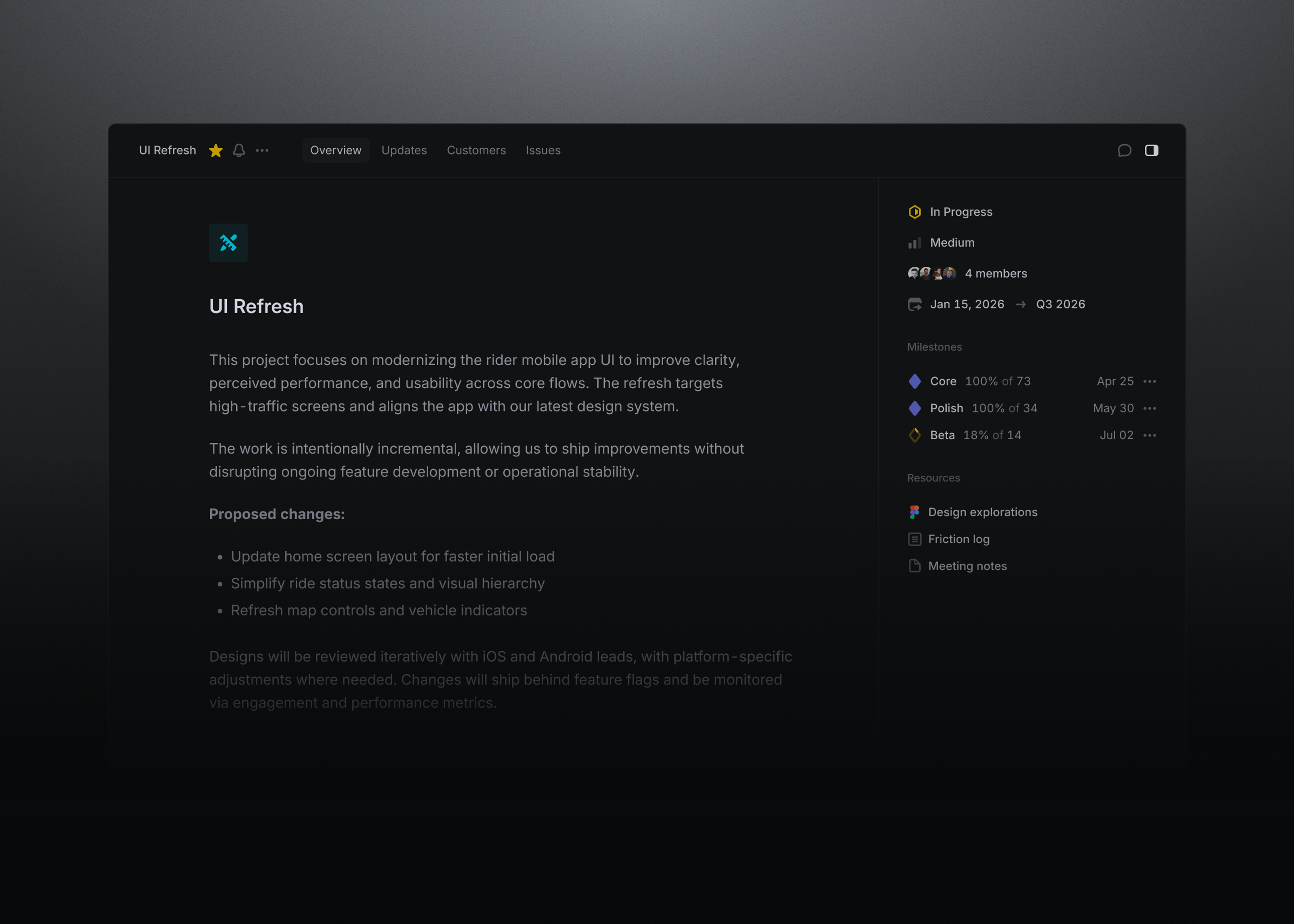
A project is a body of work with a clear outcome, such as a feature launch. It has one lead, optional members, and a start and target date, and it can span several teams. Milestones break the project into phases, and the progress graph shows scope and completed work over time.
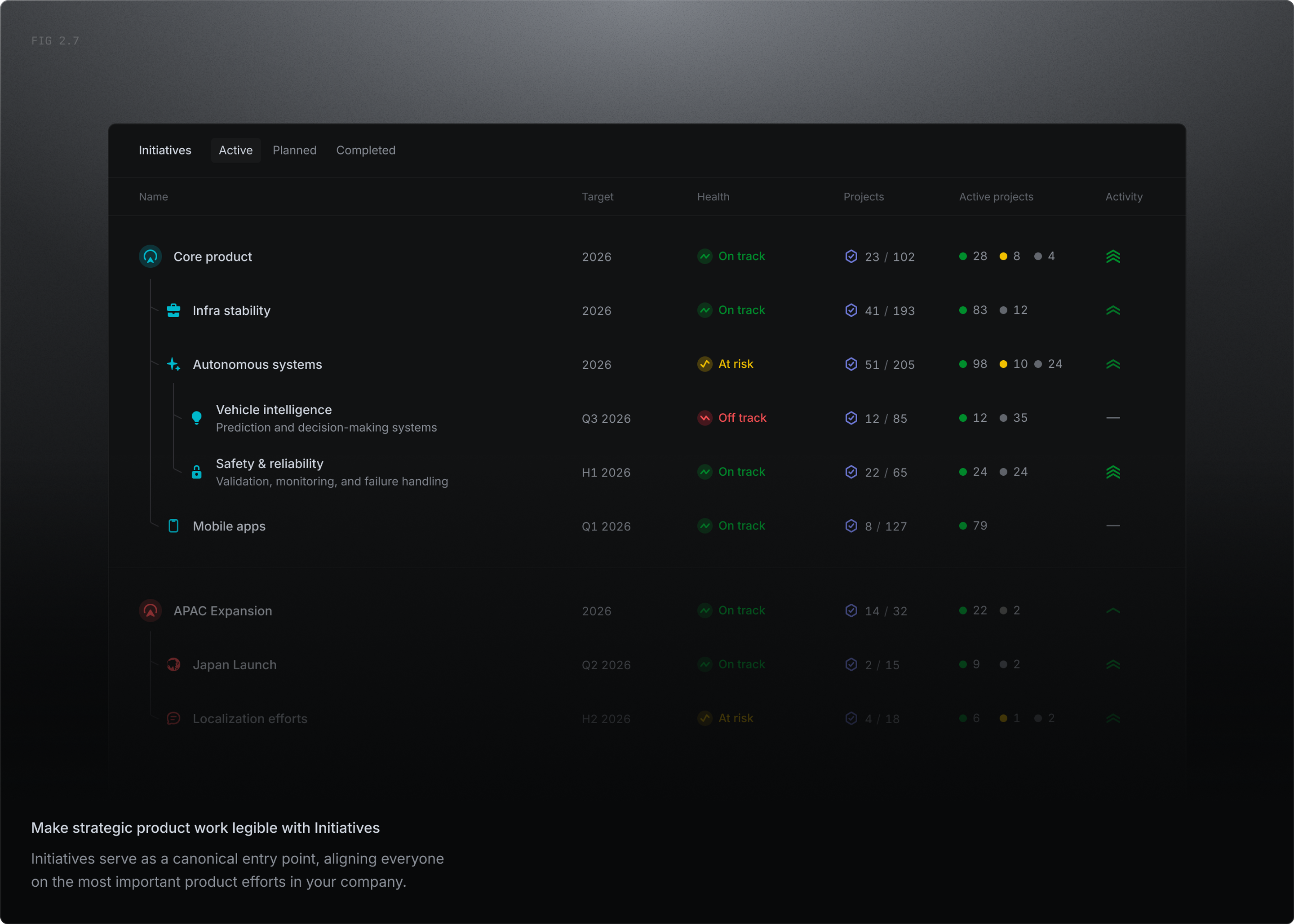
Initiatives group projects around a strategic goal and are visible across the whole workspace. Each has an owner, a target date, and a health signal drawn from its latest update, and larger programs can nest sub-initiatives beneath them.
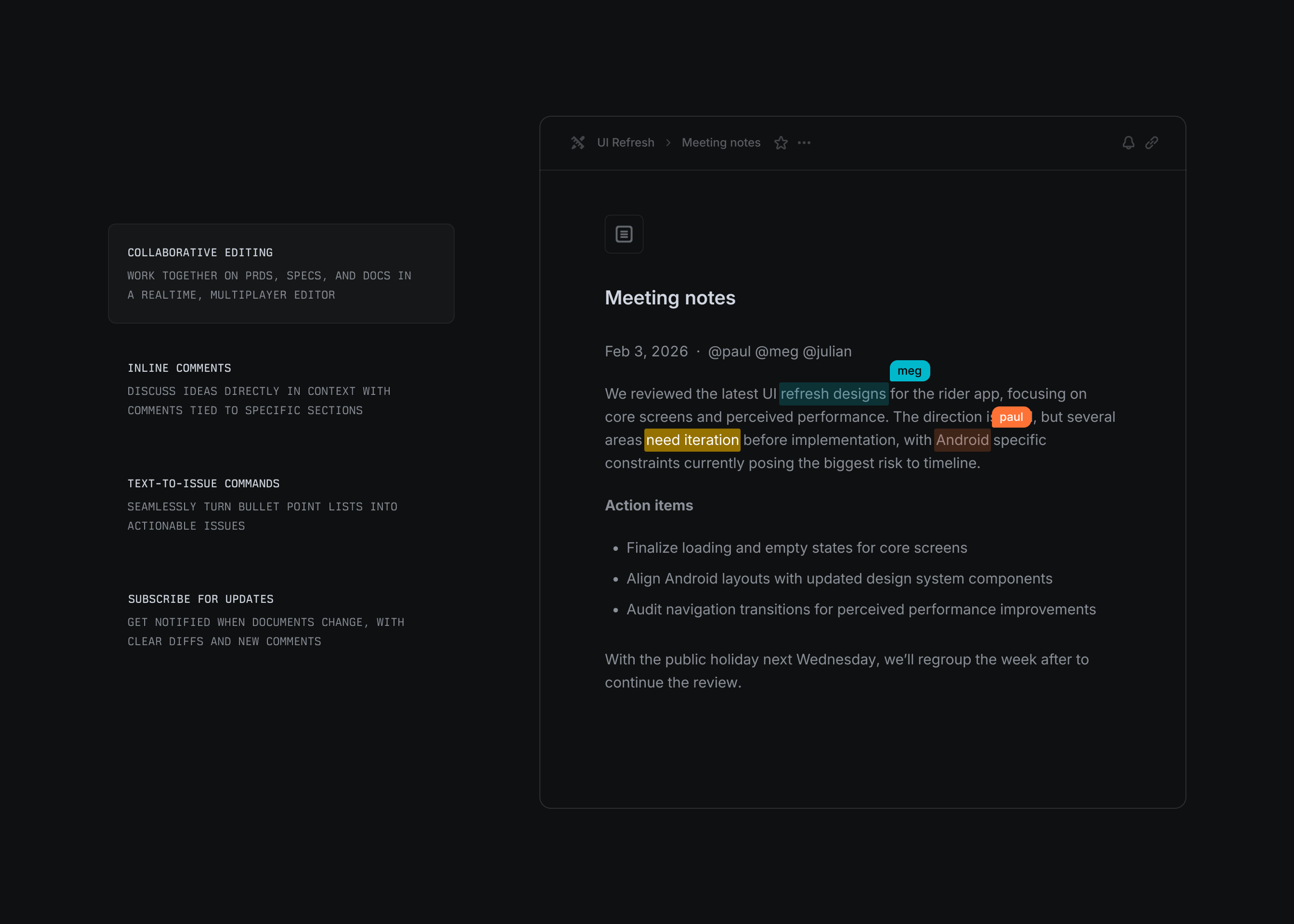
PRDs, specs, and research live as documents attached to the project they describe. They support collaborative editing and inline comments, and text in a document can be turned directly into issues, so the spec and the work it produces stay linked.
Planning visually
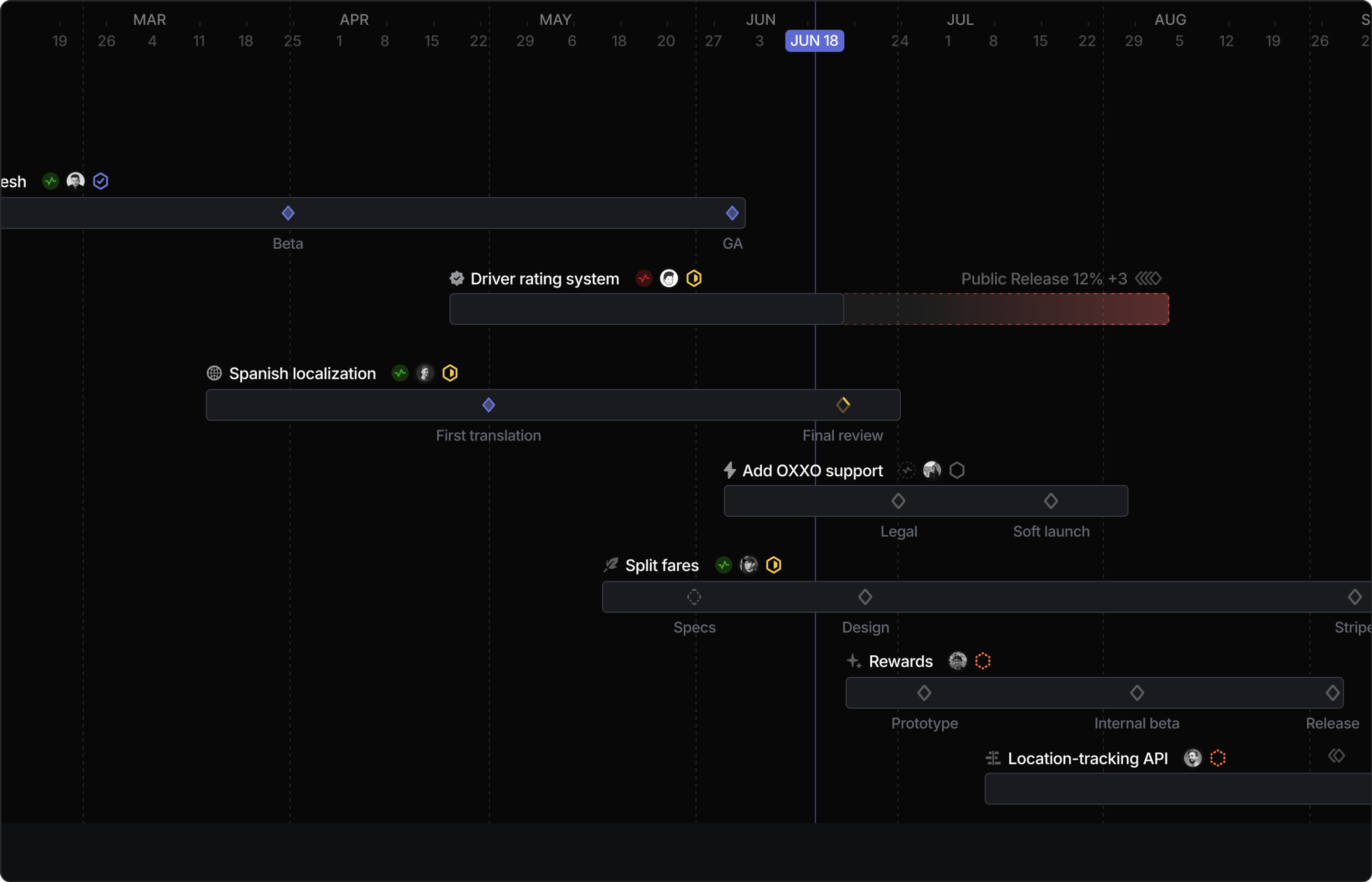
Initiatives and projects share a timeline view for quarterly planning, showing what’s in flight and where dependencies between projects create sequencing constraints.
Go deeper
- Projects. Properties, milestones, and progress graphs.
- Initiatives. Grouping projects into strategic goals.