Triage
The shared inbox where incoming work gets reviewed.
What triage is
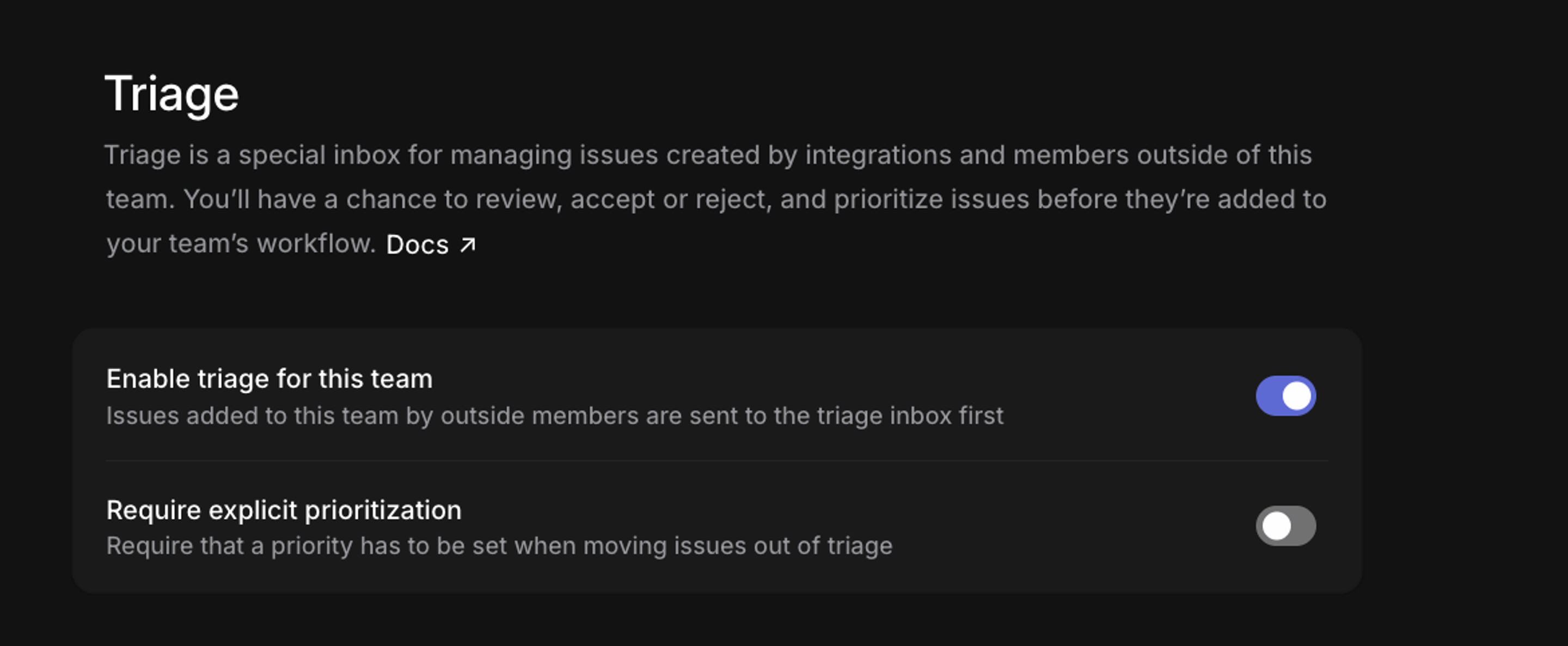
Triage is a dedicated queue that sits in front of your team’s backlog. Issues land there when they come from integrations, from workspace members outside your team, or from another team moving work across, so incoming work is reviewed before it joins the backlog.
Turn it on once in Team settings → Triage.
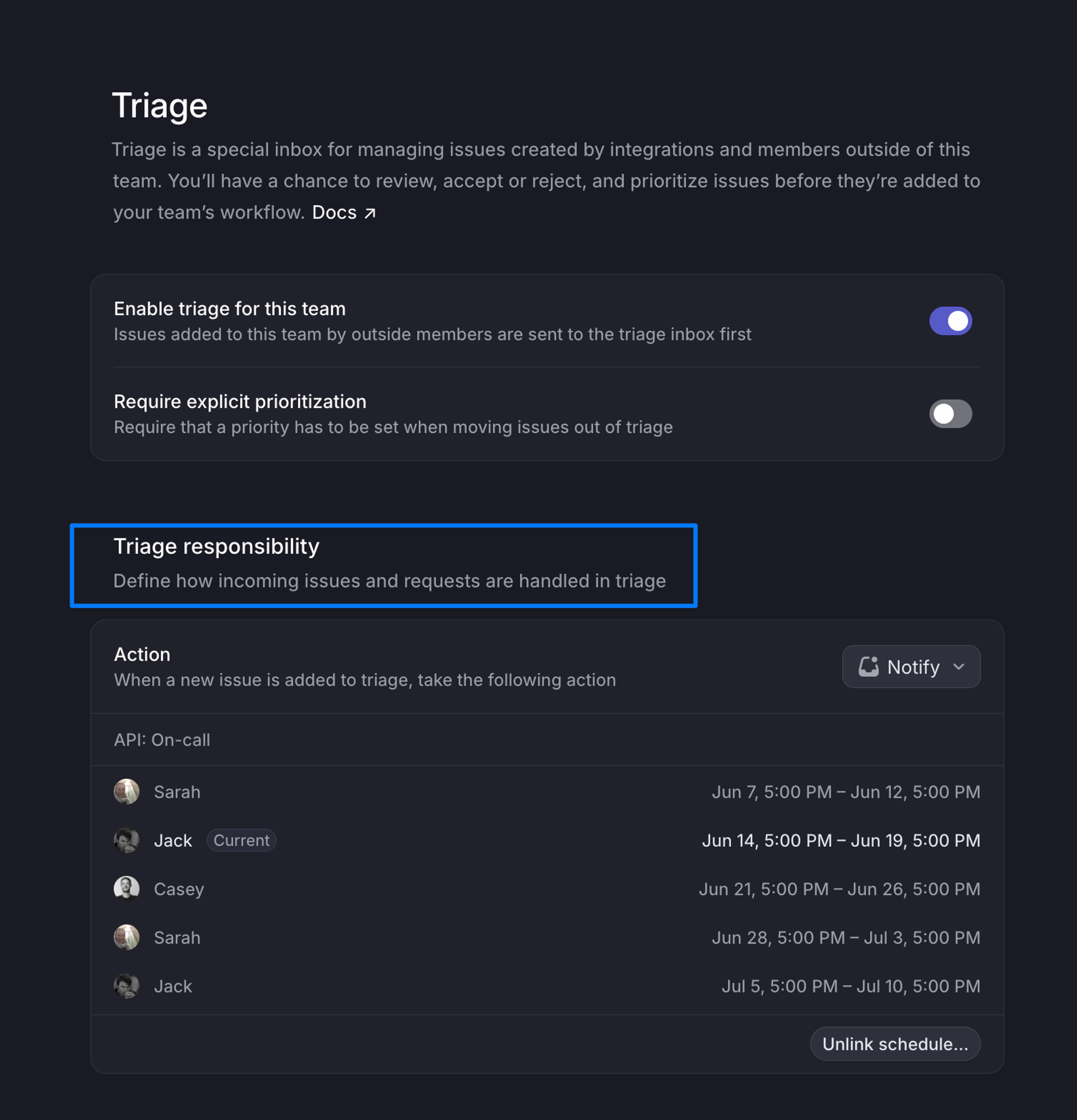
Triage responsibility
Teams assign a triage responsibility in team settings, so ownership of the queue is explicit. The rotation can follow your existing on-call schedule through PagerDuty, Opsgenie, Rootly, or incident.io integrations.
Advanced setup
Most teams run the queue by hand for their first couple of weeks, since that’s when the patterns worth automating show up. When you’re ready, three features take over parts of the work.
Run predefined actions when an incoming issue matches conditions, setting the team, assignee, labels, priority, or project before anyone looks at it. Rules run in order, and only the first match applies. Available on Business and Enterprise plans.
Analyzes each incoming issue against your workspace history, suggests an assignee and labels, and flags likely duplicates. Available on Business and Enterprise plans.
Background processes run by Linear Agent on a schedule or in response to events, for recurring queue upkeep that shouldn’t need a person to start it.
Triage works best as a daily habit, and the responsibility rotation keeps that habit from resting on one person.
Go deeper
- Triage. The full reference, including rules and intelligence.