Sub-teams
Group sub-teams underneath a parent team. Feature settings configured in the parent team drive alignment throughout the group.
Available to workspaces on our Business and Enterprise plans.
Overview
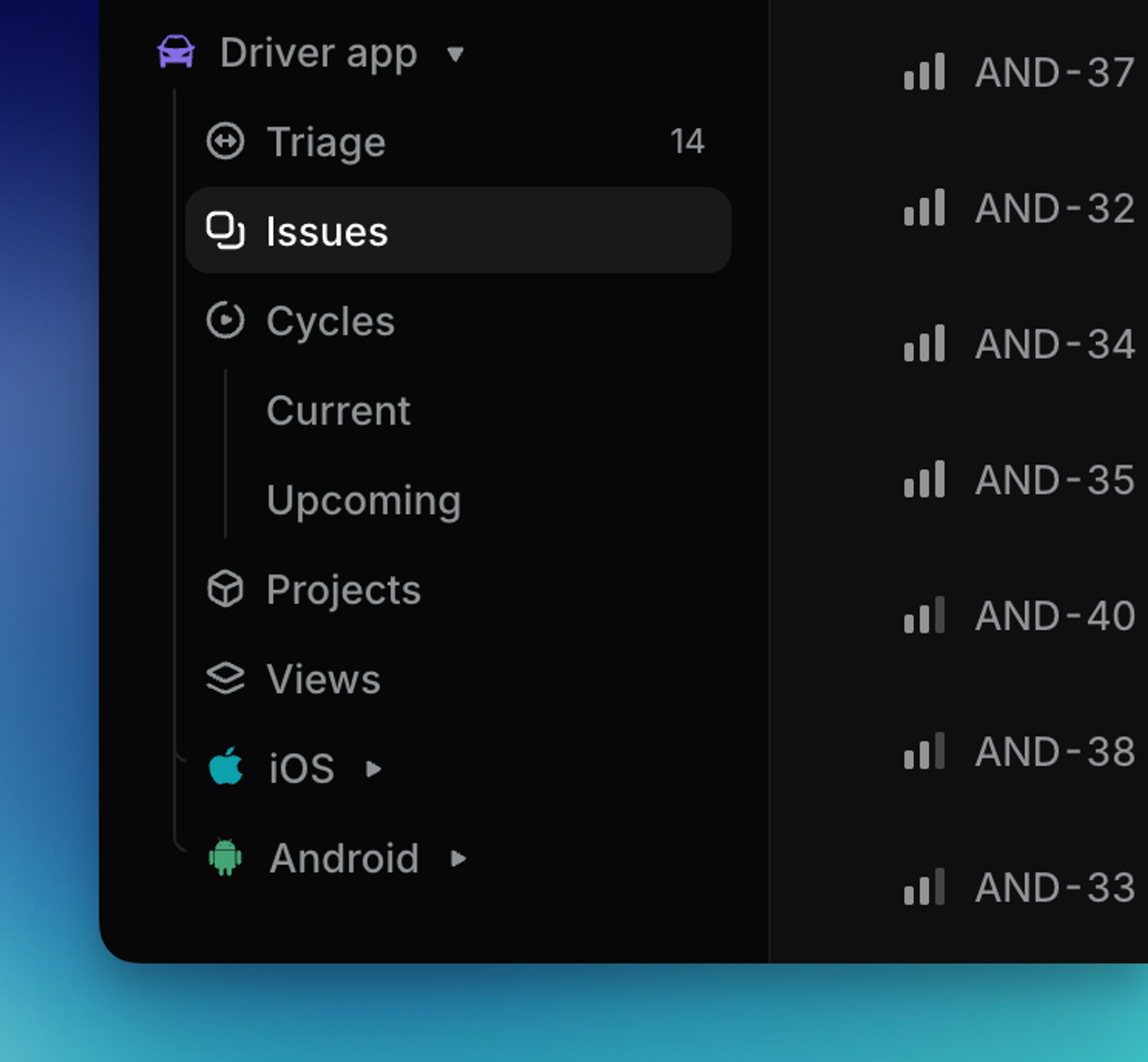
Sub-teams allow you to reflect your organization’s structure in Linear, making it easier to understand and manage work across different levels of your company. Create new sub-teams to organize work into specialized units as your organization scales while keeping existing workflows standard within the group.
Concepts like cycles and labels set in a parent team are inherited by its sub-teams, allowing sub-teams to operate well both as individual units and as a unified whole.
Basics
Update an existing team to a sub-team
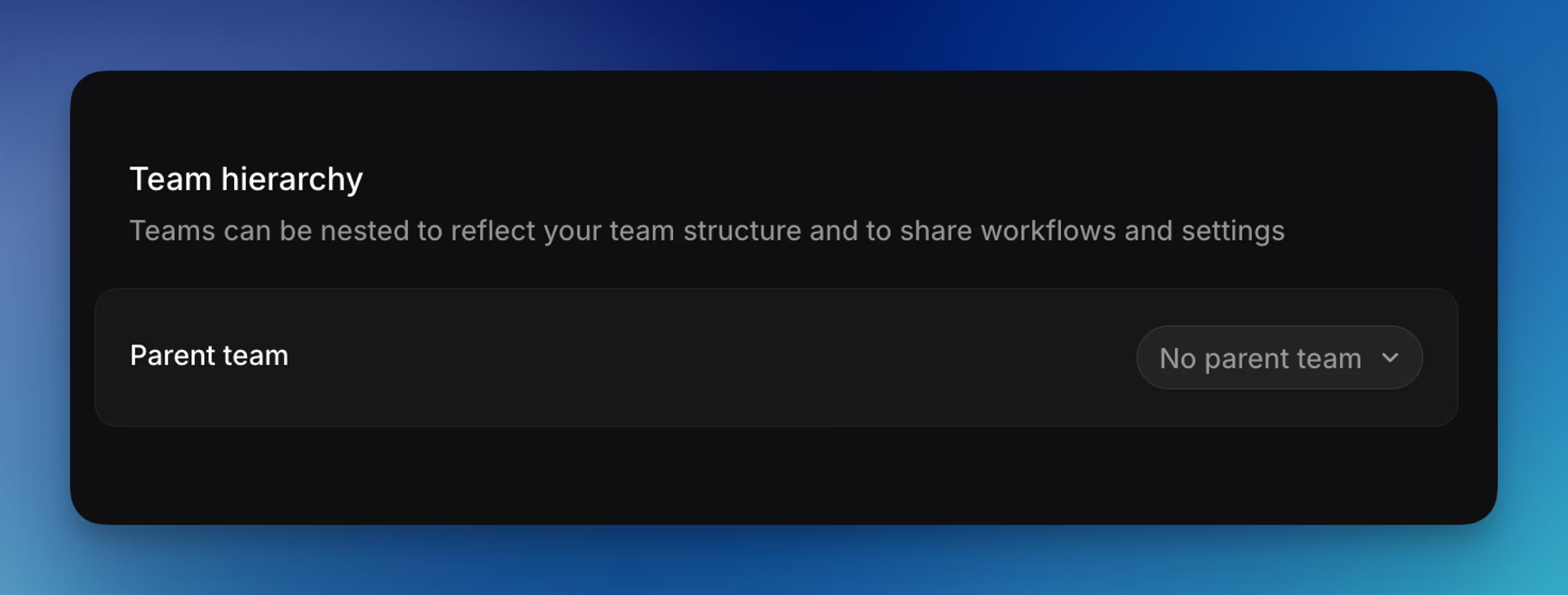
Go to Settings > Your Teams > Select the team you want to change to a sub-team. Go to Team hierarchy and select another existing team as its parent. You can also access this from the sidebar by hovering on the Team name and opening the three button menu to access the Team Settings page. Taking this action requires admin permissions. Sub-teams under a private parent can be restricted or private.
Create a new sub-team
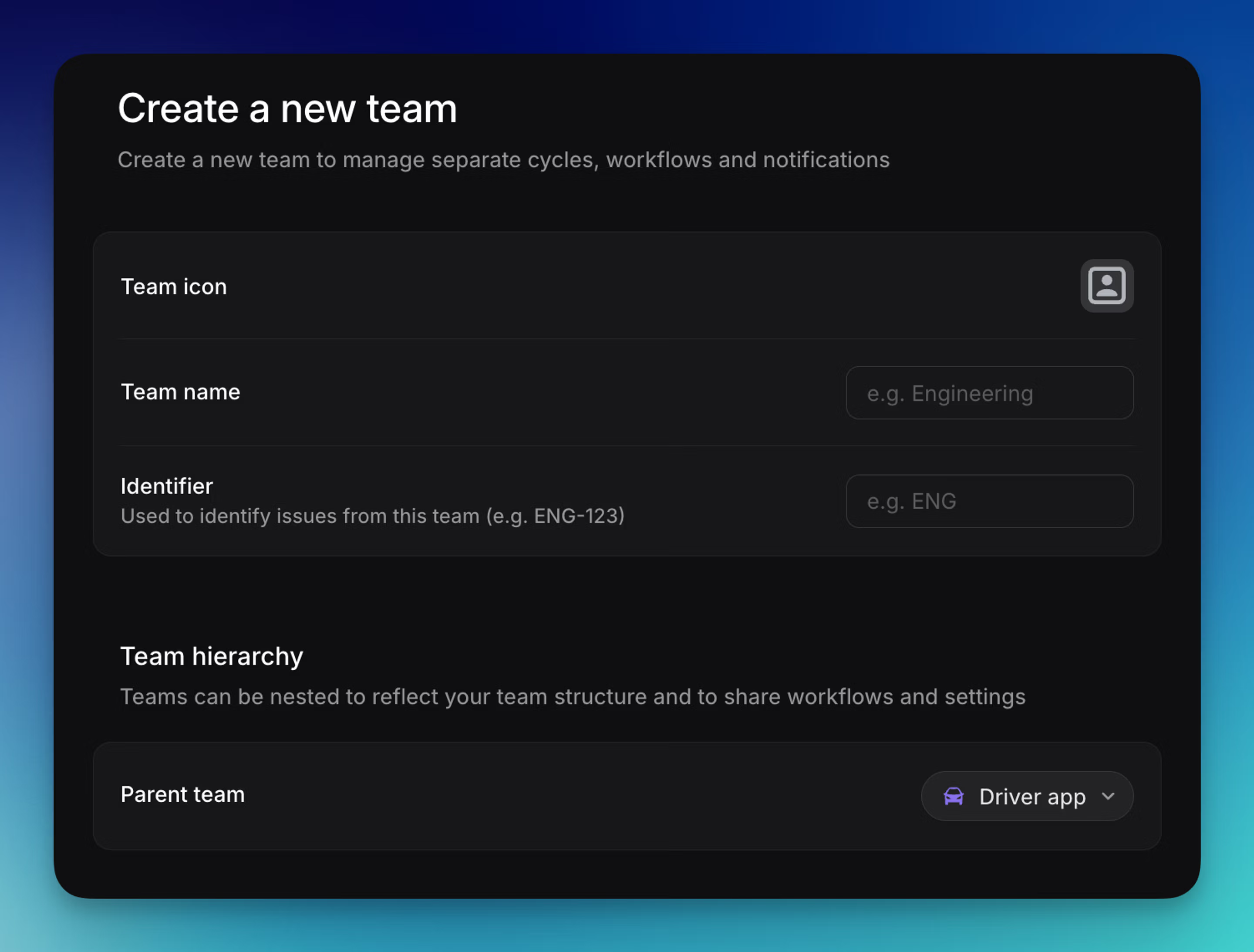
When creating a new team, optionally designate it as a sub-team at creation. Sub-teams under a private parent can be restricted or private.
Configure a sub-team
Once you’ve created a sub-team, a wizard will take you through any conflicts that need to be resolved. Common tasks include normalizing statuses between parent and sub-teams and resolving duplicate label conflicts.
After configuring a sub-team, check its settings to customize features unique to that team (GitHub PR automations, for instance) to ensure they meet the sub-team’s needs.
Private parent and sub-teams
When you create a sub-team under a private team, you can choose between two visibility options:
- Restricted — The default; members of the parent team can see the sub-team and choose to join it. This makes it easier to manage larger private team structures.
- Private — Only people explicitly added to the sub-team can see it
To configure, create a private parent team, add sub-teams under it, and configure each sub-team’s visibility under Team access. See the Private teams article for the full visibility model.
Un-nesting a sub-team
Navigate to the sub-team’s settings and use the dropdown to select No parent team under the “Team hierarchy” section. Once removed, you can expect:
- Labels, issue status, cycles, and members will no longer be inherited by the sub-team. We have a warning about this when you start to un-nest the team. Broadly speaking, inherited items that are not currently in use will be permanently removed, while anything actively used will be converted into independent copies so issues remain fully intact.
- Specifically, any inherited labels or templates that weren’t used in the old sub-team are not carried over. Those that are used become standalone versions for that team.
Multi level sub-teams
Available to workspaces on our Enterprise plans.
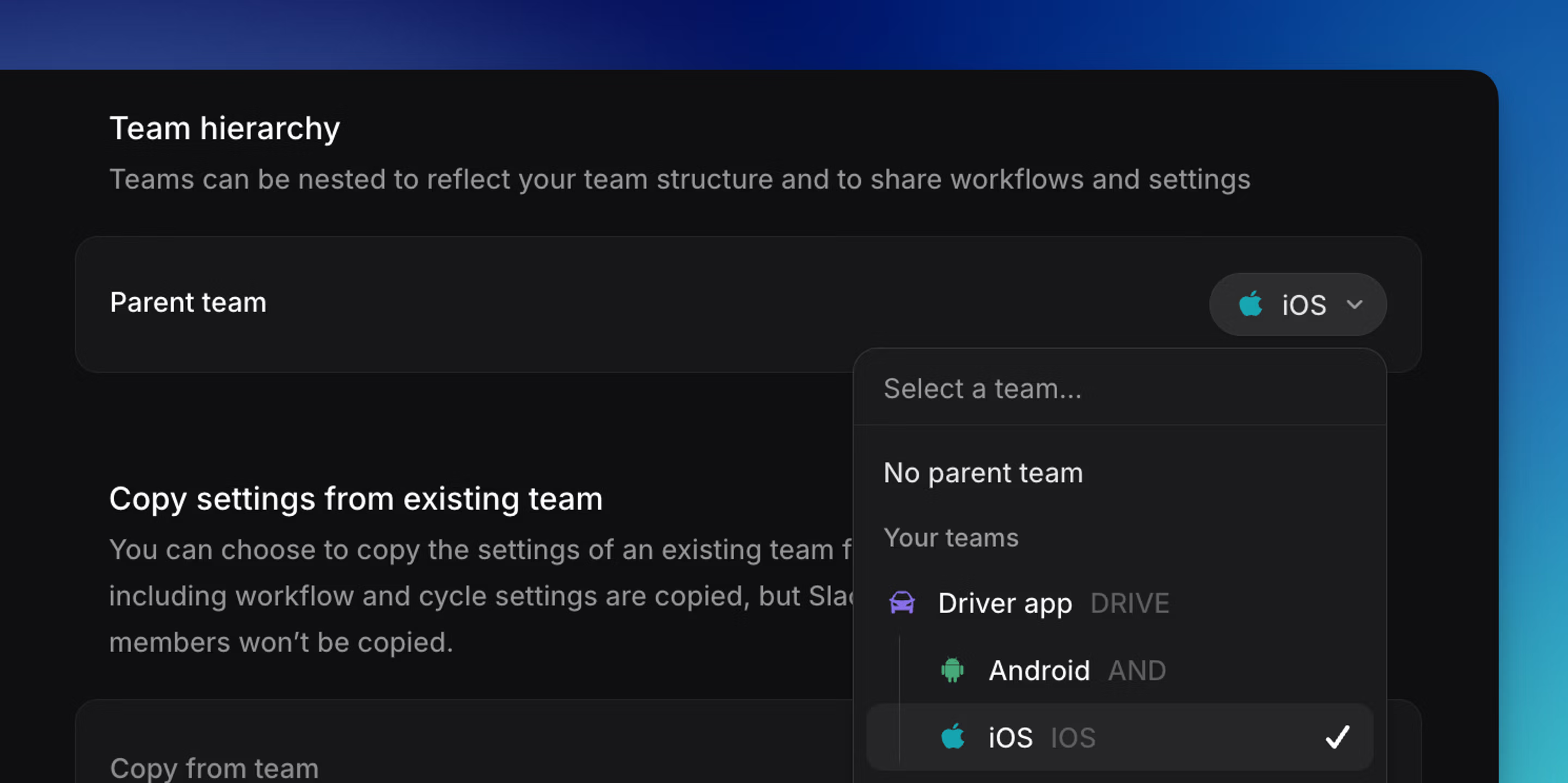
You can configure multi level sub-teams with up to 5 levels of nesting in your team settings. When creating a new team, under the “Team hierarchy” section use the dropdown to select an existing sub-team as its parent.
Taking this action requires admin permissions. Sub-teams under a private parent can be restricted or private.
Parent and sub-team settings
Parent team feature settings inherited by sub-teams
Certain settings from a parent team are enforced throughout all sub-teams.
| Feature | Inheritance by sub-teams |
|---|---|
| Membership | Members in a sub-team must also be members of the parent team. Guests are the exception to this and may belong to a sub-team but not its parent. |
| Status | Optionally, sub-teams can elect to inherit statuses from their parent team. |
| Cycles | If a parent team has a cycles schedule defined, all sub-teams will inherit the same schedule. If the parent has no schedule then sub-teams may define their own. When merging a sub-team cycle schedule with a parent's, past cycles remain untouched. The current cycle on the subteam will close, and upcoming cycles of the sub-team update to the closest parent cycles. |
| Estimates | Optionally, sub-teams can elect to inherit estimation settings from their parent team. |
Parent team feature settings accessible to sub-teams
Sub-teams benefit from other features used in the parent team, and retain the flexibility to create similar entities scoped to the sub-team.
| Feature | Use in sub-team |
|---|---|
| Labels | Issues in a sub-team can use labels scoped to the sub-team, its parent team, or the workspace. |
| Templates | Issues in a sub-team can use a template scoped to the sub-team, its parent team, or the workspace. |
| Views | Parent-team views can include issues from accessible sub-teams. Sub-teams also have their own dedicated views. |
Independent feature settings in sub-teams
Other features in sub-teams have no relation to the parent team and should be customized to meet the needs of the sub-team specifically. These include:
- Team timezone
- Recurring issues
- GitHub/GitLab automations
Notification settings for sub-teams
Slack notifications are configured independently for each team and are not inherited from parent teams.
- Sub-teams can have their own Slack notifications.
You can configure notifications on a per–sub-team basis, including sending updates to a different Slack channel. These notifications can run alongside the parent team’s notifications.