Sources
Where work comes from, and how it all lands in one place.
How work arrives
Work enters Linear from multiple, and all of them end in your team’s triage queue, so reviewing incoming work means checking one place.

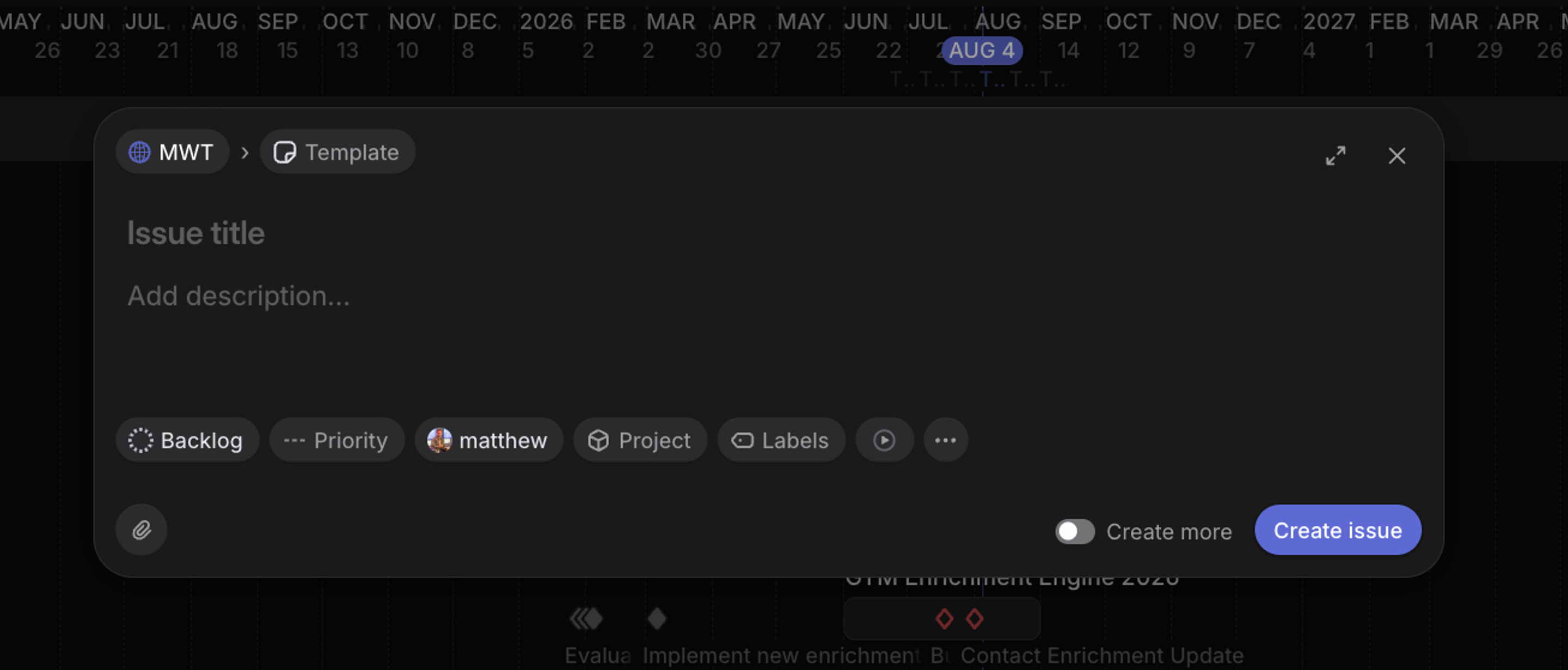
Anyone in the workspace can create an issue with C. Issues filed into your team by people outside it land in triage rather than going straight to your backlog, and another team can send work over by moving an issue to your team.
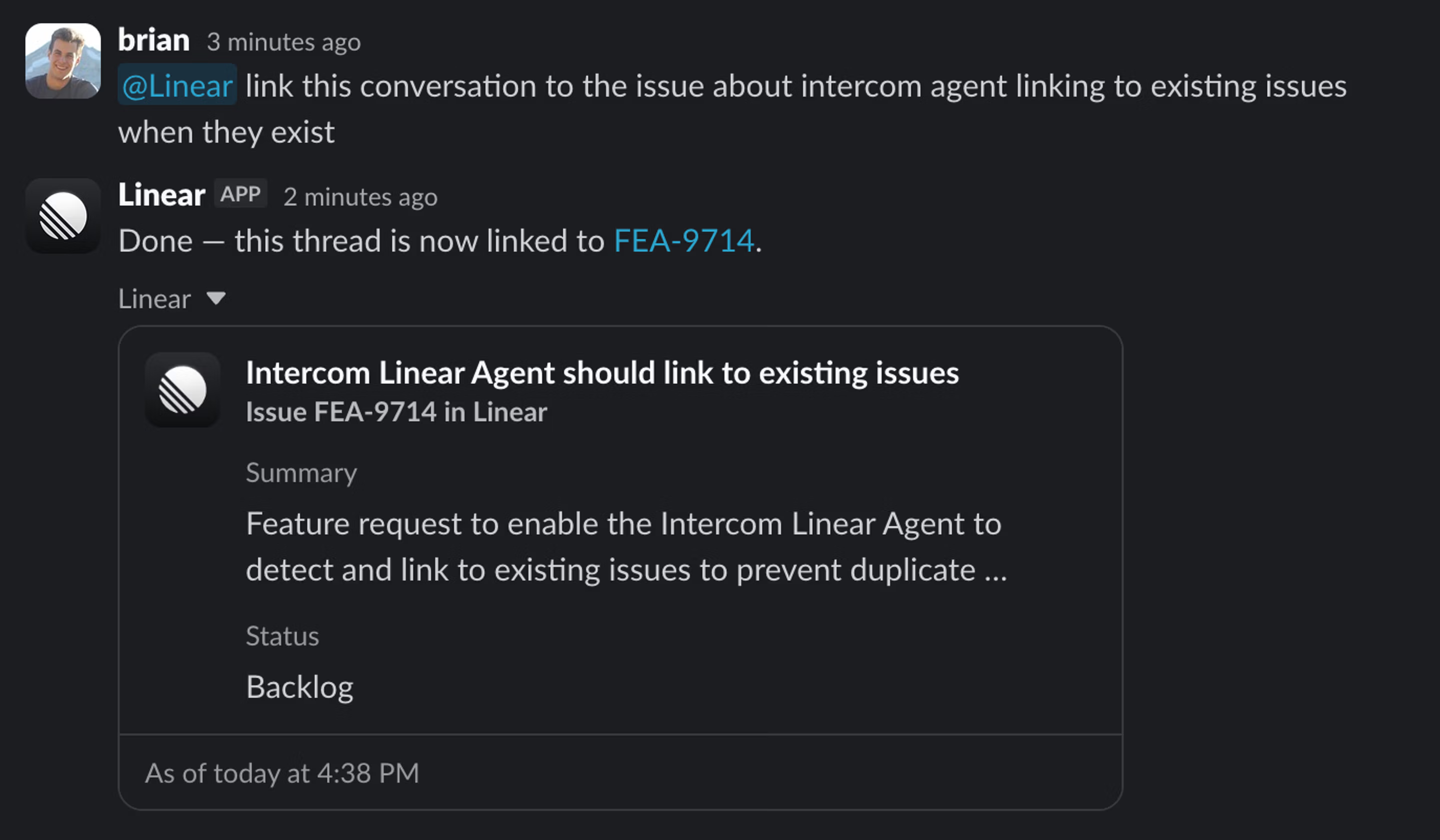
@Linear in a channel and the agent reads the thread and files a structured issue with a title, description, and context. Invite it once per channel with /invite @Linear. For repeatable internal requests, Linear Asks adds form and email intake with templates, and submitters don’t need a Linear seat.
Customer Requests capture feedback from Intercom, Zendesk, Front, Slack, and Asks and attach it to the issues and projects that address it. Each customer gets a page collecting their requests alongside revenue, tier, and size.
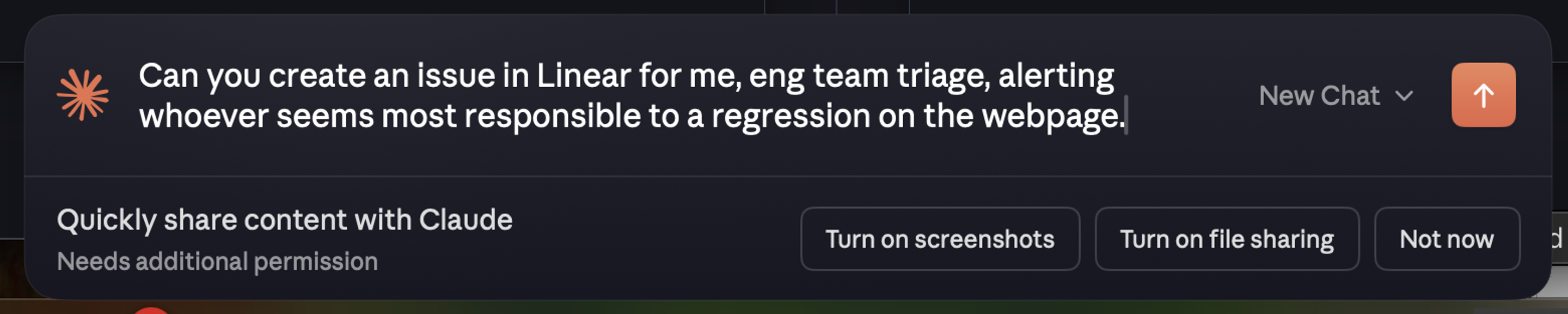
Through Linear’s MCP server, assistants like Claude and Cursor can file and update issues directly from your editor, meeting notes, or chat.
During a migration, Jira sync flows issues created in linked Jira projects into triage automatically.
Every source on this page feeds the same queue. The next page covers how your team works through it.