Linear Code
Overview
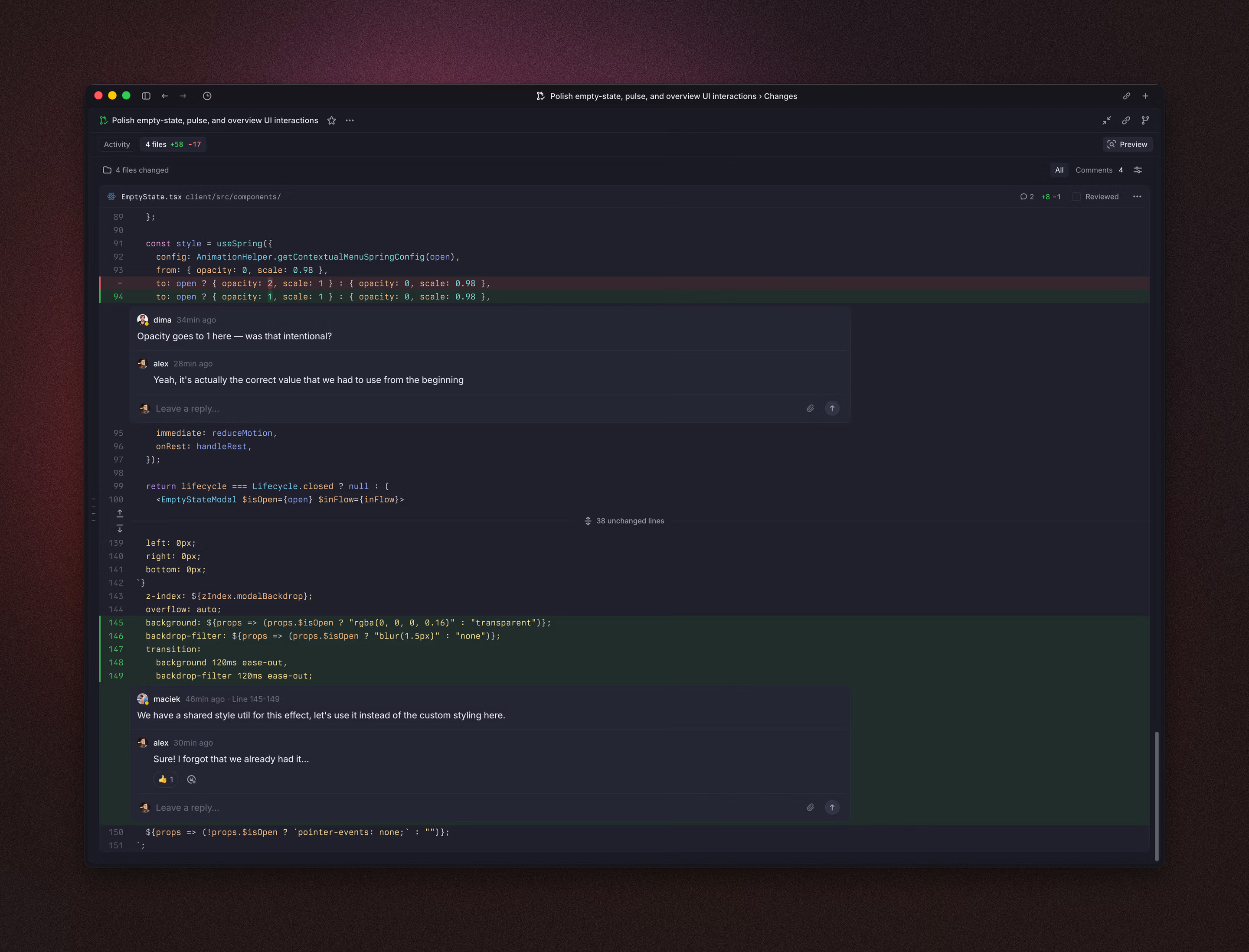
Code Reviews lets you review code changes directly in Linear—so you can read diffs, follow conversations, and complete reviews without leaving your workflow. When enabled, Linear shows pull request details, changed files, checks, and comments, and keeps them in sync with GitHub.
This is a private Beta of our Code Review experience within Linear and will evolve as we gather feedback.
A new Reviews section appears in the sidebar where you can see see pull requests that need your attention, track pull requests you authored, and return to reviews you’ve participated in. Opening a PR in Linear shows its details, activity, CI checks, and associated comments, and updates sync bidirectionally between Github and Linear automatically.
Navigate to Linear Code quickly with the shortcut G + R, or open a specific review with O + R.
Setup
Organization setup
To display pull request diffs and file changes inside Linear, a GitHub organization owner or admin must update the Linear GitHub installation to allow access to repository code and select which repositories the installation can access.
A Linear owner or admin can do this by updating the GitHub integration within your Linear Integration settings and enabling code access.
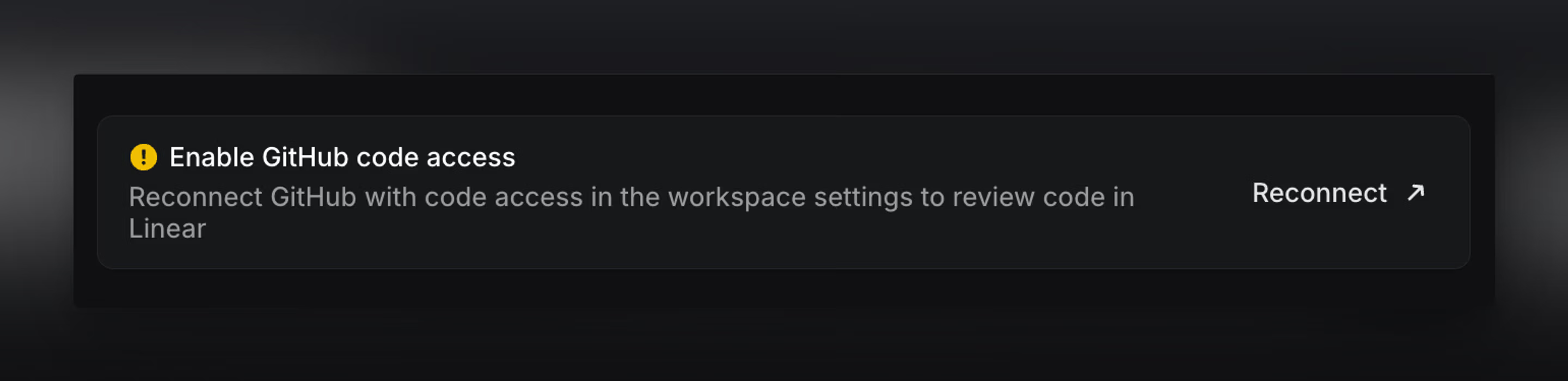
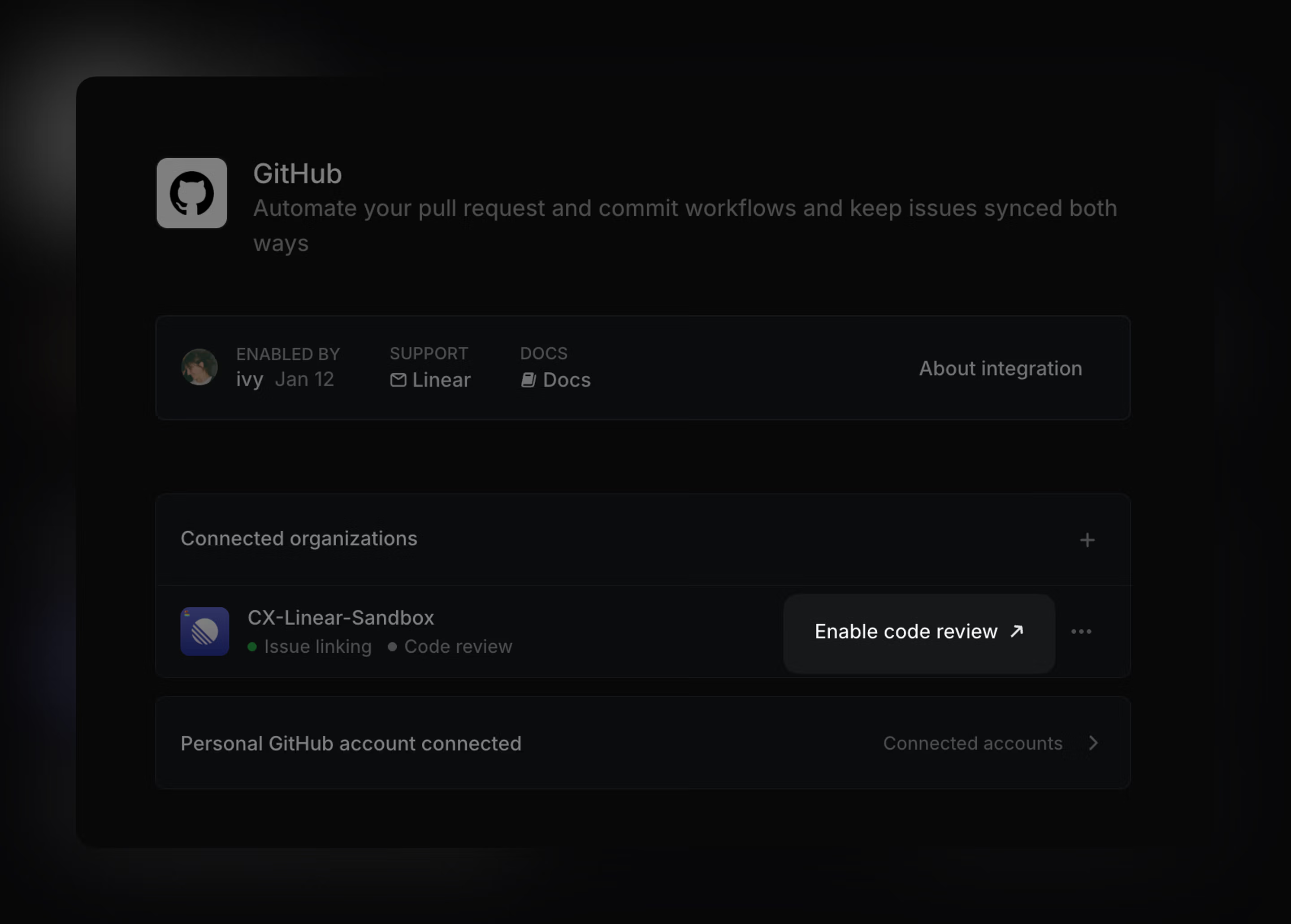
Your current GitHub integration settings and any existing pull request links and history in Linear are preserved—enabling code access simply adds permissions so Linear can display diffs and file contents for the repositories you select.
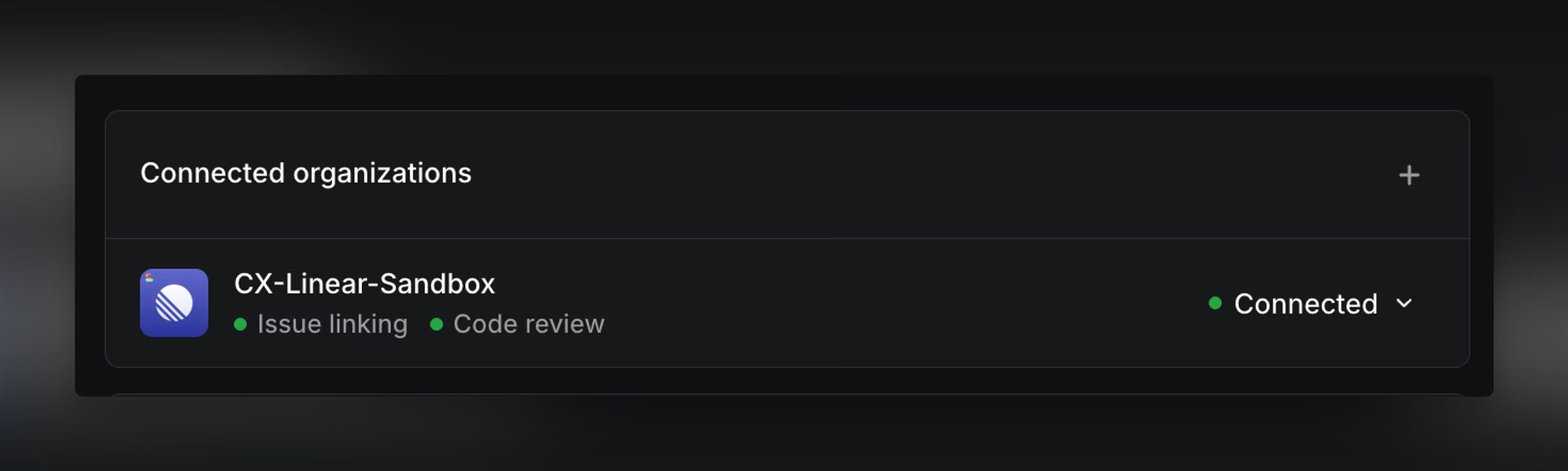
Only repositories granted to the installation will be accessible in Linear.
Personal account setup
Once your workspace enables repository code access, you will then be prompted to re-authorize GitHub so your personal connection includes code access directly within the new Reviews tab. The personal account of the user configuring the Github organization will be automatically upgraded.
Personal GitHub connections are required for accessing pull requests, repository code, and review information associated with your specific user.
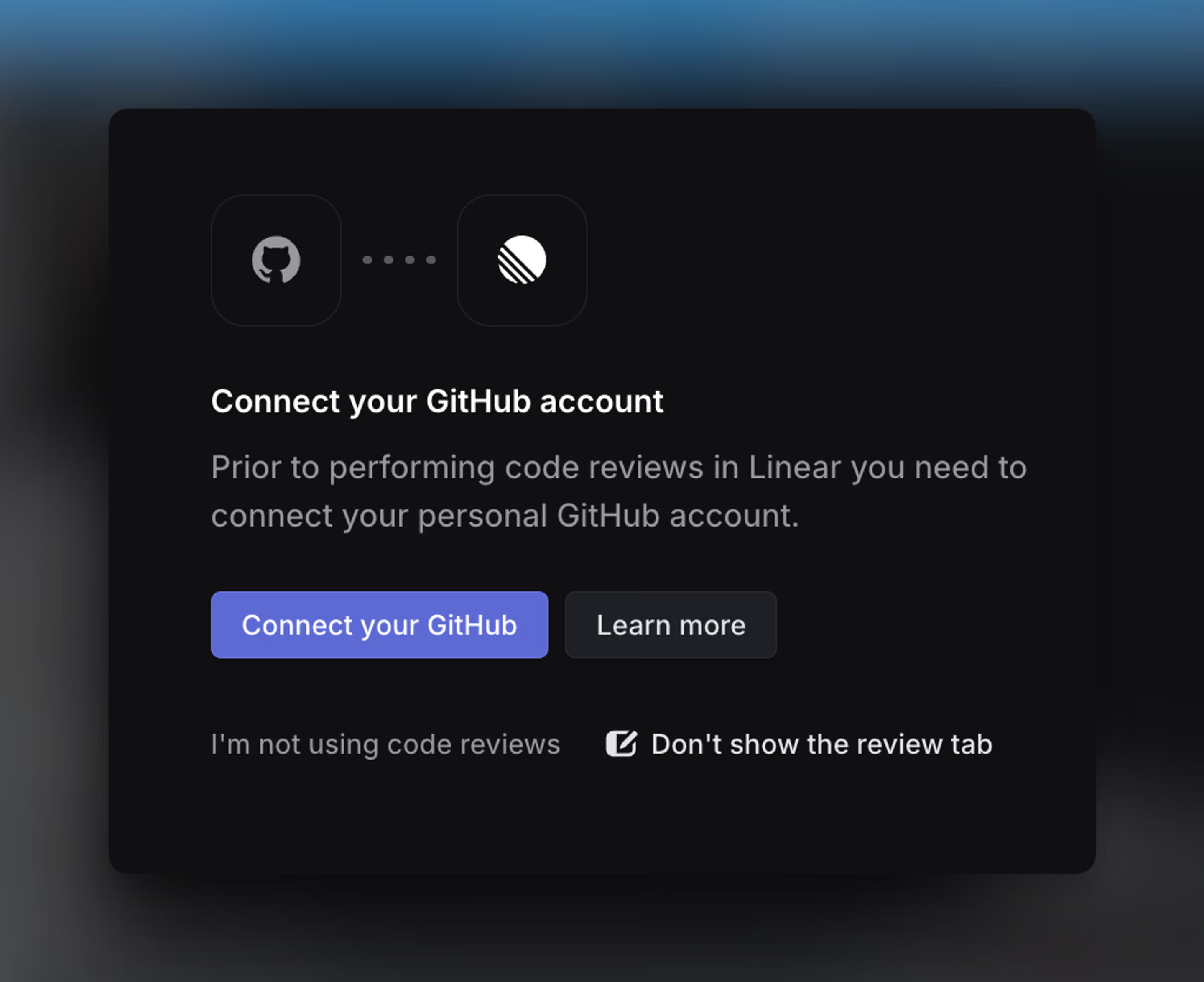
If you don’t see Reviews in the sidebar, your workspace may not have Code Reviews enabled yet. If you see Reviews but no repositories or diffs, confirm that your GitHub account is connected and that the GitHub installation has been granted access to the repository you expect.
Display and grouping
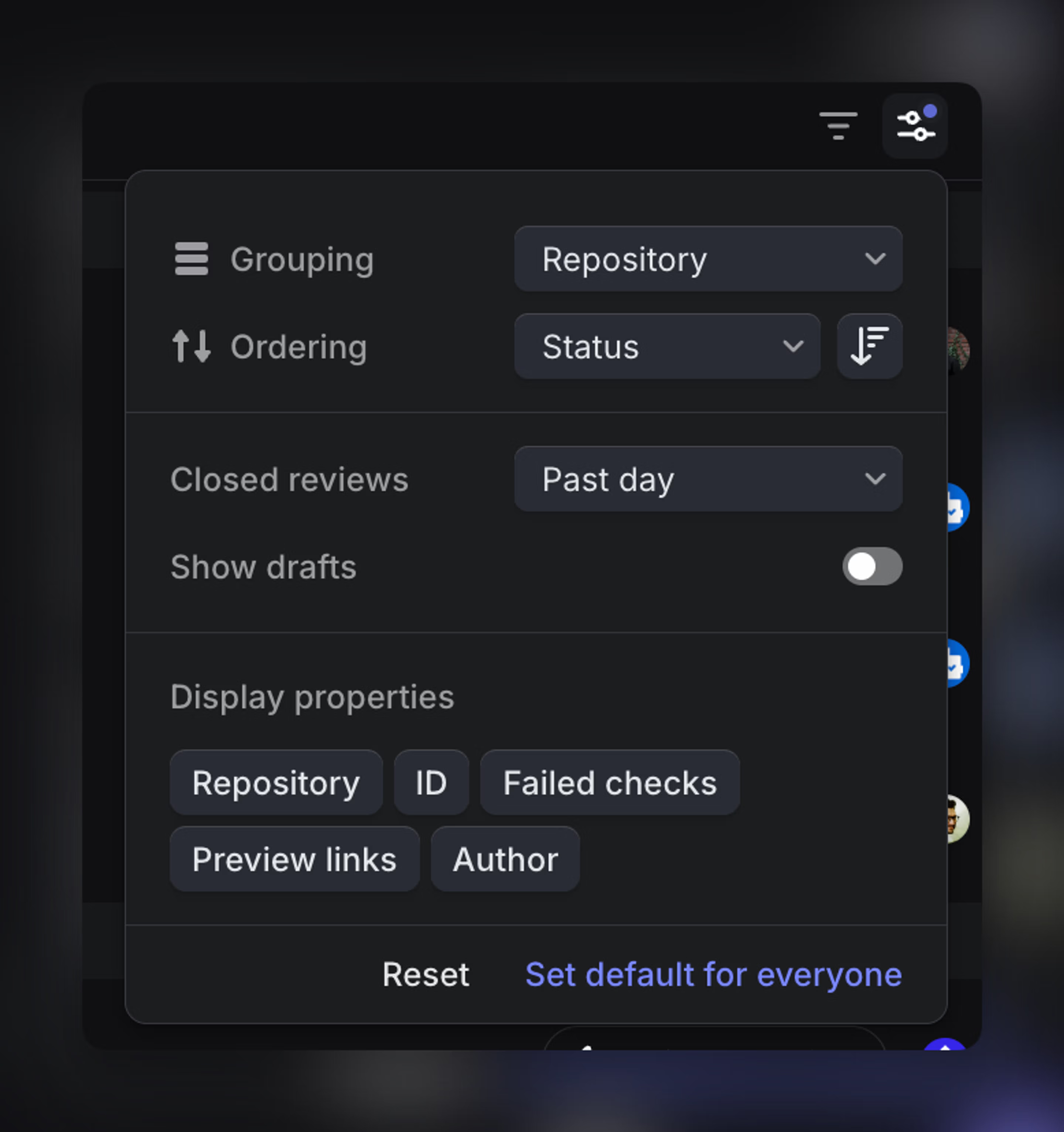
At the top of the view, you can switch between two tabs: For me, which shows the pull requests you’re involved in or responsible for, and Created, which displays every pull request you’ve authored. This makes it easy to focus on work that needs your attention while still being able to browse or reference other pull requests when needed.
As with other views in Linear, you can adjust display settings to group or sort by status, author, or repository.
You can also choose whether to display draft or closed pull requests and whether to show additional fields such as repository, failed checks, or preview links if applicable.
Code review
Review a pull request in Linear
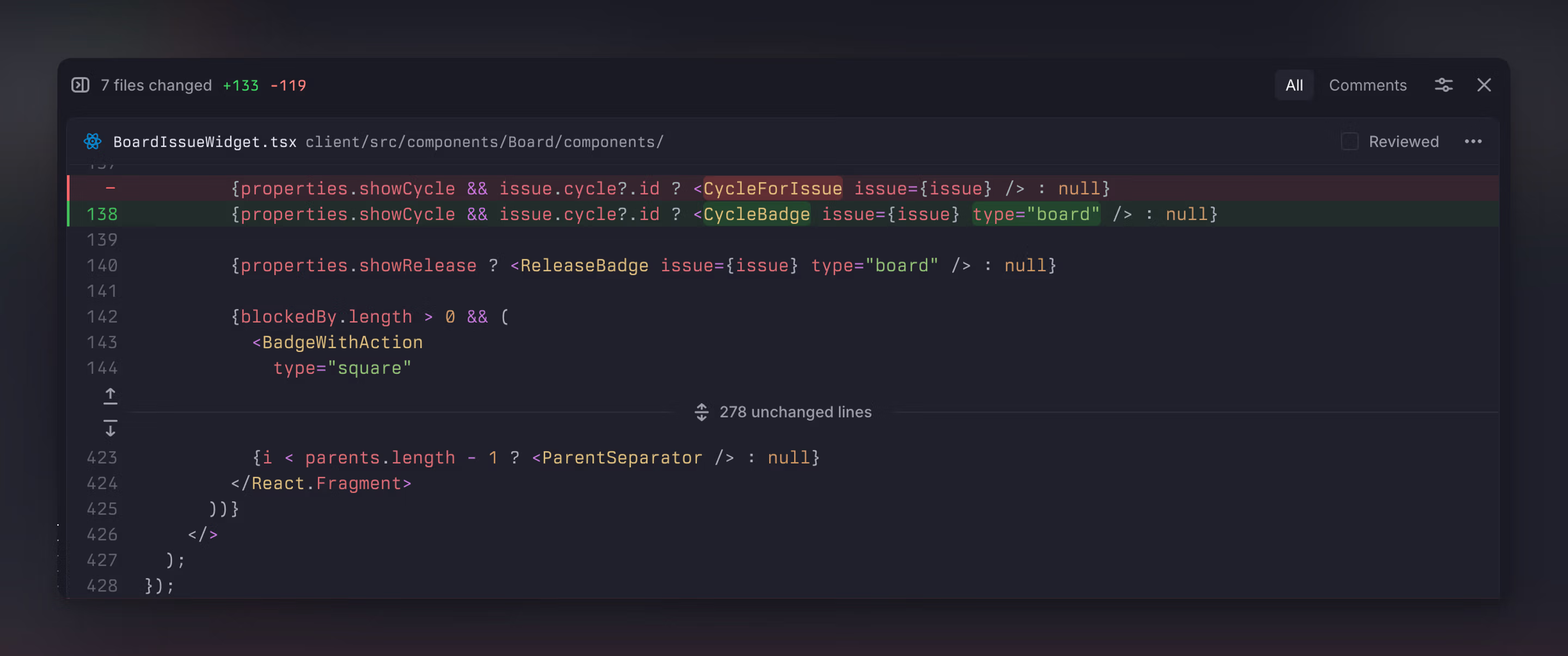
Linear displays all pull request activity in one place, including comments, reviews, and discussions. When you open a pull request, you can view the files changed and read through diffs directly in Linear.
Comments appear inline alongside the relevant sections of code and you can start new threads, reply to existing ones, or react with emoji.
You can complete your review directly from Linear. Approving a pull request, requesting changes, or submitting a review comment updates the review state and syncs with GitHub.
Once a pull request is ready and you have permission, you can merge it directly from Linear.
Diff view options
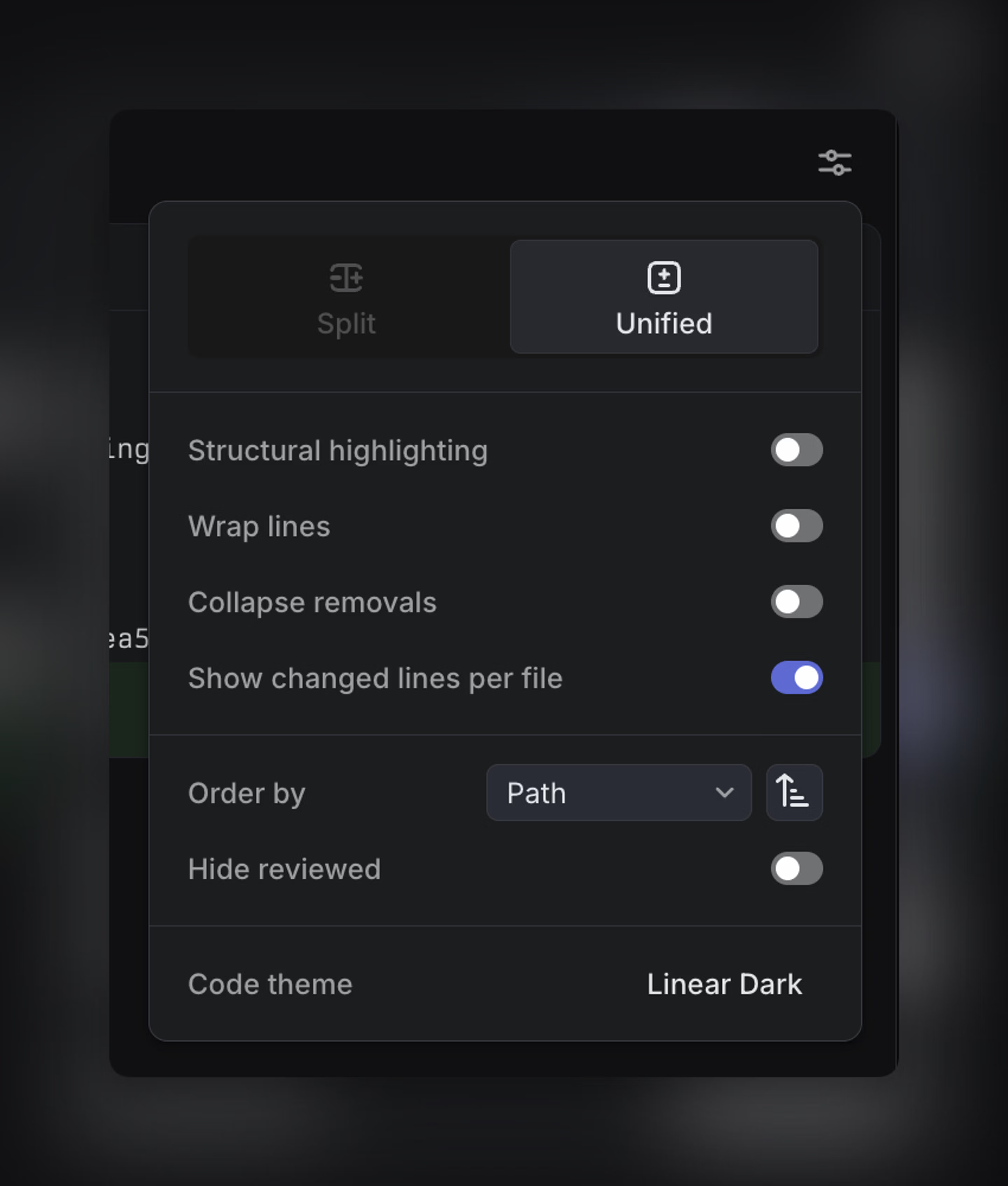
Linear supports both Unified and Split diff views when reviewing a pull request.
Unified shows changes in a single column, while Split shows the before and after side-by-side to make comparisons easier. You can switch between Unified and Split from the pull request display options, and you can also toggle the layout with Ctrl or ⌘ + B.
On smaller screens, Split view may be unavailable if there isn’t enough horizontal space.
Notifications
With Code Reviews enabled, Linear can notify you about pull request activity, including new comments and reviews, review requests, mentions, and CI failures.
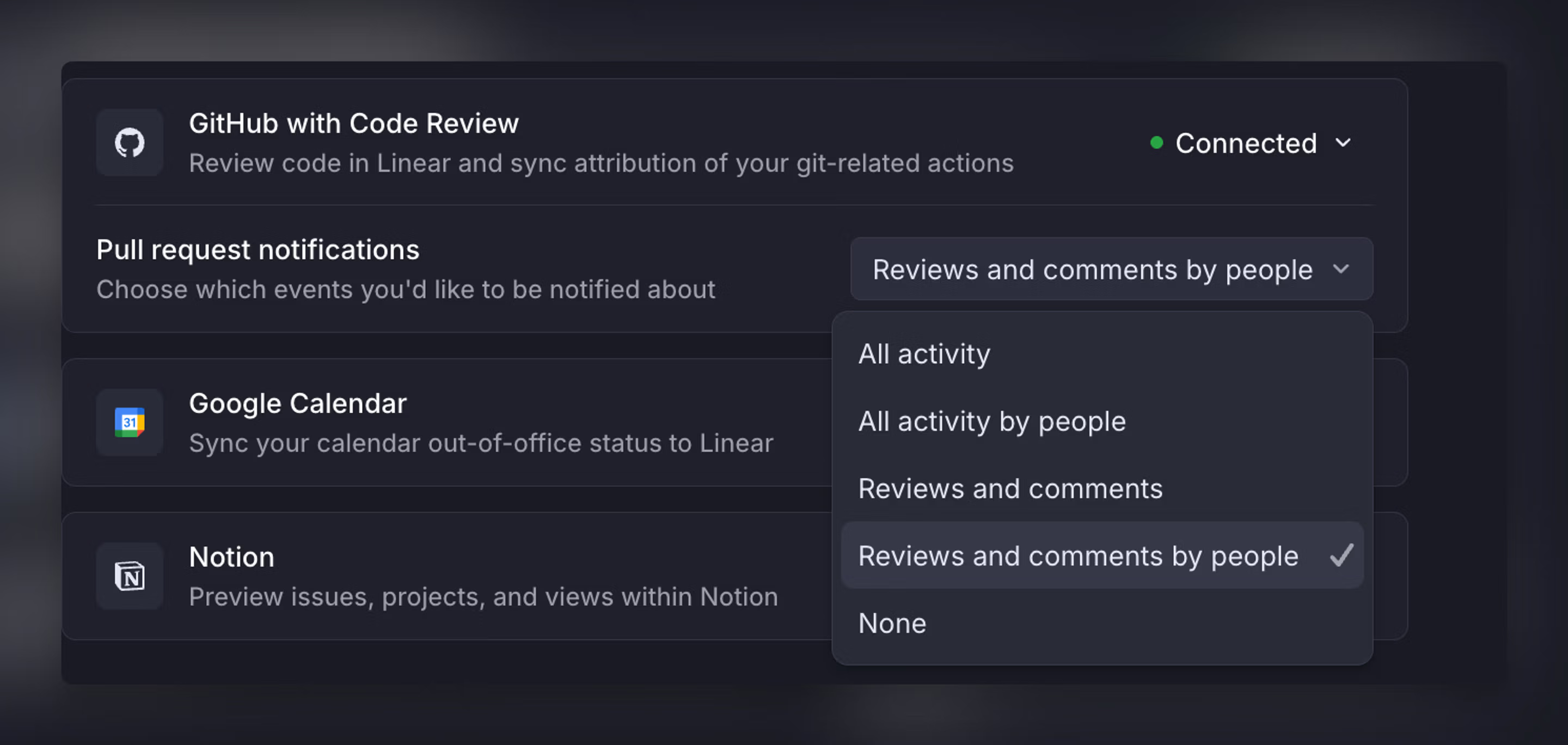
You can also control how much pull request activity reaches your inbox by choosing a pull request notifications mode: All activity, All activity by people, Reviews and comments, Reviews and comments by people, or None. In the "by people" modes, Linear filters activity GitHub identifies as coming from bot actors to reduce automated noise.
FAQ
This can happen sometimes if a webhook is missed between Linear and GitHub and we fail to capture the change in PR state automatically.
You can trigger an update to the PR state shown in Linear by making a small edit to the PR description in GitHub — for example adding and removing a space.
GitHub only recognizes mentions for users it can map to a GitHub identity. If you mention someone in Linear who hasn’t connected their personal GitHub account (or otherwise isn’t mapped), GitHub won’t treat it as a real @mention — so they won’t get a GitHub notification. The fix is for that person to connect GitHub in Linear so mentions can resolve correctly.
Not yet. Code within Linear is currently submitted at the pull request level. You can still comment on specific lines/changes, but the review flow isn’t organized or submitted as separate per-commit reviews.
Not yet. Linear shows overall check status and basic details, but doesn’t currently sync or display rich check-run annotations (for example, inline failure locations or detailed external tool output).