# Notifications
Receive alerts on important updates in the Linear desktop app, mobile app, Slack, or email.
## Overview
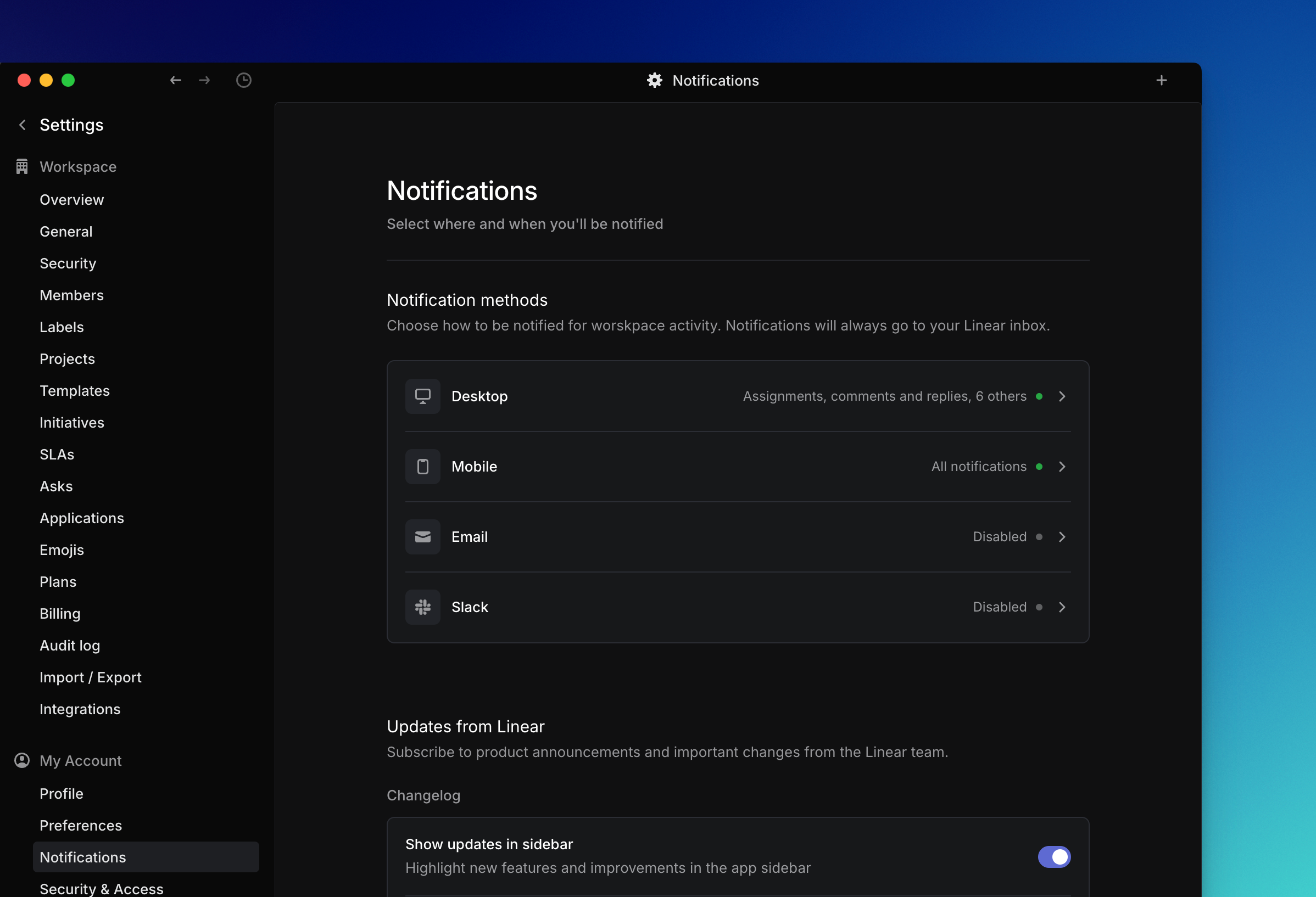
You’ll always see notifications in your Linear inbox. For real-time alerts, you can use the Linear desktop app, mobile app, Slack, or email digests.
## Configure
Go to [Settings > Account > Notifications](https://linear.app/settings/account/notifications) to manage your notifications.
You can customize the types of updates you'd like to receive from Linear, such as changelogs, DPA updates and other communications.
Notifications are categorized by channel: Desktop, Mobile, Email, and Slack. A green dot next to a channel means that notification method is enabled, while a gray dot means it is disabled.
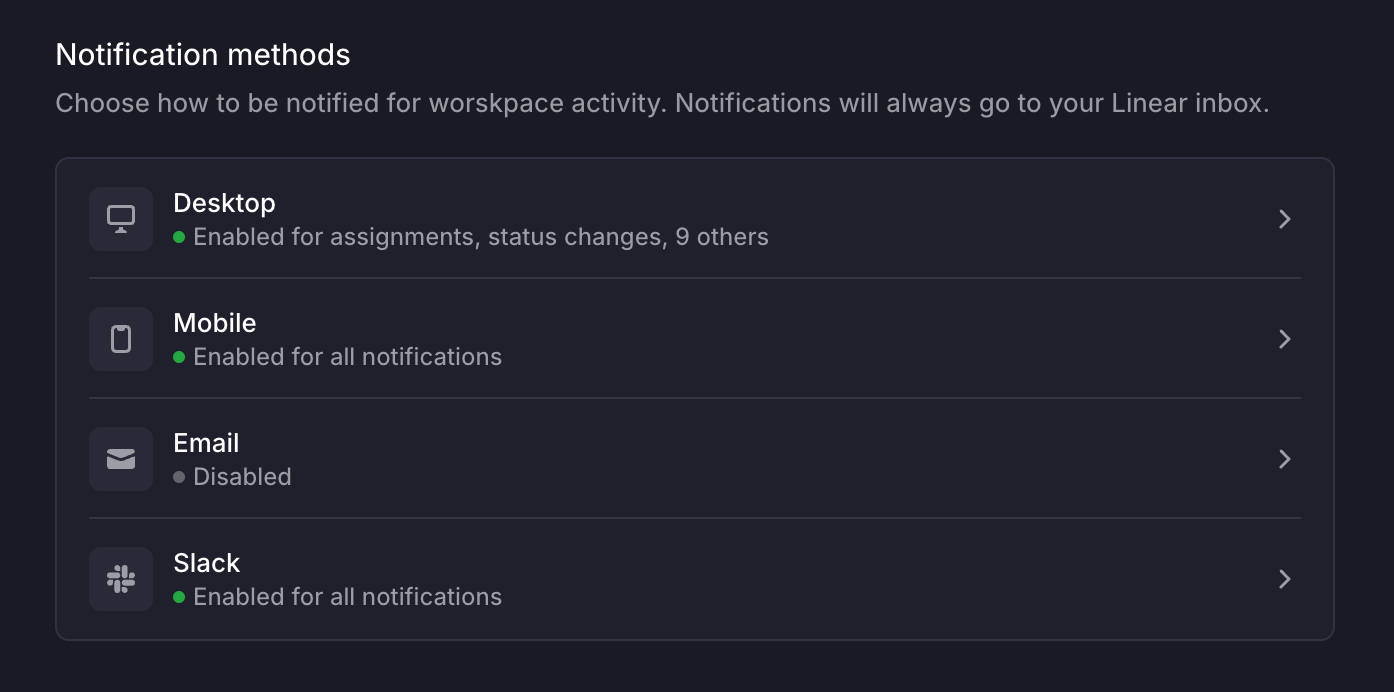
To enable a notification, click into the method and click the toggle to turn on the notification. Below will be a list of the types of notifications for that method you want to receive.
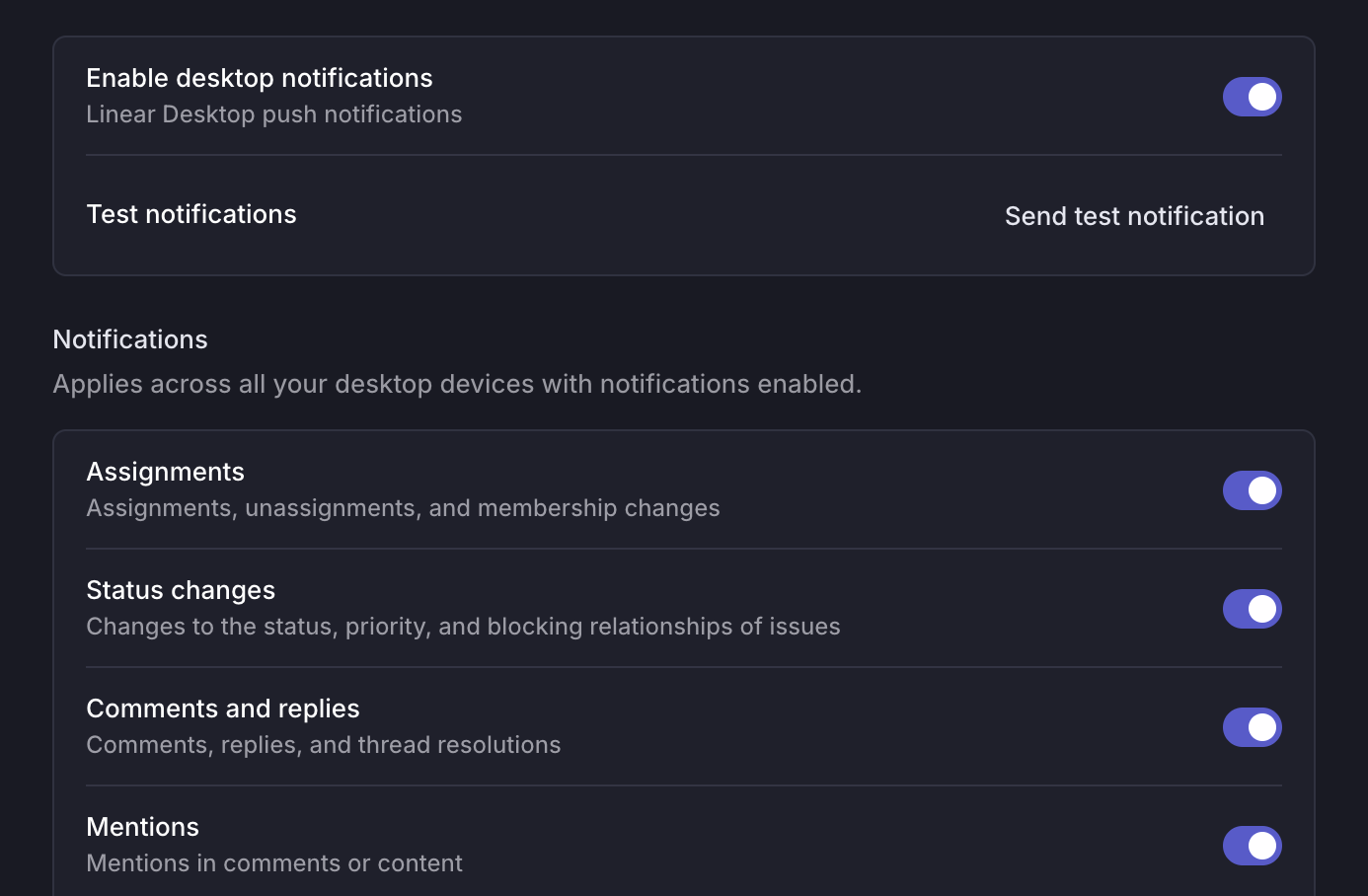
Notifications are grouped. For example, if you want notifications for status changes on an issue, you will be notified if the status, priority, or blocking relationship of that issue has been changed. You cannot select _only_ status changes.
## Notification timing
Desktop, mobile and Slack notifications are sent in real-time. Email digests send with time delays based on urgency, and are only sent if you haven't already read the Linear inbox notification.
### Email notifications
There are two settings you can have for email notifications - email digest or immediate delivery. You can select your preferred frequency by clicking on the dropdown arrow in the _Notification format_ selector.
Email digests provide a summary of unread notifications. They’re configured to send out after a certain amount of time has elapsed depending on properties such as issue status. By default, notifications are grouped into digests and sent based on urgency.
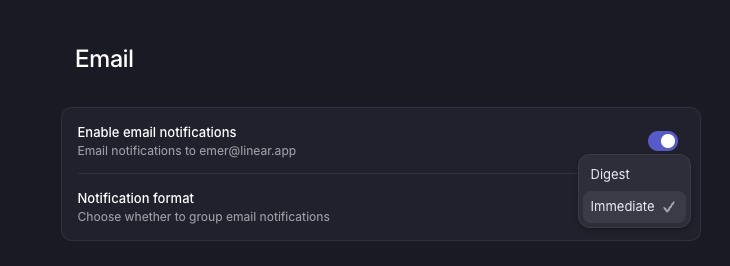
*Email notification *
## Subscribing to an issue
Subscribing to an issue determines whether notifications are received for that issue, based on notification preferences. You are automatically subscribed to an issue when you create it, are assigned to it, are @mentioned in an issue comment or description, or if you use the menu in the Activity section to subscribe manually. If you are @mentioned in a comment in an issue thread, you will be automatically subscribed to the thread, but not to the overall issue.
To manage subscriptions, open issues individually and then press `Shift` `S` to subscribe or `Cmd/Ctrl` `Shift` `S` to unsubscribe. View all subscribed issues under [My Issues > Subscribed](https://linear.app/my-issues/subscribed).
## FAQ
My notifications are enabled. Why am I not receiving them?
If you have Linear open in multiple tabs or both the Desktop and website app open, it's possible that notifications are sent to one but not the other. The workaround is to only use one version of Linear at a time. If none of those apply, please reach out to our support team.
Do you support browser-based notifications?
Browser-based desktop notifications are no longer supported in Linear, and cannot be configured unless they were already active in your current browser. To receive notifications, use the Linear desktop app, mobile app, Slack, or email digests instead.
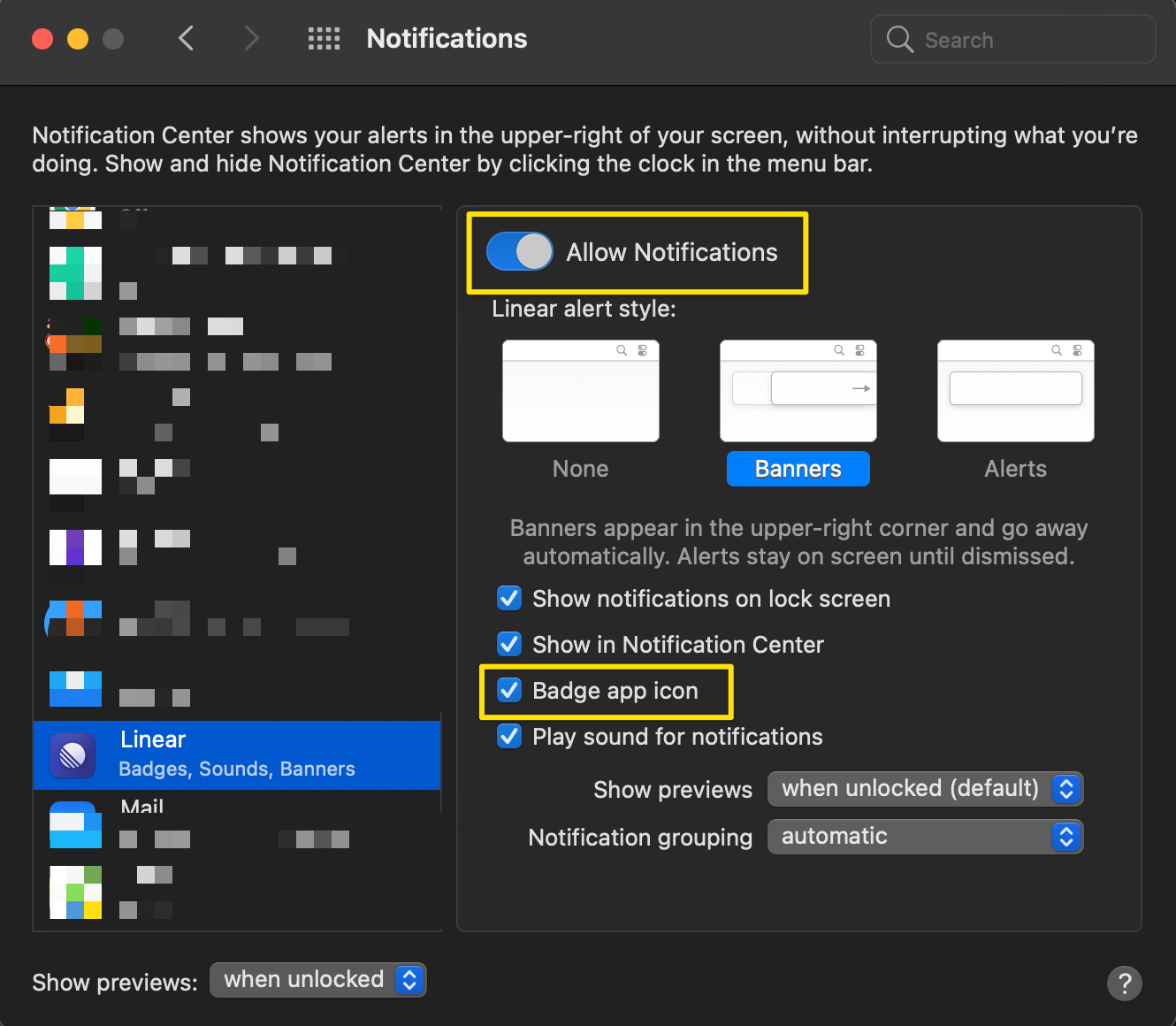
Why isn't the red badge showing up on the Linear icon in my dock?
Please check that you've enabled notifications for Linear in the macOS settings as well as marked to show the red badge icon.
What status changes generate notifications?
When "Status changes" is selected in Notification settings, issue completions and cancelations will notify you if you subscribe to the issue.
If you wish to configure notifications for issues entering a specific status, consider setting up a [view subscription](https://linear.app/docs/custom-views#view-subscriptions).
Is there a limit to how many notifications you can keep in your inbox?
We will retain up to 500 notifications in your inbox. If you have more than 500 notifications, we will only keep the most recent 500 and remove any older notifications.